







Question: Please answer these questions and explain how to do these tasks using EMU_8086 EMULATOR SOFTWARE Using the knowledge. you taught about INTEL 8086. Emu8086 software
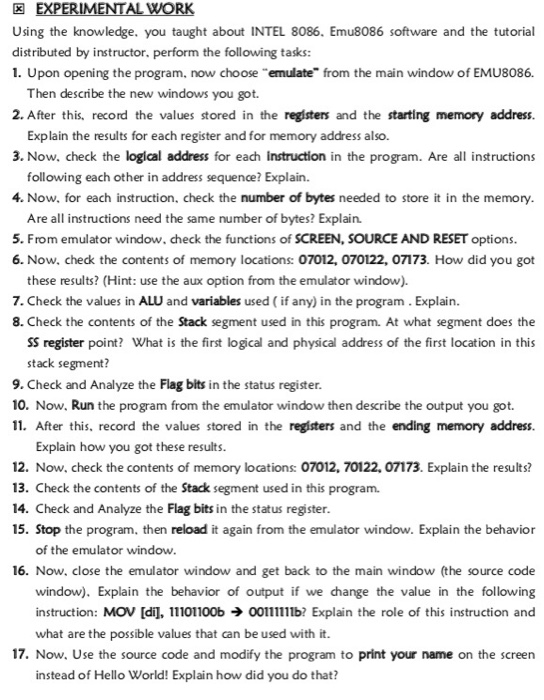
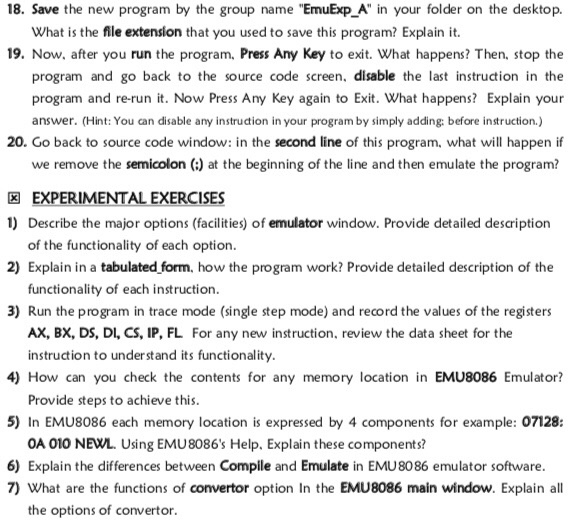
Using the knowledge. you taught about INTEL 8086. Emu8086 software and the tutorial distributed by instructor. perform the following tasks: 1. Upon opening the program, now choose "emulate" from the main window of EMU8086. Then describe the new windows you got. 2. After this, record the values stored in the registers and the starting memory address. Explain the results for each register and for memory address also. 3. Now. check the logical address for each instruction in the program. Are all instructions following each other in address sequence? Explain. 4. Now, for each instruction, check the number of bytes needed to store it in the memory Are all instructions need the same number of bytes? Explain. 5. From emulator window, check the functions of SCREEN, SOURCE AND RESET options 6. Now, check the contents of memory locations: 07012, 070122, 07173. How did you got these results? (Hint: use the aux option from the emulator window). 7. Check the values in ALU and variables used (if any) in the program. Explain. 8. Check the contents of the Stack segment used in this program. At what segment does the SS register point? What is the first logical and physical address of the first location in this stack segment? 9. Check and Analyze the Flag bits in the status register 10. Now, Run the program from the emulator window then decribe the output you got. 11. After this, record the values stored in the registers and the ending memory address. Explain how you got these results. 12. Now, check the contents of memory locations: 07012, 70122, 07173. Explain the results? 13. Check the contents of the Stack segment used in this program. 14. Check and Analyze the Flag bits in the status register 15. Stop the program, then reload it again from the emulator window. Explain the behavior of the emulator window 16. Now, close the emulator window and get back to the main window (the source code window). Explain the behavior of output if we change the value in the following instruction: MOV [di], 11101100b oob Explain the role of this instruction and what are the possible values that can be used with it 17. Now. Use the source code and modify the program to print your name on the screen instead of Hello World! Explain how did you do that? Using the knowledge. you taught about INTEL 8086. Emu8086 software and the tutorial distributed by instructor. perform the following tasks: 1. Upon opening the program, now choose "emulate" from the main window of EMU8086. Then describe the new windows you got. 2. After this, record the values stored in the registers and the starting memory address. Explain the results for each register and for memory address also. 3. Now. check the logical address for each instruction in the program. Are all instructions following each other in address sequence? Explain. 4. Now, for each instruction, check the number of bytes needed to store it in the memory Are all instructions need the same number of bytes? Explain. 5. From emulator window, check the functions of SCREEN, SOURCE AND RESET options 6. Now, check the contents of memory locations: 07012, 070122, 07173. How did you got these results? (Hint: use the aux option from the emulator window). 7. Check the values in ALU and variables used (if any) in the program. Explain. 8. Check the contents of the Stack segment used in this program. At what segment does the SS register point? What is the first logical and physical address of the first location in this stack segment? 9. Check and Analyze the Flag bits in the status register 10. Now, Run the program from the emulator window then decribe the output you got. 11. After this, record the values stored in the registers and the ending memory address. Explain how you got these results. 12. Now, check the contents of memory locations: 07012, 70122, 07173. Explain the results? 13. Check the contents of the Stack segment used in this program. 14. Check and Analyze the Flag bits in the status register 15. Stop the program, then reload it again from the emulator window. Explain the behavior of the emulator window 16. Now, close the emulator window and get back to the main window (the source code window). Explain the behavior of output if we change the value in the following instruction: MOV [di], 11101100b oob Explain the role of this instruction and what are the possible values that can be used with it 17. Now. Use the source code and modify the program to print your name on the screen instead of Hello World! Explain how did you do that
Step by Step Solution
There are 3 Steps involved in it

Get step-by-step solutions from verified subject matter experts
 Study Help