







Question: Please answer these two questions QUESTION 1 [Getting Started With Google Analytics 360 - Introducing Google Analytics 360 - RollUp Reporting] What would be the
Please answer these two questions
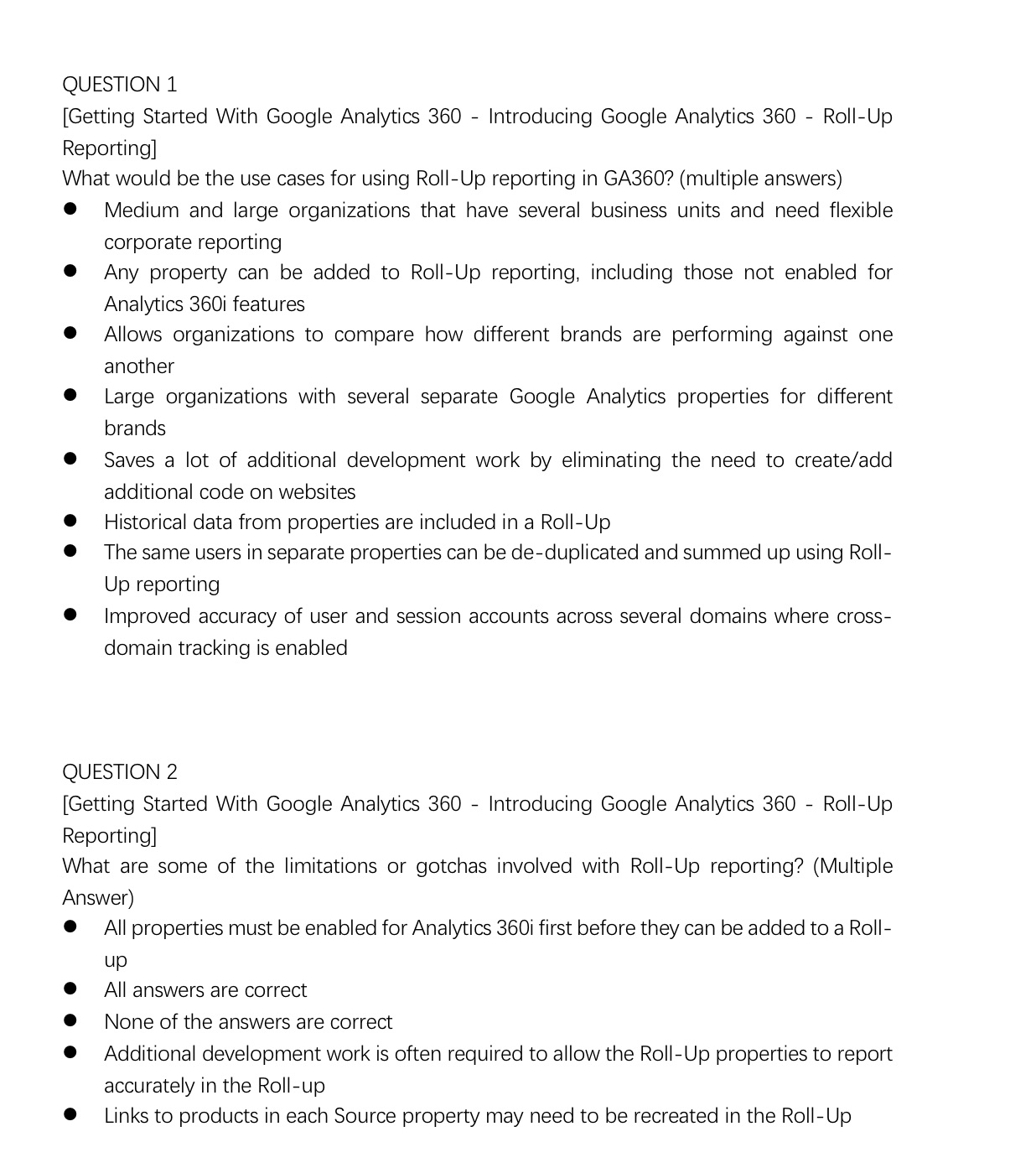
QUESTION 1 [Getting Started With Google Analytics 360 - Introducing Google Analytics 360 - RollUp Reporting] What would be the use cases for using Roll-Up reporting in GA360? (multiple answers) 0 Medium and large organizations that have several business units and need flexible corporate reporting 0 Any property can be added to RollUp reporting, including those not enabled for Analytics 360i features 0 Allows organizations to compare how different brands are performing against one another 0 Large organizations with several separate Google Analytics properties for different brands 0 Saves a lot of additional development work by eliminating the need to create/add additional code on websites 0 Historical data from properties are included in a RollUp O The same users in separate properties can be de-duplicated and summed up using Roll- Up reporting 0 Improved accuracy of user and session accounts across several domains where cross- domain tracking is enabled QUESTION 2 [Getting Started With Google Analytics 360 Introducing Google Analytics 360 RollUp Reporting] What are some of the limitations or gotchas involved with Roll-Up reporting? (Multiple Answer) 0 All properties must be enabled for Analytics 360i first before they can be added to a Roll Up 0 All answers are correct 0 None of the answers are correct 0 Additional development work is often required to allow the Roll-Up properties to report accurately in the Roll-up 0 Links to products in each Source property may need to be recreated in the Roll-Up
Step by Step Solution
There are 3 Steps involved in it

Get step-by-step solutions from verified subject matter experts
 Study Help