







Question: Please assit all answer ya put before was not helpful at all Instructions and the user are the reverse of what they are in the
Please assit all answer ya put before was not helpful at all
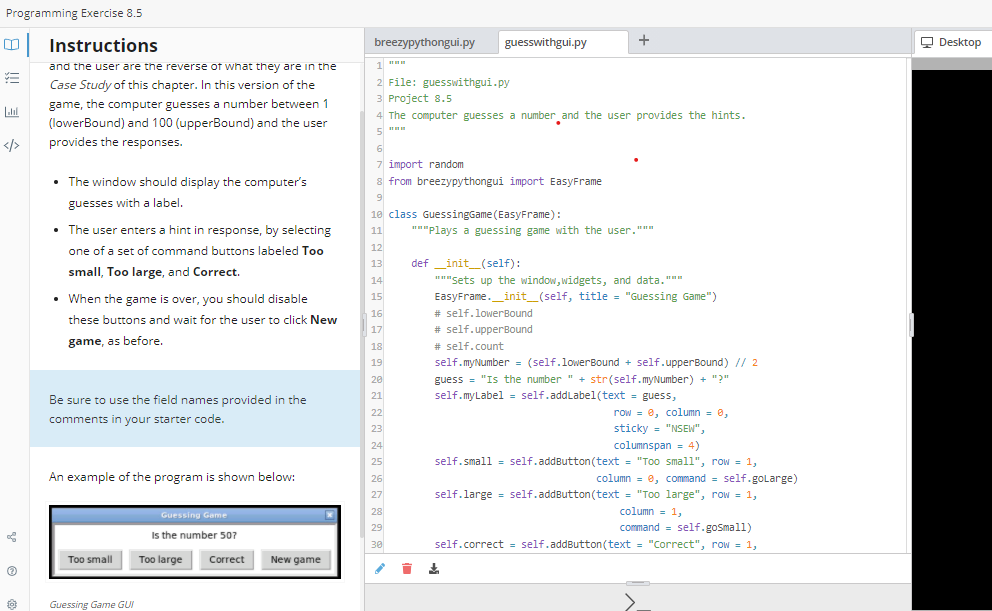
Instructions and the user are the reverse of what they are in the Case Study of this chapter. In this version of the game, the computer guesses a number between 1 (lowerBound) and 100 (upperBound) and the user provides the responses. import random - The window should display the computer's from breezypythongui import EasyFrame guesses with a label. class GuessingGame(EasyFrame): - The user enters a hint in response, by selecting one of a set of command buttons labeled Too small, Too large, and Correct. - When the game is over, you should disable these buttons and wait for the user to click New game, as before. Be sure to use the field names provided in the comments in your starter code. An example of the program is shown below
Step by Step Solution
There are 3 Steps involved in it

Get step-by-step solutions from verified subject matter experts
 Study Help