







Question: PLEASE CITE WHERE YOU GET INFO FROM Assignment Requirements You are reviewing the security status for a small Microsoft workgroup LAN. The network consists of
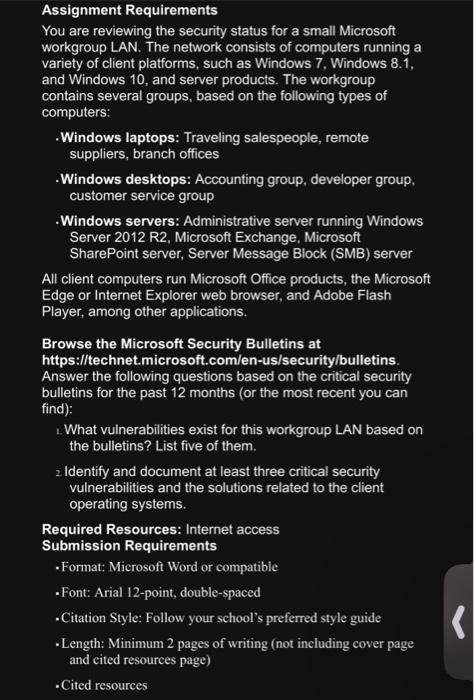
Assignment Requirements You are reviewing the security status for a small Microsoft workgroup LAN. The network consists of computers running a variety of client platforms, such as Windows 7 , Windows 8.1, and Windows 10, and server products. The workgroup contains several groups, based on the following types of computers: -Windows laptops: Traveling salespeople, remote suppliers, branch offices -Windows desktops: Accounting group, developer group, customer service group -Windows servers: Administrative server running Windows Server 2012 R2, Microsoft Exchange, Microsoft SharePoint server, Server Message Block (SMB) server All client computers run Microsoft Office products, the Microsoft Edge or Internet Explorer web browser, and Adobe Flash Player, among other applications. Browse the Microsoft Security Bulletins at https://technet.microsoft.com/en-us/security/bulletins. Answer the following questions based on the critical security bulletins for the past 12 months (or the most recent you can find): . What vulnerabilities exist for this workgroup LAN based on the bulletins? List five of them. zIdentify and document at least three critical security vulnerabilities and the solutions related to the client operating systems. Required Resources: Internet access Submission Requirements - Format: Microsoft Word or compatible - Font: Arial 12-point, double-spaced - Citation Style: Follow your school's preferred style guide - Length: Minimum 2 pages of writing (not including cover page and cited resources page) - Cited resources
Step by Step Solution
There are 3 Steps involved in it

Get step-by-step solutions from verified subject matter experts
 Study Help