







Question: Please code in C + + : Binary search with non - integer arrays This book provides an implementation of binary search that operates on
Please code in C:
Binary search with noninteger arrays
This book provides an implementation of binary search that operates on an integer array. But an implementation that can operate on
arrays of any type has more practical value. This lab focuses on a binary search implementation that uses a template type for array
elements and a custom comparison function.
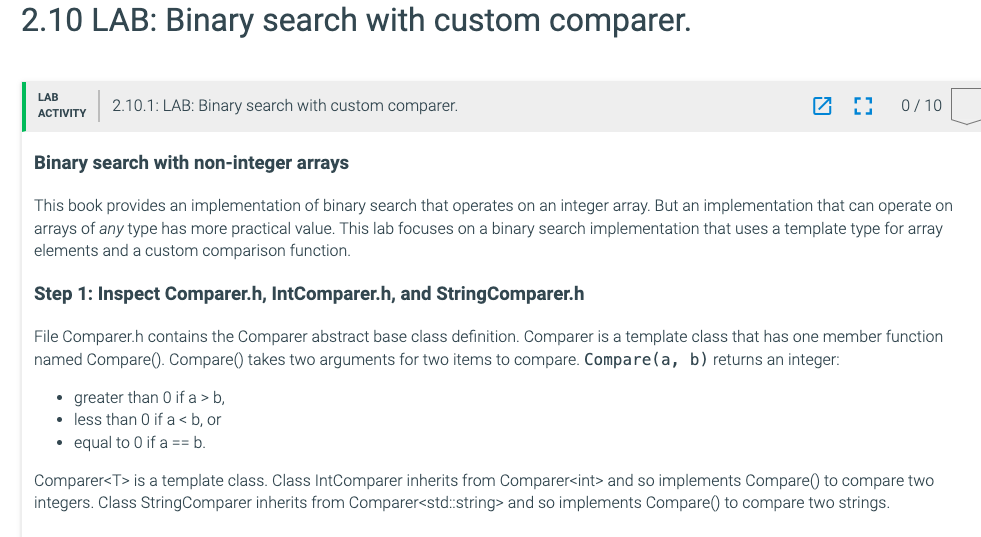
Step : Inspect Comparer.h IntComparer.h and StringComparer.h
File Comparer.h contains the Comparer abstract base class definition. Comparer is a template class that has one member function
named Compare Compare takes two arguments for two items to compare. Compare a b returns an integer:
greater than if a b
less than if a b or
equal to if ab
Comparer is a template class. Class IntComparer inherits from Comparer and so implements Compare to compare two
integers. Class StringComparer inherits from Comparerstd:.:string and so implements Compare to compare two strings.
Step : Inspect Searcher.h
File Searcher.h contains the Searcher class definition. Searcher has one member function named BinarySearch BinarySearch has
parameters for an array to search, the array's size, a key to search for, and a Comparer object. Searcher is also a template class, and
Searcher's template type T is used for BinarySearchs array, search key, and Comparer template type. So BinarySearch can be
implemented to search arrays of any type, provided a Comparer exists to compare elements of that type.
Step : Implement the Searcher class's BinarySearch function
Implement the Searcher class's BinarySearch template function in the Searcher.h file. The function should perform a binary search on
the sorted array first parameter for the key third parameter BinarySearch returns the key's index if found, if not found. Compare
an array element to the key using the Compare member function of the comparer object passed as BinarySearchs last argument.
Some test cases exist in main to test BinarySearch with both string searches and integer searches. Clicking the Run button will
display test case results, each starting with "PASS" or "FAIL". Ensure that all tests are passing before submitting code.
Each test in main only checks that BinarySearch returns the correct result, but does not check the number of comparisons
performed. The unit tests that grade submitted code check both BinarySearchs return value and the number of comparisons
performed. The last unit test also uses arrays with element types other than int and string.
#include "Comparer.h
template
class Searcher
public:
Returns the index of the key in the sorted array, or if the key is
found
static int BinarySearchT array, int arraySize, const T& key,
Comparer& comparer
TODO: Type your code here
return ;
;
#endif
Step by Step Solution
There are 3 Steps involved in it
1 Expert Approved Answer
Step: 1 Unlock

Question Has Been Solved by an Expert!
Get step-by-step solutions from verified subject matter experts
Step: 2 Unlock
Step: 3 Unlock
 Study Help