







Question: Please Complete the Gallery HTML Page at the Least! - Use Local Storage to save and retrieve information between web page views. - Use JavaScript
Please Complete the Gallery HTML Page at the Least!
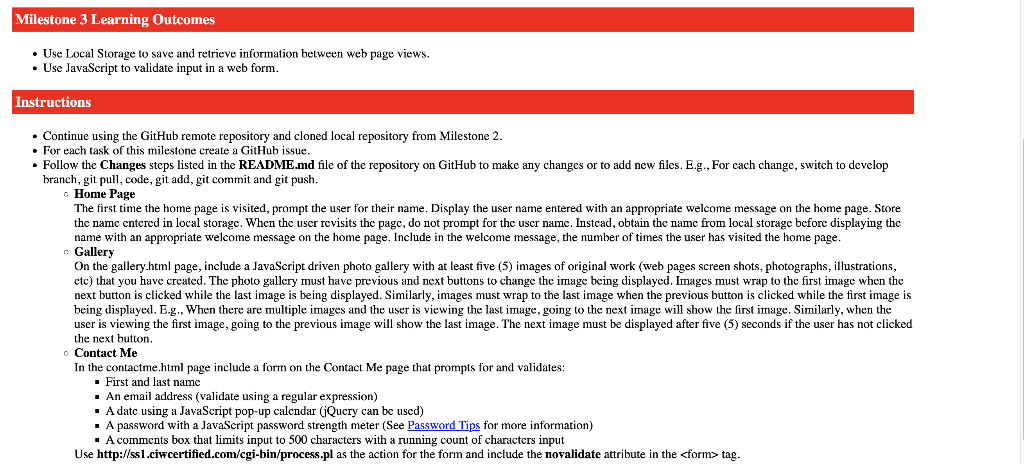
- Use Local Storage to save and retrieve information between web page views. - Use JavaScript to validate input in a web form. instructions - Continue using the GitHub remote repository and cloned local repository from Milestone 2. - For each task of this milestone create a GitHub issue. - Follow the Changes steps listed in the README.md file of the repository on GitHub to make any changes or to add new files. E.g., For each change, switch to develop branch, git pull, code, git add, git commit and git push. Home Page The first time the home page is visited, prompt the user for their name. Display the user name entered with an appropriate welcome message on the home page. Store the name entered in local storage. When the user revisits the page, do not prompt for the user name. Instead, obtain the name from local storage before displaying the name with an appropriate welcome message on the home page. Include in the welcome message, the number of times the user has visited the home page. - Gallery On the gallery.html page, include a JavaScript driven photo gallery with at least five (5) images of original work (web pages screen shots, photographs, illustrations, etc) that you have created. The photo gallery must have previous and next buttons to change the image being displayed. Images must wrap to the first image when the next button is clicked while the last image is being displayed. Similarly, images must wrap to the last image when the previous button is clicked while the first image is being displayed. E.g., When there are multiple images and the user is viewing the last image, going to the next image will show the first image. Similarly, when the user is viewing the first image, going to the previous image will show the last image. The next image must be displayed after five (5) seconds if the user has not clicked the next button. C Contact Me In the contactme.html page include a form on the Contact Me page that prompts for and validates: - First and last name - An email address (validate using a regular expression) - A date using a JavaScript pop-up calcndar (jQucry can be used) - A password with a JavaScript password strength meter (See Password Tips for more information) - A comments box that limits input to 500 characters with a running count of characters input Use http://ssl.ciwcertified.com/cgi-bin/process.pl as the action for the form and include the novalidate attribute in the tag
Step by Step Solution
There are 3 Steps involved in it

Get step-by-step solutions from verified subject matter experts
 Study Help