







Question: please do the following question: figure 1: Instructions Complete all of the following steps: IMPORTANT! Before you start the assignment, make sure you understand the
please do the following question:
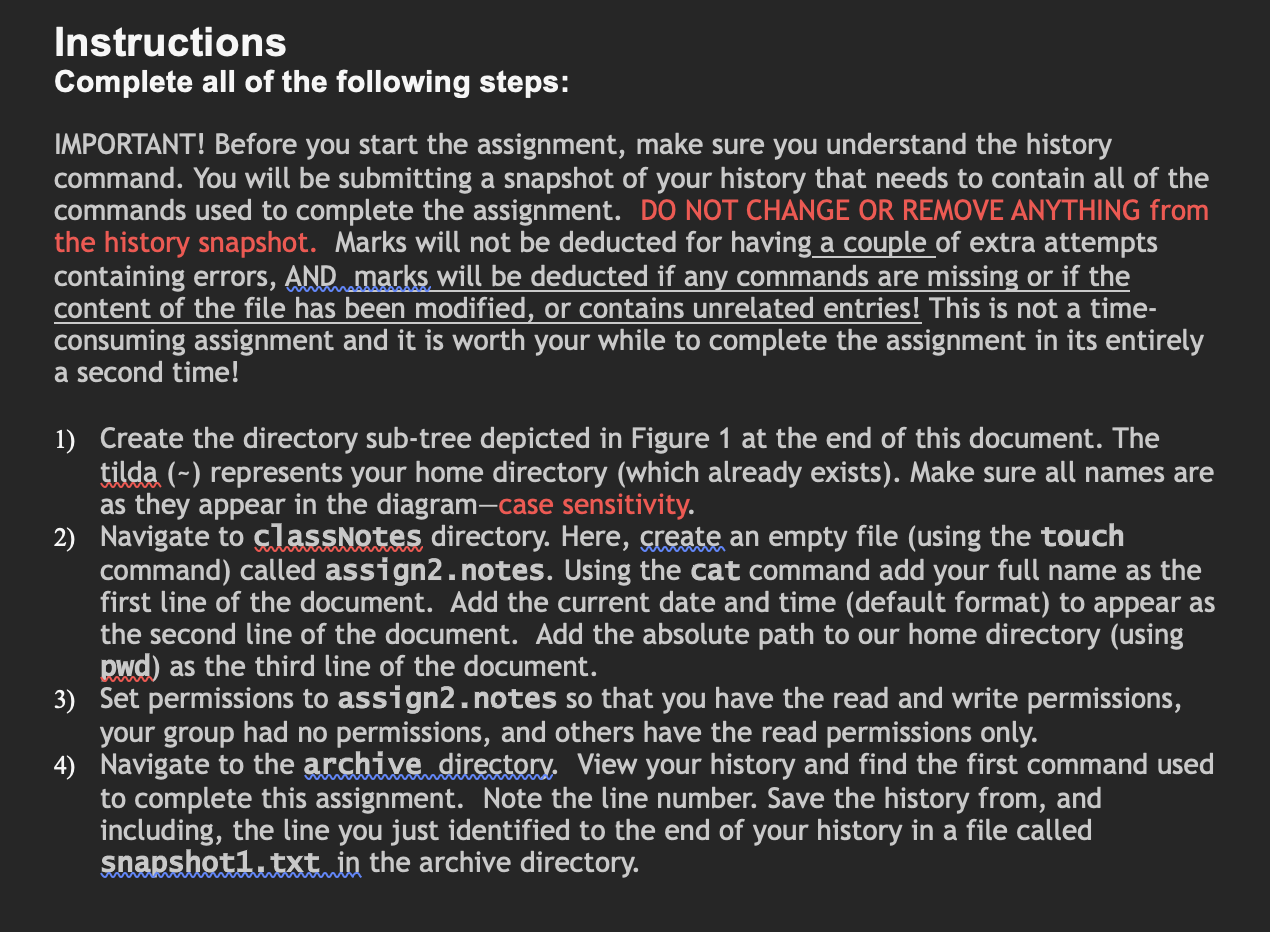
figure 1:
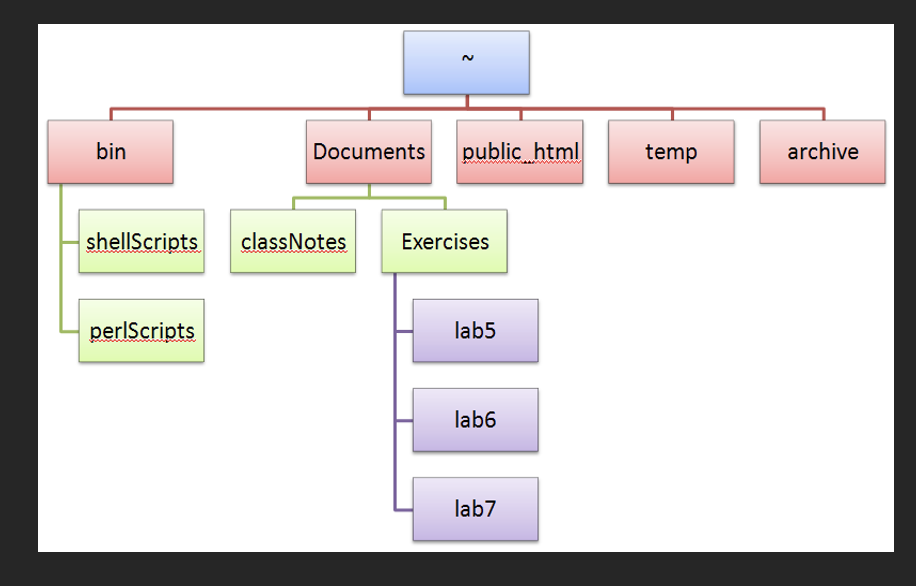
Instructions Complete all of the following steps: IMPORTANT! Before you start the assignment, make sure you understand the history command. You will be submitting a snapshot of your history that needs to contain all of the commands used to complete the assignment. DO NOT CHANGE OR REMOVE ANYTHING from the history snapshot. Marks will not be deducted for having a couple of extra attempts containing errors, AND marks will be deducted if any commands are missing or if the content of the file has been modified, or contains unrelated entries! This is not a timeconsuming assignment and it is worth your while to complete the assignment in its entirely a second time! 1) Create the directory sub-tree depicted in Figure 1 at the end of this document. The tilda () represents your home directory (which already exists). Make sure all names are as they appear in the diagram-case sensitivity. 2) Navigate to classinotes directory. Here, create an empty file (using the touch command) called assign2 . notes. Using the cat command add your full name as the first line of the document. Add the current date and time (default format) to appear as the second line of the document. Add the absolute path to our home directory (using pwd) as the third line of the document. 3) Set permissions to assign2 - notes so that you have the read and write permissions, your group had no permissions, and others have the read permissions only. 4) Navigate to the archive directory. View your history and find the first command used to complete this assignment. Note the line number. Save the history from, and including, the line you just identified to the end of your history in a file called snapshot1 txt in the archive directory. archive Exercises lab7
Step by Step Solution
There are 3 Steps involved in it

Get step-by-step solutions from verified subject matter experts
 Study Help