







Question: Please do the programming tasks and give the output. If you copy and paste from somewhere else, you will be reported. Thank You 1 Introduction
Please do the programming tasks and give the output. If you copy and paste from somewhere else, you will be reported. Thank You
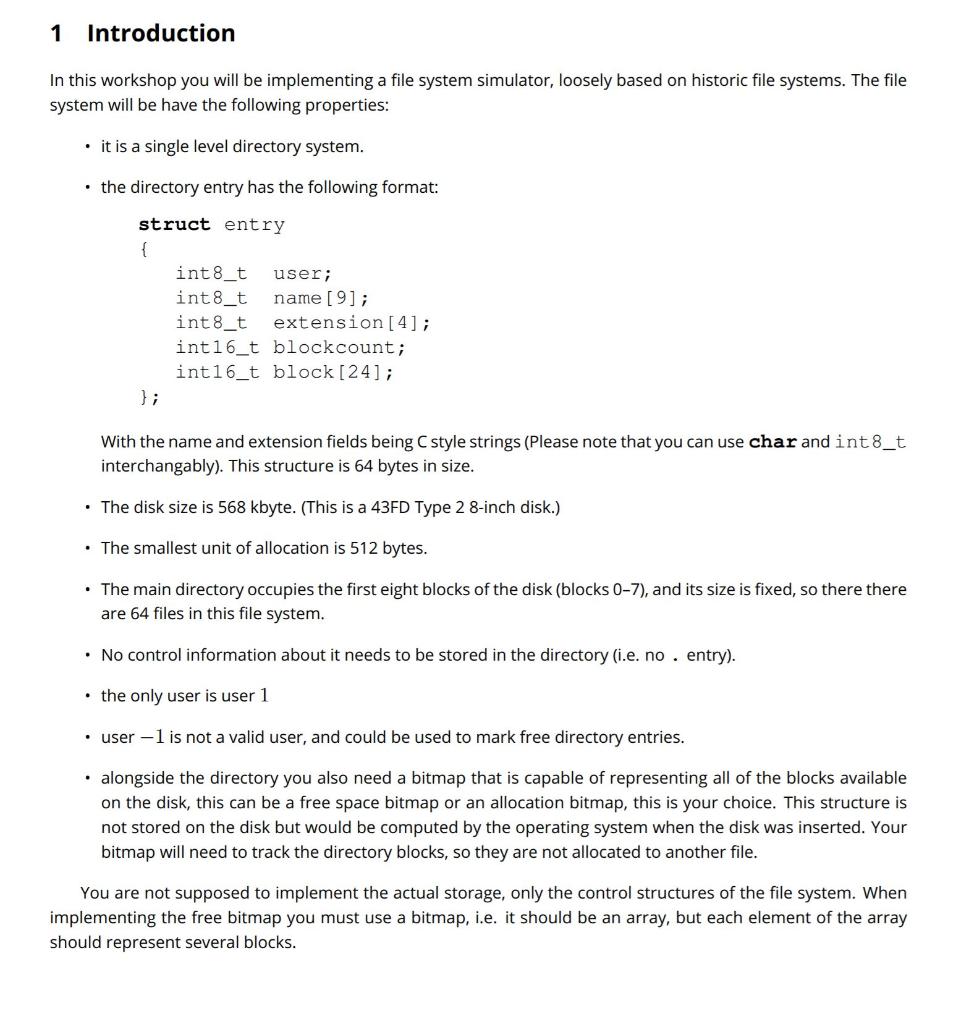
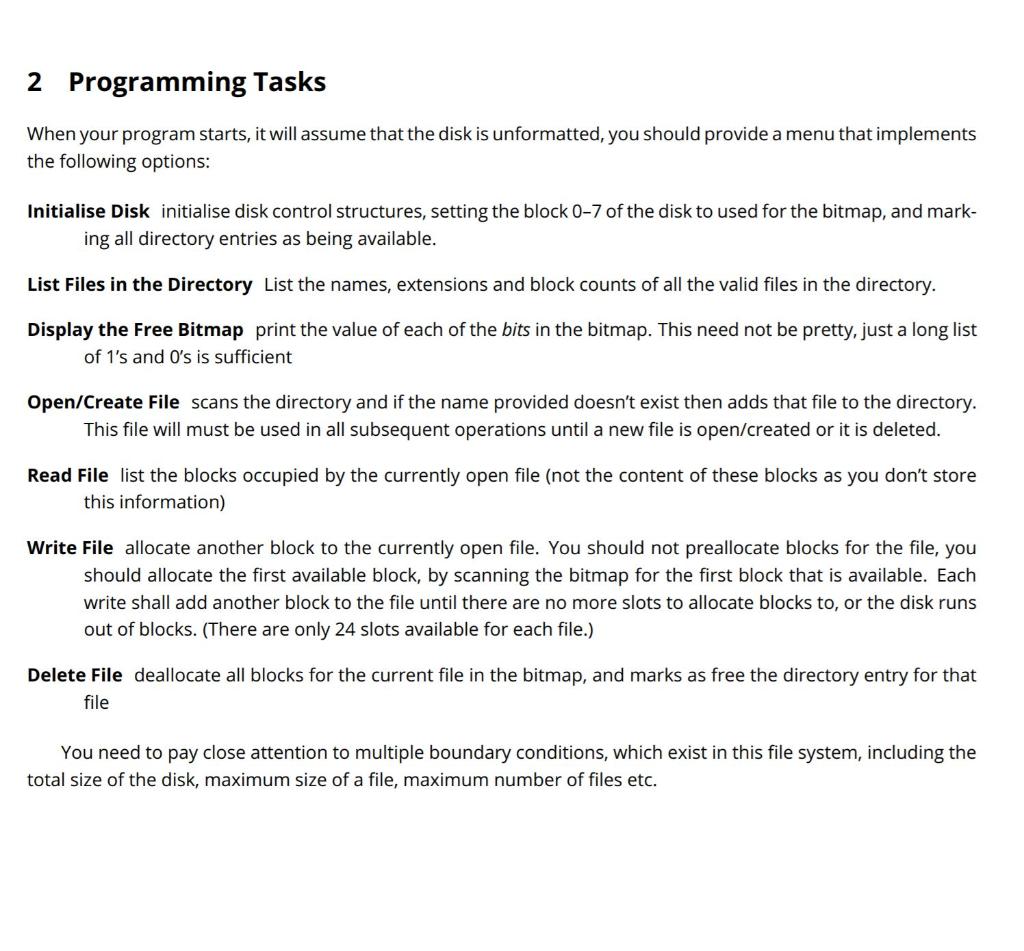
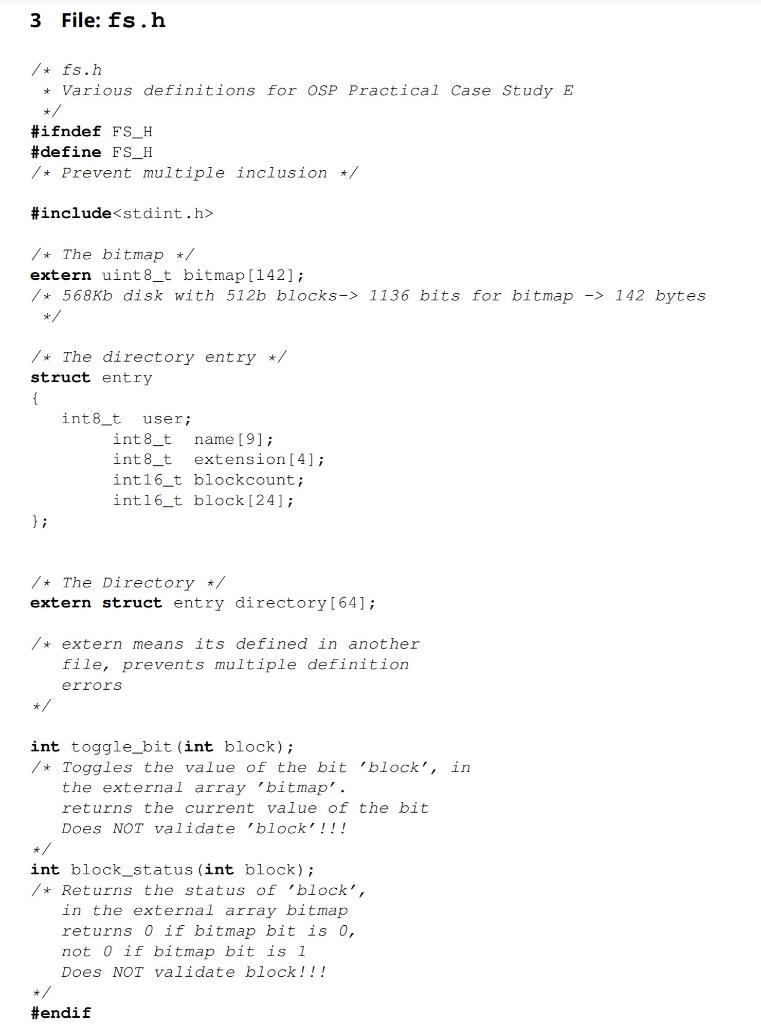
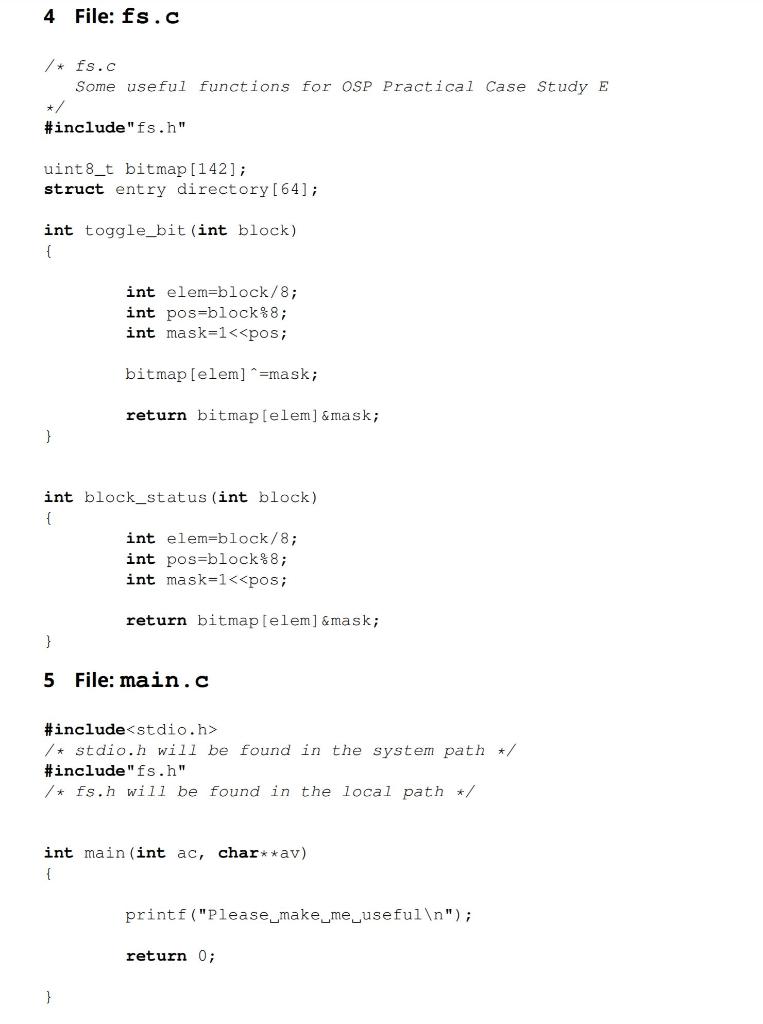
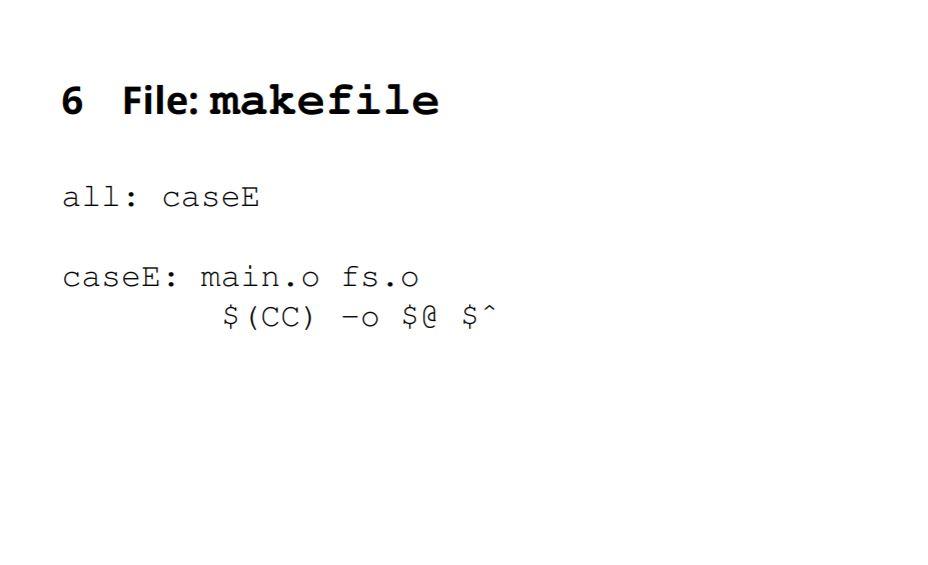
1 Introduction In this workshop you will be implementing a file system simulator, loosely based on historic file systems. The file system will be have the following properties: . it is a single level directory system. the directory entry has the following format: struct entry { int8_t user; int8_t name [9]; int8_t extension[4]; int16_t blockcount; int16_t block [24]; }; With the name and extension fields being style strings (Please note that you can use char and int8_t interchangably). This structure is 64 bytes in size. . The disk size is 568 kbyte. (This is a 43FD Type 2 8-inch disk.) The smallest unit of allocation is 512 bytes. The main directory occupies the first eight blocks of the disk (blocks 0-7), and its size is fixed, so there there are 64 files in this file system. No control information about it needs to be stored in the directory (i.e. no . entry). the only user is user 1 user-1 is not a valid user, and could be used to mark free directory entries. alongside the directory you also need a bitmap that is capable of representing all of the blocks available on the disk, this can be a free space bitmap or an allocation bitmap, this is your choice. This structure is not stored on the disk but would be computed by the operating system when the disk was inserted. Your bitmap will need to track the directory blocks, so they are not allocated to another file. You are not supposed to implement the actual storage, only the control structures of the file system. When implementing the free bitmap you must use a bitmap, i.e. it should be an array, but each element of the array should represent several blocks. 2 Programming Tasks When your program starts, it will assume that the disk is unformatted, you should provide a menu that implements the following options: Initialise Disk initialise disk control structures, setting the block 0-7 of the disk to used for the bitmap, and mark- ing all directory entries as being available. List Files in the Directory List the names, extensions and block counts of all the valid files in the directory. Display the Free Bitmap print the value of each of the bits in the bitmap. This need not be pretty, just a long list of 1's and O's is sufficient Open/Create File scans the directory and if the name provided doesn't exist then adds that file to the directory. This file will must be used in all subsequent operations until a new file is open/created or it is deleted. Read File list the blocks occupied by the currently open file (not the content of these blocks as you don't store this information) Write File allocate another block to the currently open file. You should not preallocate blocks for the file, you should allocate the first available block, by scanning the bitmap for the first block that is available. Each write shall add another block to the file until there are no more slots to allocate blocks to, or the disk runs out of blocks. (There are only 24 slots available for each file.) Delete File deallocate all blocks for the current file in the bitmap, and marks as free the directory entry for that file You need to pay close attention to multiple boundary conditions, which exist in this file system, including the total size of the disk, maximum size of a file, maximum number of files etc. 3 File: fs.h /* fs.h * Various definitions for OSP Practical Case Study E +/ #ifndef FS_H #define FS_H /* Prevent multiple inclusion +/ #include
Step by Step Solution
There are 3 Steps involved in it

Get step-by-step solutions from verified subject matter experts
 Study Help