







Question: Please do through terminal. Dont use any IDE and send me the screen shot of three steps. Make sure ur commands should be visible in
Please do through terminal. Dont use any IDE and send me the screen shot of three steps. Make sure ur commands should be visible in pictures.
- Attach a snipping photo of your source file.
- Attach snipping photo of the command prompt terminal window and commands entered.
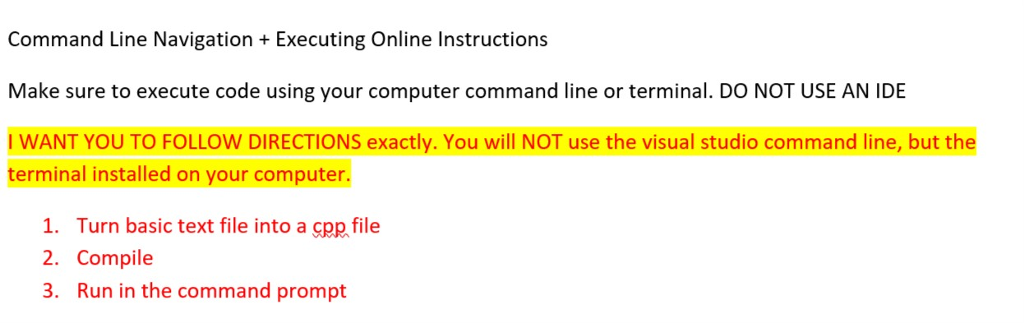
Command Line Navigation Executing Online Instructions Make sure to execute code using your computer command line or terminal. DO NOT USE AN IDE I WANT YOU TO FOLLOW DIRECTIONS exactly. You will NOT use the visual studio command line, but the terminal installed on your computer. 1. Turn basic text file into a cpp file 2. Compile 3. Run in the command prompt
Step by Step Solution
There are 3 Steps involved in it
1 Expert Approved Answer
Step: 1 Unlock

Question Has Been Solved by an Expert!
Get step-by-step solutions from verified subject matter experts
Step: 2 Unlock
Step: 3 Unlock
 Study Help