







Question: Please dont use the break function Learning Objective Write a Python program that uses lists, string processing, and loops. Assignment Description Write a program that
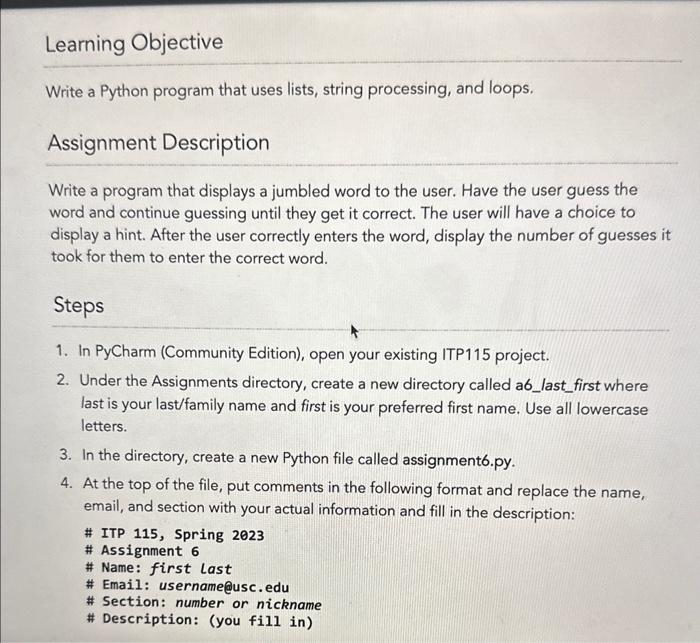
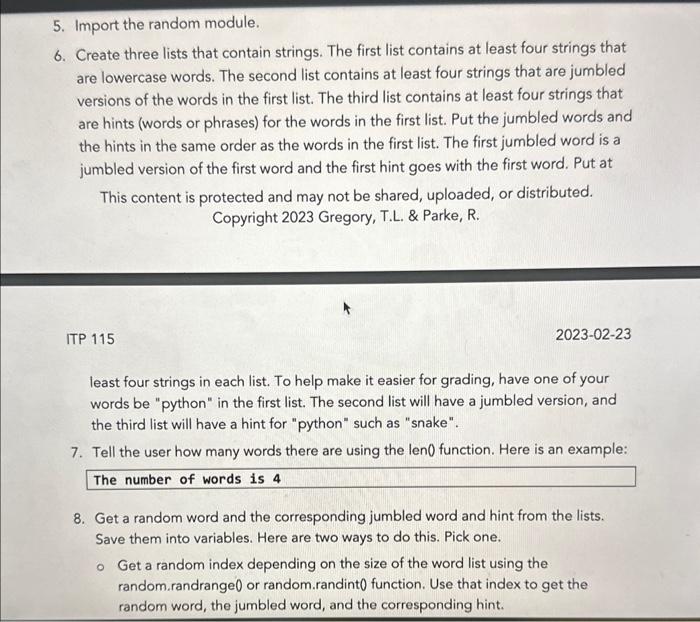
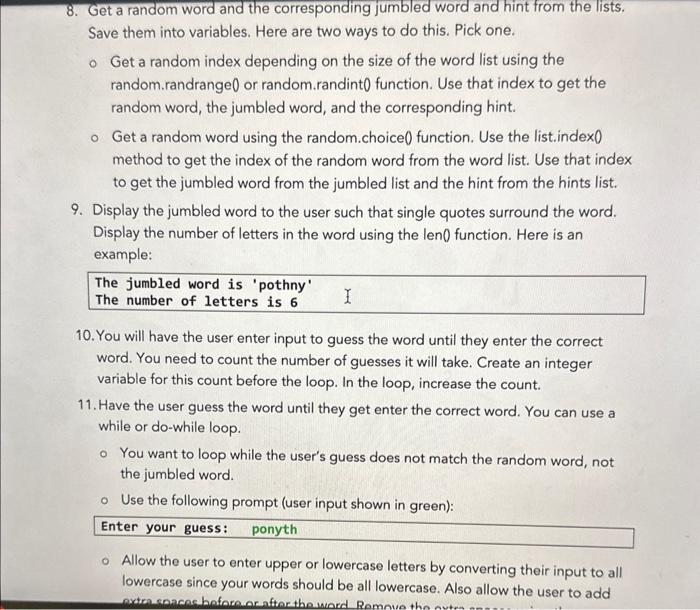
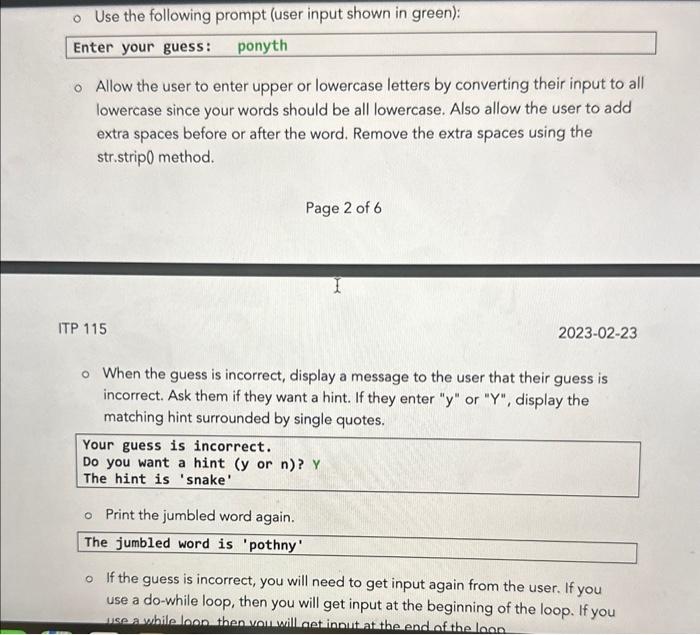
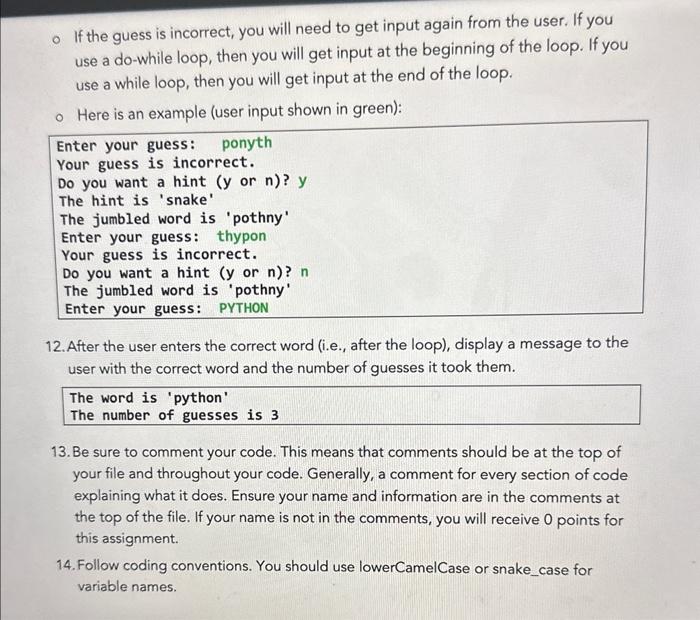
Learning Objective Write a Python program that uses lists, string processing, and loops. Assignment Description Write a program that displays a jumbled word to the user. Have the user guess the word and continue guessing until they get it correct. The user will have a choice to display a hint. After the user correctly enters the word, display the number of guesses it took for them to enter the correct word. Steps 1. In PyCharm (Community Edition), open your existing ITP 115 project. 2. Under the Assignments directory, create a new directory called a6_last_first where last is your last/family name and first is your preferred first name. Use all lowercase letters. 3. In the directory, create a new Python file called assignment6.py. 4. At the top of the file, put comments in the following format and replace the name, email, and section with your actual information and fill in the description: \# ITP 115, Spring 2023 \# Assignment 6 \# Name: first last \# Email: username@usc.edu \# Section: number or nickname \# Description: (you fill in) 5. Import the random module. 6. Create three lists that contain strings. The first list contains at least four strings that are lowercase words. The second list contains at least four strings that are jumbled versions of the words in the first list. The third list contains at least four strings that are hints (words or phrases) for the words in the first list. Put the jumbled words and the hints in the same order as the words in the first list. The first jumbled word is a jumbled version of the first word and the first hint goes with the first word. Put at This content is protected and may not be shared, uploaded, or distributed. Copyright 2023 Gregory, T.L. \& Parke, R. ITP 115 2023-02-23 least four strings in each list. To help make it easier for grading, have one of your words be "python" in the first list. The second list will have a jumbled version, and the third list will have a hint for "python" such as "snake". 7. Tell the user how many words there are using the len0 function. Here is an example: The number of words is 4 8. Get a random word and the corresponding jumbled word and hint from the lists. Save them into variables. Here are two ways to do this. Pick one. - Get a random index depending on the size of the word list using the random.randrange 0 or random.randint 0 function. Use that index to get the random word, the jumbled word, and the corresponding hint. 8. Get a random word and the corresponding jumbled word and hint from the lists. Save them into variables. Here are two ways to do this. Pick one. Get a random index depending on the size of the word list using the random.randrange0 or random.randint 0 function. Use that index to get the random word, the jumbled word, and the corresponding hint. Get a random word using the random.choice( function. Use the list.index0 method to get the index of the random word from the word list. Use that index to get the jumbled word from the jumbled list and the hint from the hints list. 9. Display the jumbled word to the user such that single quotes surround the word. Display the number of letters in the word using the len0 function. Here is an example: The jumbled word is 'pothny' The number of letters is 6 10. You will have the user enter input to guess the word until they enter the correct word. You need to count the number of guesses it will take. Create an integer variable for this count before the loop. In the loop, increase the count. 11. Have the user guess the word until they get enter the correct word. You can use a while or do-while loop. You want to loop while the user's guess does not match the random word, not the jumbled word. - Use the following prompt (user input shown in green): Enter your guess: ponyth Allow the user to enter upper or lowercase letters by converting their input to all lowercase since your words should be all lowercase. Also allow the user to add Use the following prompt (user input shown in green): Enter your guess: ponyth Allow the user to enter upper or lowercase letters by converting their input to all lowercase since your words should be all lowercase. Also allow the user to add extra spaces before or after the word. Remove the extra spaces using the str.strip0 method. Page 2 of 6 ITP 115 20230223 When the guess is incorrect, display a message to the user that their guess is incorrect. Ask them if they want a hint. If they enter " y " or " Y" ", display the matching hint surrounded by single quotes. Your guess is incorrect. Do you want a hint ( y or n) ? Y The hint is 'snake' Print the jumbled word again. The jumbled word is 'pothny' If the guess is incorrect, you will need to get input again from the user. If you use a do-while loop, then you will get input at the beginning of the loop. If you use a while loon then vou will aet innut at the end of the loon If the guess is incorrect, you will need to get input again from the user. If you use a do-while loop, then you will get input at the beginning of the loop. If you use a while loop, then you will get input at the end of the loop. Here is an example (user input shown in green): 12. After the user enters the correct word (i.e., after the loop), display a message to the user with the correct word and the number of guesses it took them. The word is 'python' The number of guesses is 3 13. Be sure to comment your code. This means that comments should be at the top of your file and throughout your code. Generally, a comment for every section of code explaining what it does. Ensure your name and information are in the comments at the top of the file. If your name is not in the comments, you will receive 0 points for this assignment. 14. Follow coding conventions. You should use lowerCamelCase or snake_case for variable names
Step by Step Solution
There are 3 Steps involved in it

Get step-by-step solutions from verified subject matter experts
 Study Help