



Question: please explain in great detail how to complete this step in excel. Use TEXTJOIN to display names. Note: If your version of Excel does not
please explain in great detail how to complete this step in excel. Use TEXTJOIN to display names. Note: If your version of Excel does not include the TEXTJOIN function, use CONCAT or CONCATENATE to build the function. 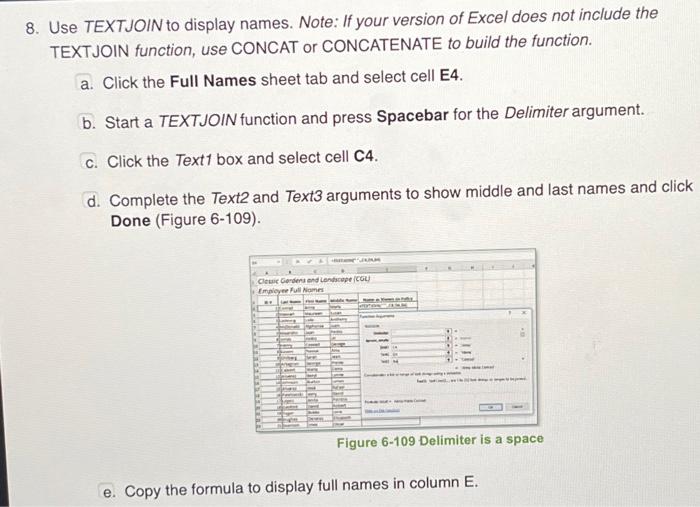
- Click the Full Names sheet tab and select cell E4.
- Start a TEXTJOIN function and press Spacebar for the Delimiter argument.
- Click the Text box and select cell C4.
- Complete the Text and Text arguments to show middle and last names and click Done (Figure 6-109).
8. Use TEXTJOIN to display names. Note: If your version of Excel does not include the TEXTJOIN function, use CONCAT or CONCATENATE to build the function. a. Click the Full Names sheet tab and select cell E4. b. Start a TEXTJOIN function and press Spacebar for the Delimiter argument. c. Click the Text1 box and select cell C4. d. Complete the Text2 and Text3 arguments to show middle and last names and click Done (Figure 6-109). Figure 6-109 Delimiter is a space e. Copy the formula to display full names in column E
Step by Step Solution
There are 3 Steps involved in it
1 Expert Approved Answer
Step: 1 Unlock

Question Has Been Solved by an Expert!
Get step-by-step solutions from verified subject matter experts
Step: 2 Unlock
Step: 3 Unlock