







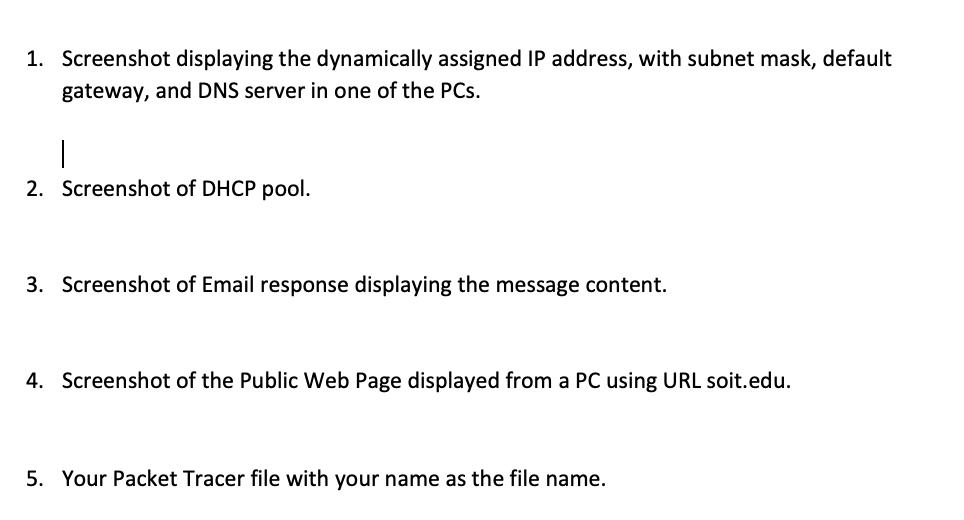
Question: Please explain the step-by-step process in simple words for me and I don't need the screenshot just the explanation on how to do that question.
Please explain the step-by-step process in simple words for me and I don't need the screenshot just the explanation on how to do that question.

Services DHCP Email DNS: soit.edu 219.137.10.13 and netwokring.edu 192.168.0.254 2950-24 Swich4 - Server-PT 192.168.0.254 192.168.0.0 /24 Switch0 fa0/2-10 VLAN 10 Security fa0/11-18 VLAN 20 IT fa0/19-23 VLAN 30 H&R Switch 1 fa0/2-8 VLAN 40 Sales fa0/9-19 VLAN 50 F&A fa0/20-23 VLAN 20 IT PC-PT Security 192.168.1.0/24 2950-2 Swi cho 192.168.0.1 PC-PT H&R 192.168.3.0/24 PC-PT IT 192.168.2.0/24 Router-PT RouterO 2950-24 Switch3 129.137.10.1 129.137.10.0/28 129.137.10.0 --> 129.137.10.15 CIDR 255.255.255.240 2450-24 Switch1 PC-PT Sales 192.168.4.0/24 PC-PT IT (2) 192.168.2.0/24 34 PC-PT F&A 192.168.5.0/24 129.137.10.14 Router-P Router1 192.168.8.1 2950-24 Switch2 192.168.8.254 129.137.10.13 Server-PT Public Web Server at soit.edu 92.168.8.0/24 Public Web Server Personalize web page with your name and a greeting.
Step by Step Solution
There are 3 Steps involved in it

Get step-by-step solutions from verified subject matter experts
 Study Help