



Question: please follow the step Will use Matlab's polyfit and polyval functions. The function polyfit requires trials and errors to get the proper polynomial order to
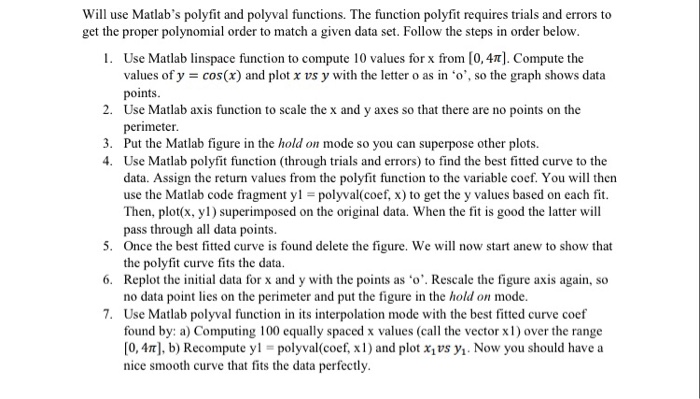
Will use Matlab's polyfit and polyval functions. The function polyfit requires trials and errors to get the proper polynomial order to match a given data set. Follow the steps in order below 1. Use Matlab linspace function to compute 10 values for x from [0,4 Compute the values ofy = cos(x) and plot x vs y with the letter o as in o', so the graph shows data points Use Matlab axis function to scale the x and y axes so that there are no points on the 2. 3. 4. Put the Matlab figure in the hold on mode so you can superpose other plots. Use Matlab polyfit function (through trials and errors) to find the best fitted curve to the data. Assign the return values from the polyfit function to the variable cocf. You will then use the Matlab code fragment yl-polyval(coef, x) to get the y values based on each fit Then, plot(x, yl) superimposed on the original data. When the fit is good the latter will pass through all data points. 5. Once the best fitted curve is found delete the figure. We will now start anew to show that 6. Replot the initial data for x and y with the points as o'. Rescale the figure axis again, so 7. Use Matlab polyval function in its interpolation mode with the best fitted curve coef the polyfit curve fits the data. no data point lies on the perimeter and put the figure in the hold on mode found by: a) Computing 100 equally spaced x values (call the vectorx1 over the range [0, 4, b) Recompute yl = polyval(coef, xl ) and plot x1 vs y1. Now you should have a nice smooth curve that fits the data perfectly
Step by Step Solution
There are 3 Steps involved in it

Get step-by-step solutions from verified subject matter experts