







Question: please give step by step instructiong to complete the tasks. this is an excel assignment Task Instructions Apply the General number format to values on
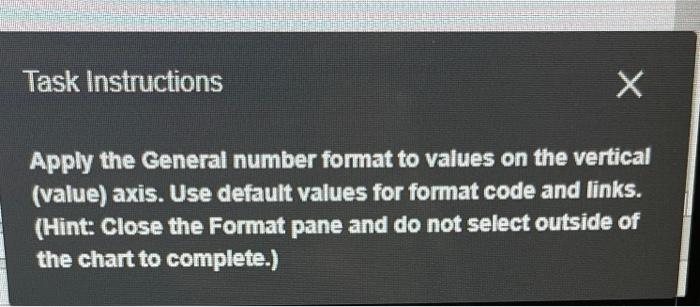
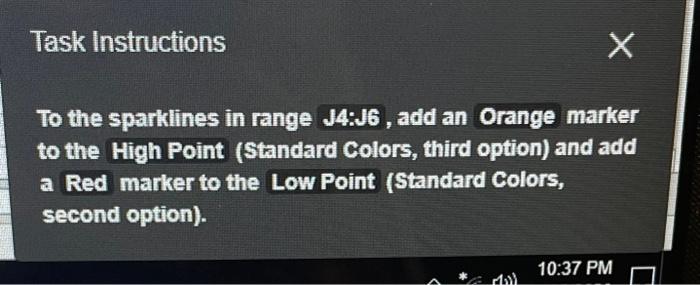
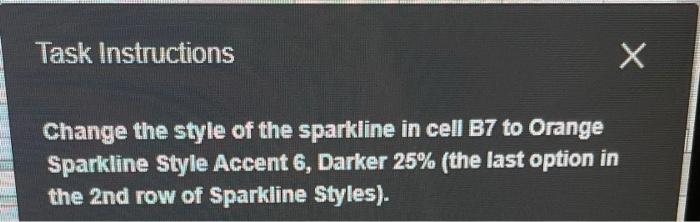
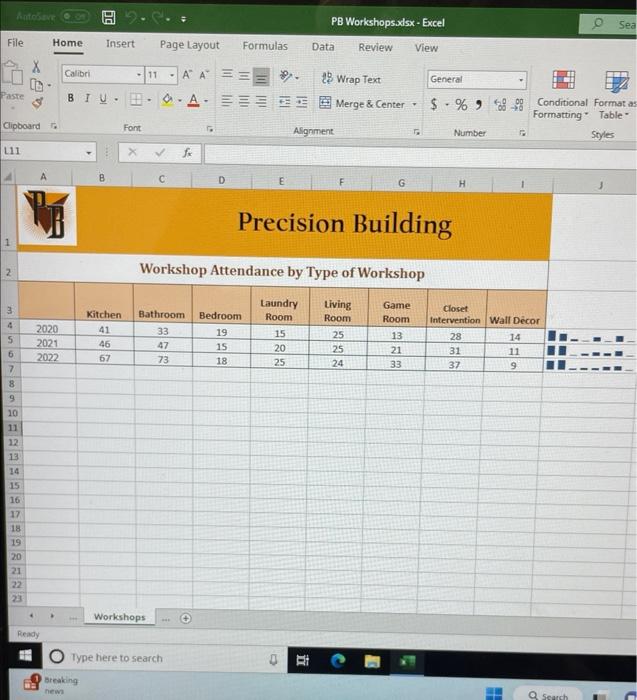
Task Instructions Apply the General number format to values on the vertical (value) axis. Use default values for format code and links. (Hint: Close the Format pane and do not select outside of the chart to complete.) Task Instructions To the sparklines in range J4:J6, add an Orange marker to the High Point (Standard Colors, third option) and add a Red marker to the Low Point (Standard Colors, second option). Task Instructions Change the style of the sparkline in cell B7 to Orange Sparkline Style Accent 6, Darker 25\% (the last option in the 2nd row of Sparkline Styles). Workshop Attendance by Type of Workshop Task Instructions Apply the General number format to values on the vertical (value) axis. Use default values for format code and links. (Hint: Close the Format pane and do not select outside of the chart to complete.) Task Instructions To the sparklines in range J4:J6, add an Orange marker to the High Point (Standard Colors, third option) and add a Red marker to the Low Point (Standard Colors, second option). Task Instructions Change the style of the sparkline in cell B7 to Orange Sparkline Style Accent 6, Darker 25\% (the last option in the 2nd row of Sparkline Styles). Workshop Attendance by Type of Workshop
Step by Step Solution
There are 3 Steps involved in it

Get step-by-step solutions from verified subject matter experts
 Study Help