







Question: please help!! all parts!!! Web Server Python Assignment Develop a web server that handles one HTTP request at a time. Your web server should accept
please help!! all parts!!! Web Server Python Assignment
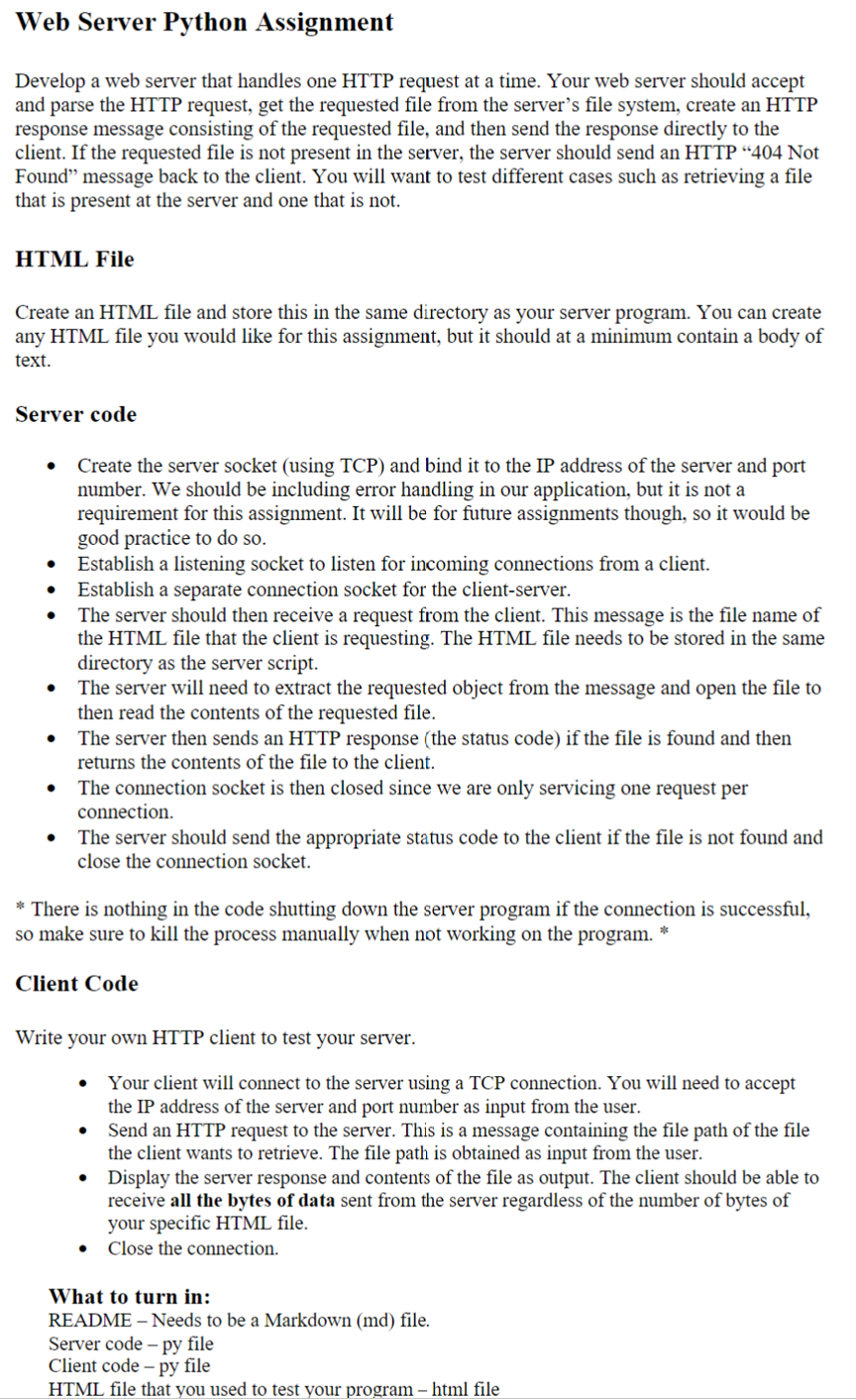
Develop a web server that handles one HTTP request at a time. Your web server should accept
and parse the HTTP request, get the requested file from the server's file system, create an HTTP
response message consisting of the requested file, and then send the response directly to the
client. If the requested file is not present in the server, the server should send an HTTP Not
Found" message back to the client. You will want to test different cases such as retrieving a file
that is present at the server and one that is not.
HTML File
Create an HTML file and store this in the same directory as your server program. You can create
any HTML file you would like for this assignment, but it should at a minimum contain a body of
text.
Server code
Create the server socket using TCP and bind it to the IP address of the server and port
number. We should be including error handling in our application, but it is not a
requirement for this assignment. It will be for future assignments though, so it would be
good practice to do so
Establish a listening socket to listen for incoming connections from a client.
Establish a separate connection socket for the clientserver.
The server should then receive a request from the client. This message is the file name of
the HTML file that the client is requesting. The HTML file needs to be stored in the same
directory as the server script.
The server will need to extract the requested object from the message and open the file to
then read the contents of the requested file.
The server then sends an HTTP response the status code if the file is found and then
returns the contents of the file to the client.
The connection socket is then closed since we are only servicing one request per
connection.
The server should send the appropriate status code to the client if the file is not found and
close the connection socket.
There is nothing in the code shutting down the server program if the connection is successful,
so make sure to kill the process manually when not working on the program.
Client Code
Write your own HTTP client to test your server.
Your client will connect to the server using a TCP connection. You will need to accept
the IP address of the server and port number as input from the user.
Send an HTTP request to the server. This is a message containing the file path of the file
the client wants to retrieve. The file path is obtained as input from the user.
Display the server response and contents of the file as output. The client should be able to
receive all the bytes of data sent from the server regardless of the number of bytes of
your specific HTML file.
Close the connection.
What to turn in:
README Needs to be a Markdown md file.
Server code py file
Client code py file
HTML file that you used to test your program file
Step by Step Solution
There are 3 Steps involved in it
1 Expert Approved Answer
Step: 1 Unlock

Question Has Been Solved by an Expert!
Get step-by-step solutions from verified subject matter experts
Step: 2 Unlock
Step: 3 Unlock
 Study Help