







Question: Please help explain steps PRACTICE Follow these steps to set up a Web server in your Codeanywhere container using an SSH Terminal: 1. Use apt
 Please help explain steps
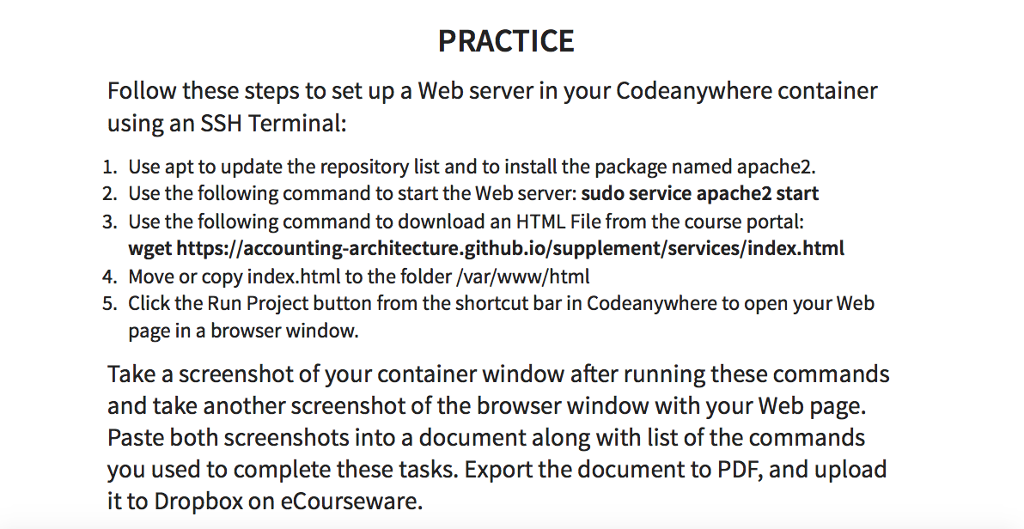
PRACTICE Follow these steps to set up a Web server in your Codeanywhere container using an SSH Terminal: 1. Use apt to update the repository list and to install the package named apache2. 2. Use the following command to start the Web server: sudo service apache2 start 3. Use the following command to download an HTML File from the course portal: wget https://accounting-architecture.github.io/supplement/services/index.html 4. Move or copy index.html to the folder /var/www/html 5. Click the Run Project button from the shortcut bar in Codeanywhere to open your Web page in a browser window. Take a screenshot of your container window after running these commands and take another screenshot of the browser window with your Web page. Paste both screenshots into a document along with list of the commands you used to complete these tasks. Export the document to PDF, and upload it to Dropbox on eCourseware
Step by Step Solution
There are 3 Steps involved in it

Get step-by-step solutions from verified subject matter experts
 Study Help