







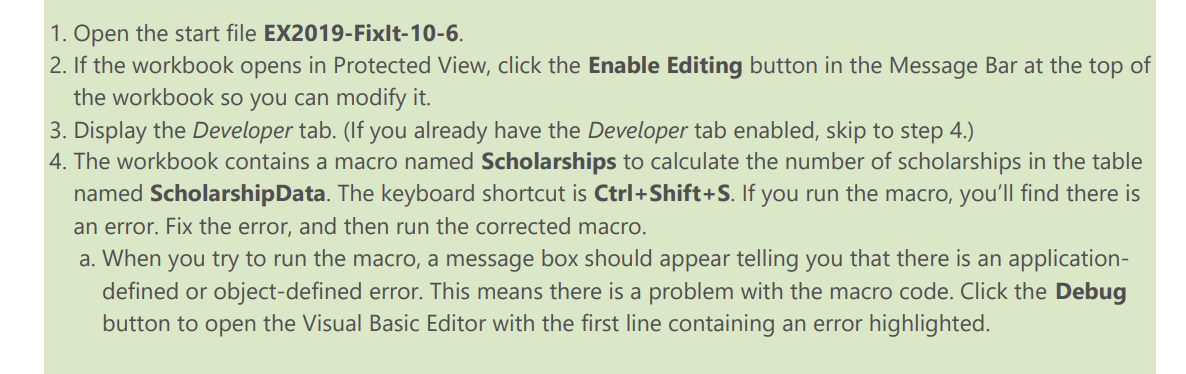
Question: Please help! file EX 2 0 1 9 - Fixlt - 1 0 - 6 . If the workbook opens in Protected View, click the
Please help! file EXFixlt
If the workbook opens in Protected View, click the Enable Editing button in the Message Bar at the top of
the workbook so you can modify it
Display the Developer tab. If you already have the Developer tab enabled, skip to step
The workbook contains a macro named Scholarships to calculate the number of scholarships in the table
named ScholarshipData. The keyboard shortcut is Shift If you run the macro, you'll find there is
an error. Fix the error, and then run the corrected macro.
a When you try to run the macro, a message box should appear telling you that there is an application
defined or objectdefined error. This means there is a problem with the macro code. Click the Debug
button to open the Visual Basic Editor with the first line containing an error highlighted.
Step by Step Solution
There are 3 Steps involved in it
1 Expert Approved Answer
Step: 1 Unlock

Question Has Been Solved by an Expert!
Get step-by-step solutions from verified subject matter experts
Step: 2 Unlock
Step: 3 Unlock
 Study Help