







Question: please help, i ll upvote A system based on the BoxDemo code from 381 uses a special Trash rectangle on the screen to delete objects
please help, i ll upvote
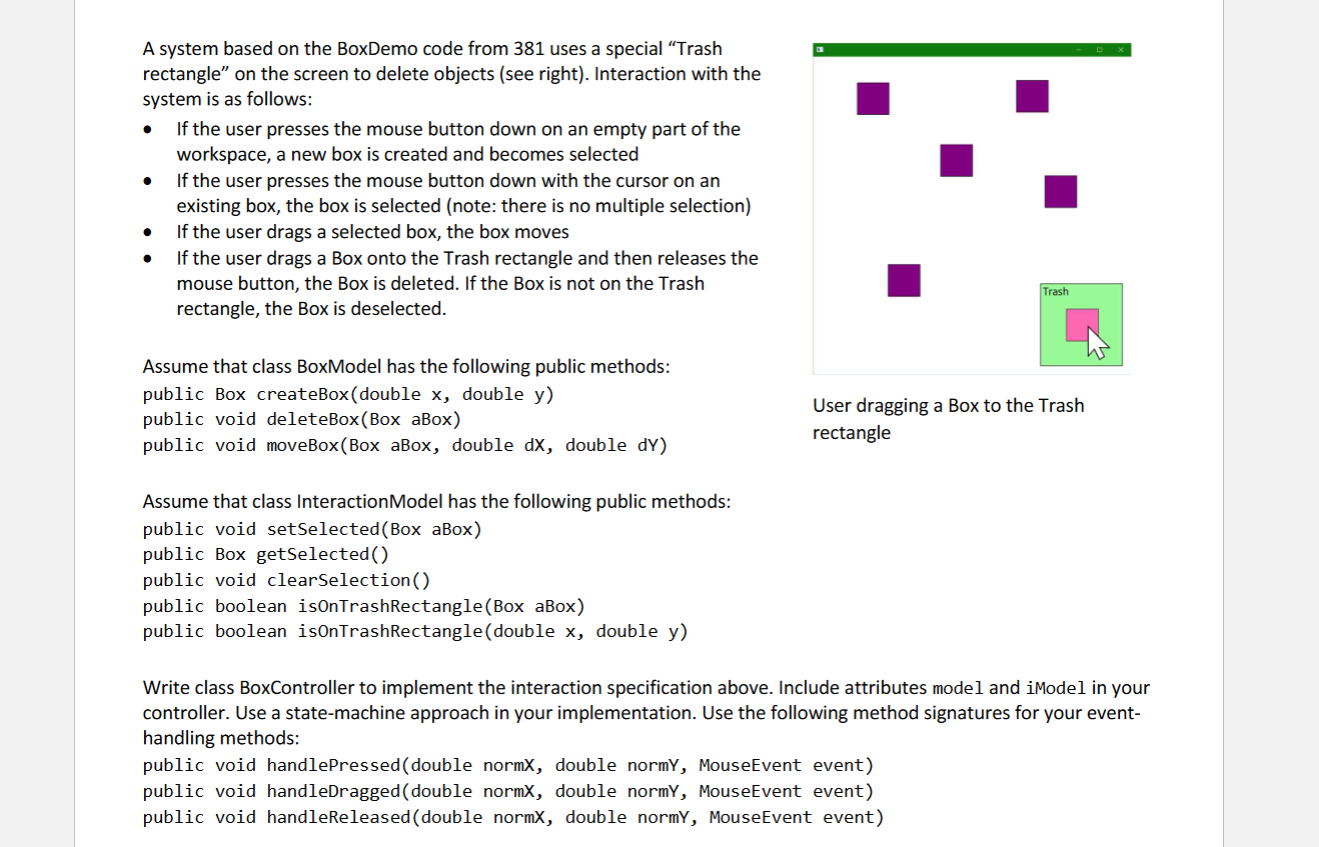
A system based on the BoxDemo code from 381 uses a special "Trash rectangle" on the screen to delete objects (see right). Interaction with the system is as follows: - If the user presses the mouse button down on an empty part of the workspace, a new box is created and becomes selected - If the user presses the mouse button down with the cursor on an existing box, the box is selected (note: there is no multiple selection) - If the user drags a selected box, the box moves - If the user drags a Box onto the Trash rectangle and then releases the mouse button, the Box is deleted. If the Box is not on the Trash rectangle, the Box is deselected. Assume that class BoxModel has the following public methods: public Box createBox(double x, double y ) public void deleteBox(Box aBox) User dragging a Box to the Trash public void moveBox(Box aBox, double dX, double dY ) rectangle Assume that class InteractionModel has the following public methods: public void setSelected(Box aBox) public Box getselected() public void clearselection() public boolean isonTrashRectangle(Box aBox) public boolean isOnTrashRectangle(double x, double y ) Write class BoxController to implement the interaction specification above. Include attributes model and iModel ir controller. Use a state-machine approach in your implementation. Use the following method signatures for your e handling methods: public void handlePressed(double normX, double normy, MouseEvent event) public void handleDragged(double normX, double normY, MouseEvent event) public void handleReleased(double normX, double normY, MouseEvent event)
Step by Step Solution
There are 3 Steps involved in it

Get step-by-step solutions from verified subject matter experts
 Study Help