







Question: (please help) (In java) (This should not work like the actual reversi game_ This is just the look of it_This is a beginner program)(Read below...)
(please help) (In java) (This should not work like the actual reversi game_ This is just the look of it_This is a beginner program)(Read below...)
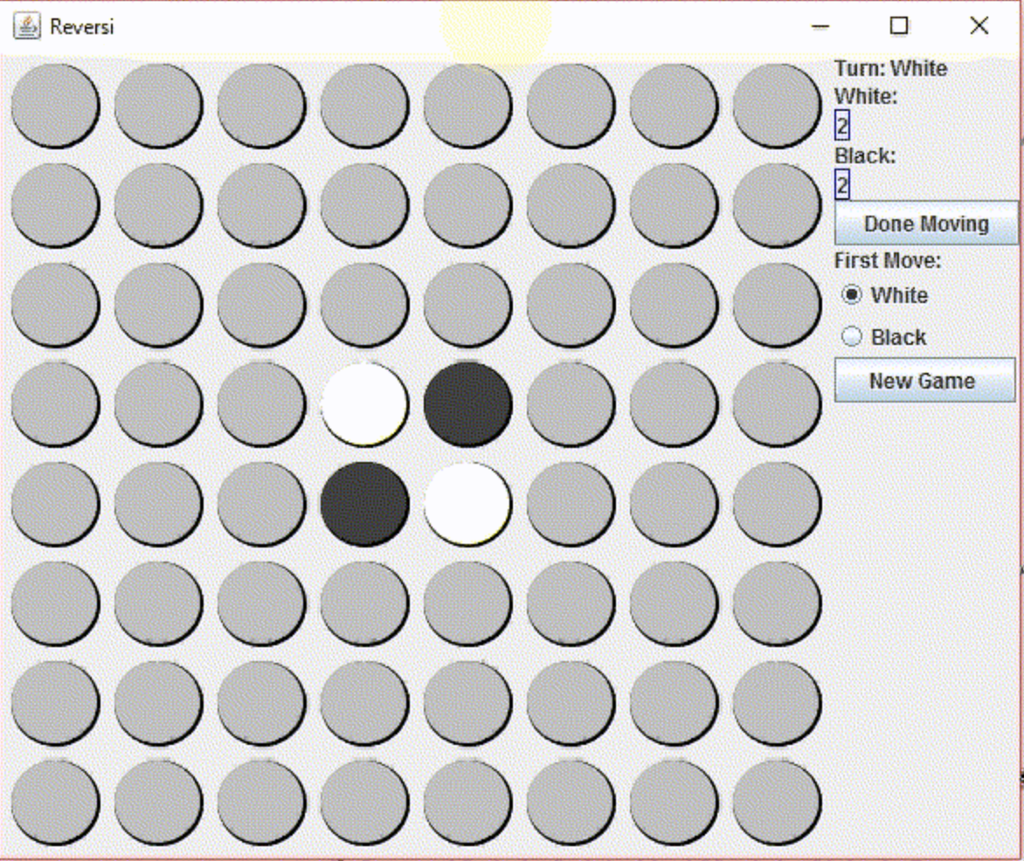
this game should work like this:
-First, you choose your First Move (you can choose if you start with Black or White)_For choosing, you need to select your "First Move"(it is right there on the right side panel)
-Let's say, you choose white! then, you can flip/click on any disks(there is no limit of how many times you flip a disk) and turn it to white.
-When clicking on each disk to turn it to "white", the game(the right panel) should keep track of how many times you clicked on the disks. For example, let's say you fliped/clicked-on 12 disks/Buttons, so at the top, under "White:" it should say 12. But make sure initially you have 2 for each color(black and white) because we start with 2 Black and 2 White.
-To change the color(or to change turn) you just need to click on "Done Moving" Button! For example, you start with white and you flip disks, then you click on "Done Moving" button to start fliping Black disks. remeber that you still need to keep tract of how many Balck disks you turned!
-Also, the game should start over if the button "New Game" is clicked!
******(Please use the provided templates) (Also, you don't need to make the round circle, because that is provided in the template)
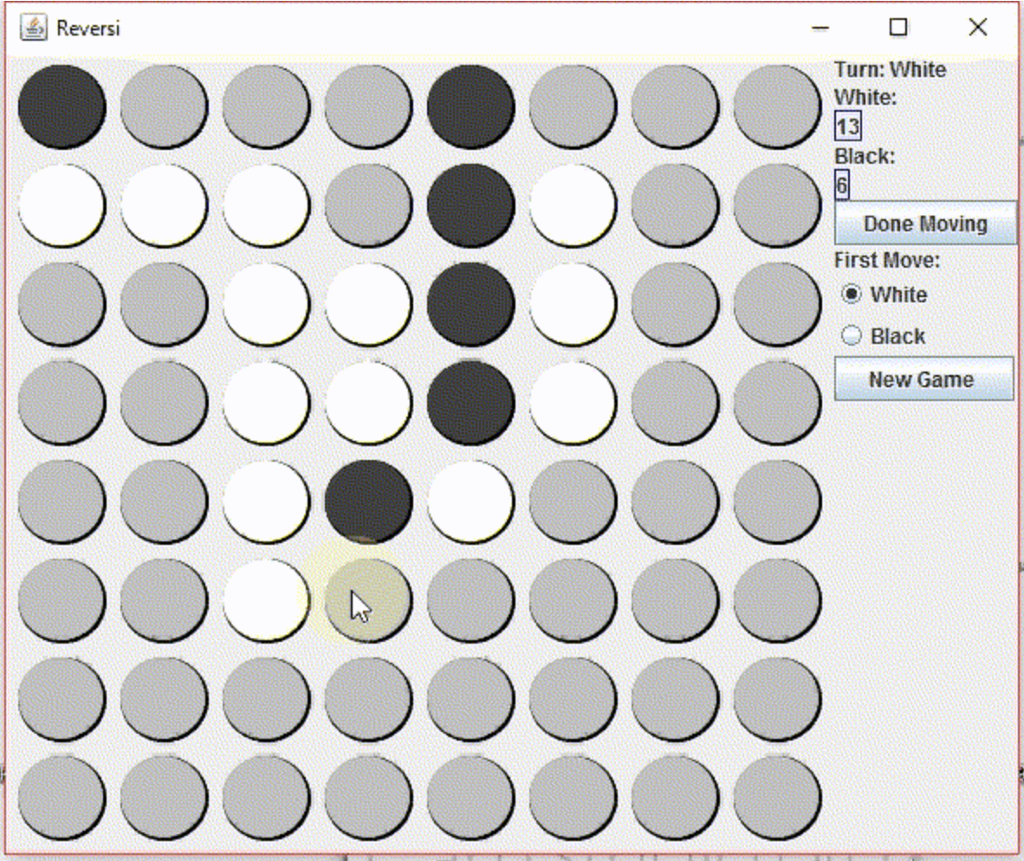
(This is just a simple game, and does not work like the actual Reversi game)
The templates: (put codes in these...)(there are 4 different templates)(1 is already done!)
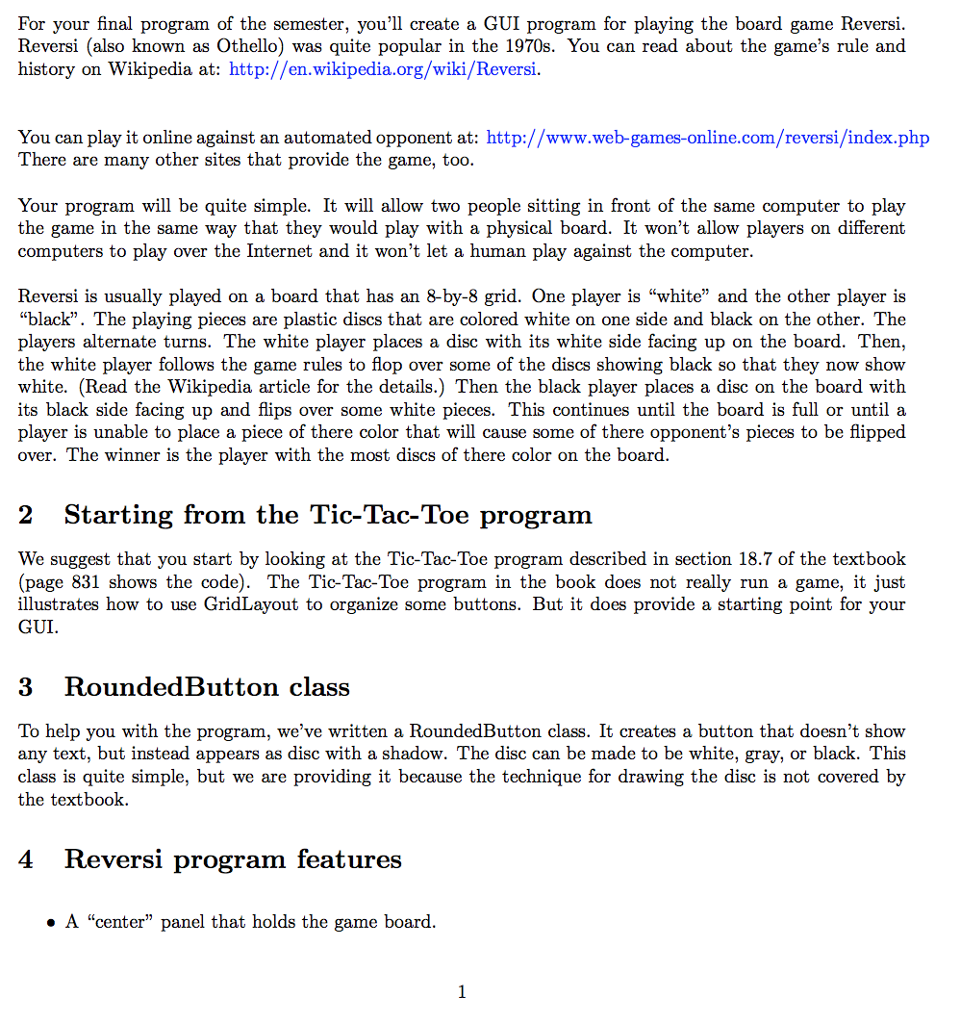
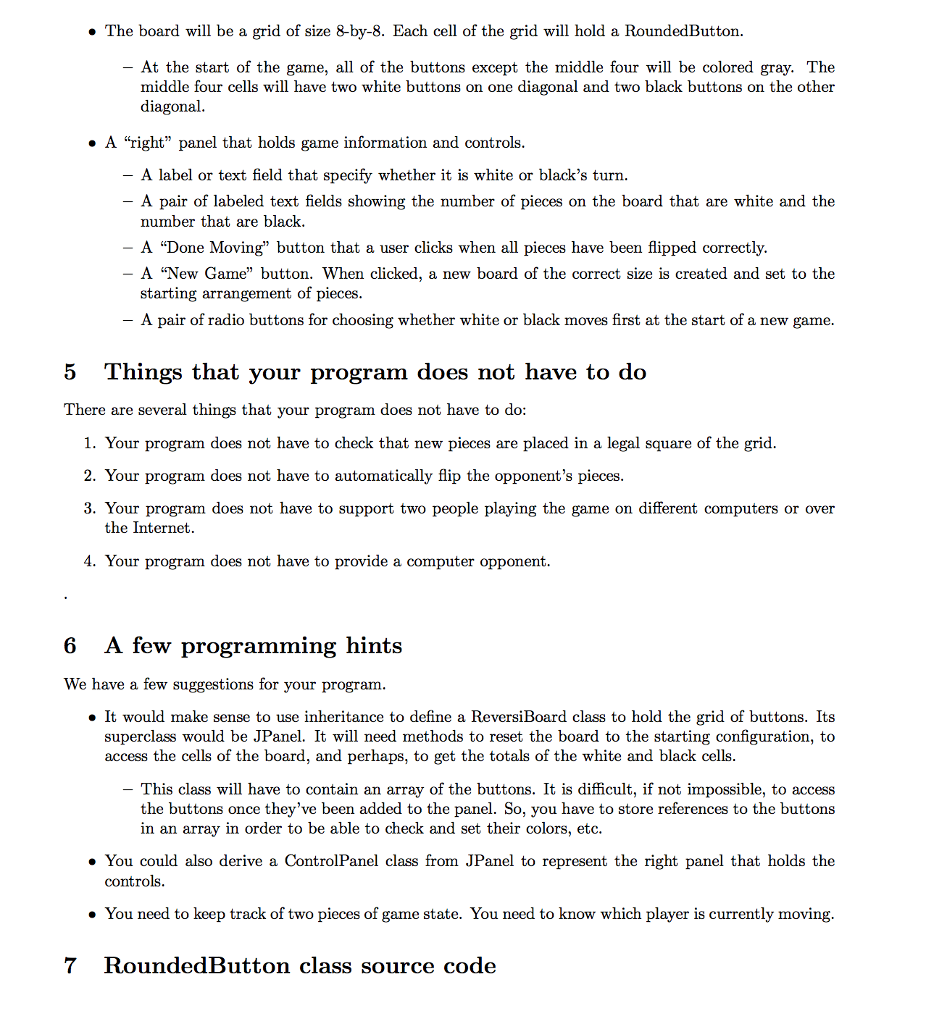 [RoundedButton class is at the top_ it is given to you]
Revers Turn: White White Black: Done Moving First Move: White Black New Game
Step by Step Solution
There are 3 Steps involved in it

Get step-by-step solutions from verified subject matter experts
 Study Help