







Question: Please Help M e Saving a Query in MS ACCESS Go to Access and then after creating a Database go to 1. Click the Create
Please Help M e
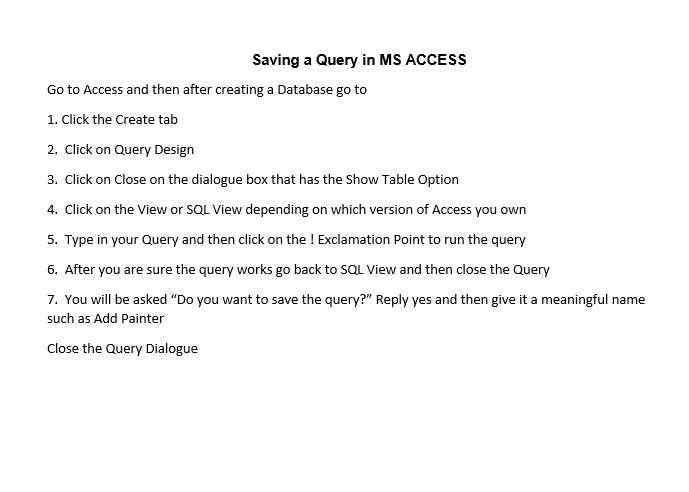
Saving a Query in MS ACCESS Go to Access and then after creating a Database go to 1. Click the Create tab 2. Click on Query Design 3. Click on Close on the dialogue box that has the Show Table Option 4. Click on the View or SQL View depending on which version of Access you own 5. Type in your Query and then click on the ! Exclamation Point to run the query 6. After you are sure the query works go back to SQL View and then close the Query 7. You will be asked "Do you want to save the query?" Reply yes and then give it a meaningful name such as Add Painter Close the Query Dialogue
Step by Step Solution
There are 3 Steps involved in it
1 Expert Approved Answer
Step: 1 Unlock

Question Has Been Solved by an Expert!
Get step-by-step solutions from verified subject matter experts
Step: 2 Unlock
Step: 3 Unlock
 Study Help