







Question: please help me questions 8-10. I'm using Java 08 - Using Homework2-PartA.htm.htm as a starting point, create Homework2-PartB.htm. Using HTML and CSS, along with the
please help me questions 8-10. I'm using Java
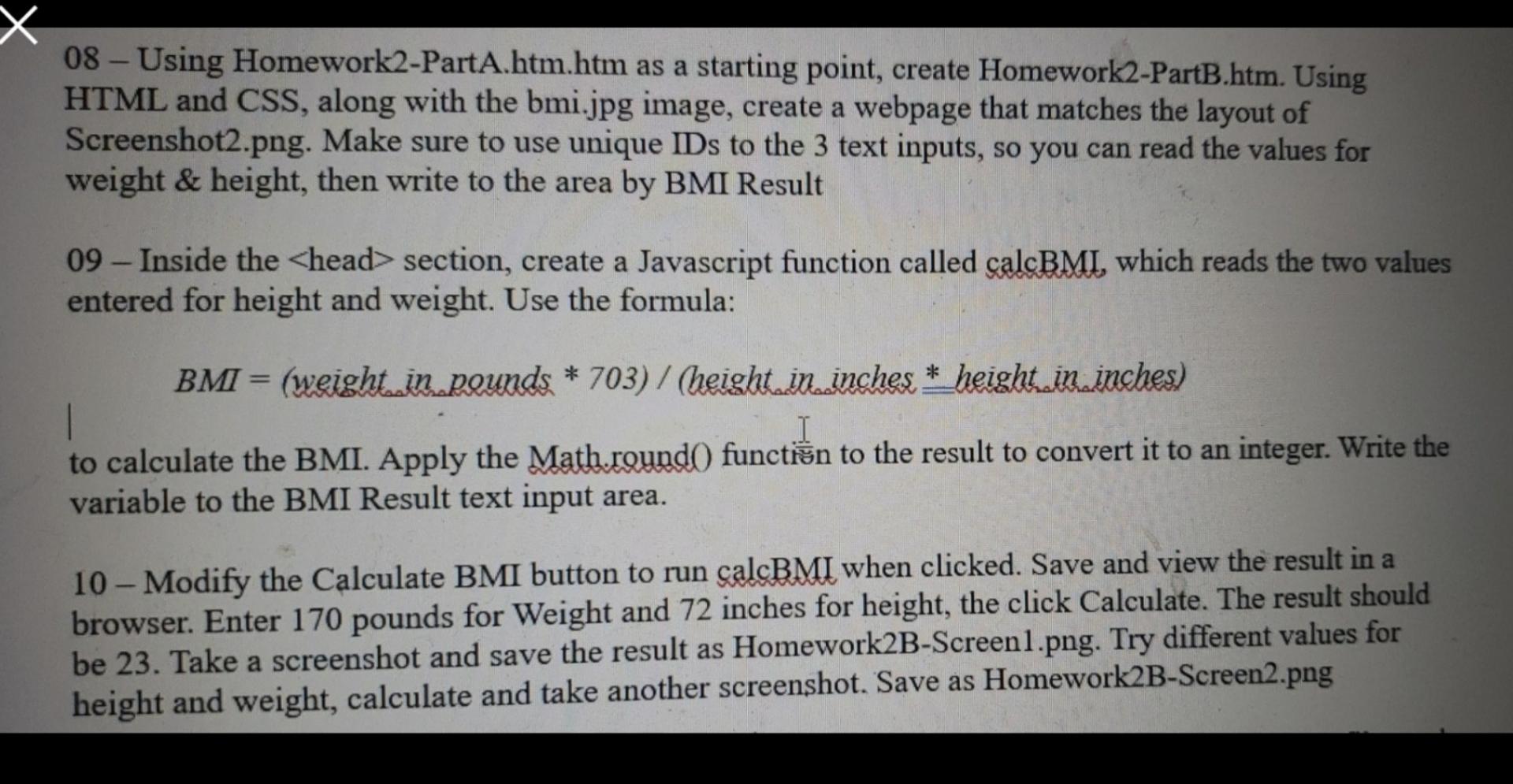
08 - Using Homework2-PartA.htm.htm as a starting point, create Homework2-PartB.htm. Using HTML and CSS, along with the bmi.jpg image, create a webpage that matches the layout of Screenshot2.png. Make sure to use unique IDs to the 3 text inputs, so you can read the values for weight & height, then write to the area by BMI Result 09 - Inside the section, create a Javascript function called calcBMI, which reads the two values entered for height and weight. Use the formula: BMI = (weight in pounds * 703) / (height.in. inches * height, in inches) I to calculate the BMI. Apply the Math.round function to the result to convert it to an integer. Write the variable to the BMI Result text input area. 10 - Modify the Calculate BMI button to run calcBMI when clicked. Save and view the result in a browser. Enter 170 pounds for Weight and 72 inches for height, the click Calculate. The result should be 23. Take a screenshot and save the result as Homework2B-Screenl.png. Try different values for height and weight, calculate and take another screenshot. Save as Homework2B-Screen2.png
Step by Step Solution
There are 3 Steps involved in it

Get step-by-step solutions from verified subject matter experts
 Study Help