







Question: please help me with canvas animation, make separate script. 2. [20 marks] Animate a Street (filename: animatestreet.html and animatestreet.js) Implement the following steps to animate
![marks] Animate a Street (filename: animatestreet.html and animatestreet.js) Implement the following steps](https://dsd5zvtm8ll6.cloudfront.net/si.experts.images/questions/2024/09/66f3cd1df3fc5_78966f3cd1d9836f.jpg)
please help me with canvas animation, make separate script.
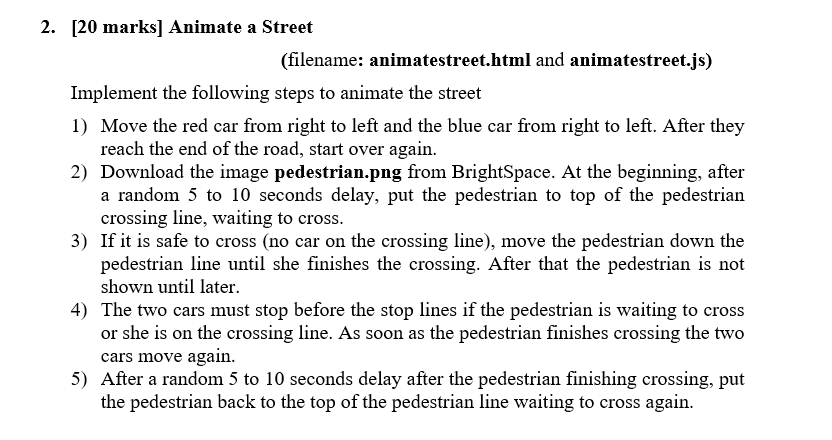
2. [20 marks] Animate a Street (filename: animatestreet.html and animatestreet.js) Implement the following steps to animate the street 1) Move the red car from right to left and the blue car from right to left. After they reach the end of the road, start over again. 2) Download the image pedestrian.png from BrightSpace. At the beginning, after a random 5 to 10 seconds delay, put the pedestrian to top of the pedestrian crossing line, waiting to cross. 3) If it is safe to cross (no car on the crossing line), move the pedestrian down the pedestrian line until she finishes the crossing. After that the pedestrian is not shown until later. 4) The two cars must stop before the stop lines if the pedestrian is waiting to cross or she is on the crossing line. As soon as the pedestrian finishes crossing the two cars move again. 5) After a random 5 to 10 seconds delay after the pedestrian finishing crossing, put the pedestrian back to the top of the pedestrian line waiting to cross again. 1. [10 marks] Animate Mickey to Eat the Cheese (filename: animatemickey.html and animatemickey.js) Please follow the instructions carefully and complete all of the steps. 1) When the user clicks on the canvas, display the cheese and automatically rotate Mickey and move it towards the cheese. a. Find the angle from Mickey to the cheese with relation to the positive x, which is mickeyAngle = Math.atan2((cheese X - mickeyY), (cheesex - mickeyX)); b. Translate Mickey along this angle for a small distance (mickey Distance) with the following values: mickey& += mickeyDistance * Math.cos(-mickeyAngle); mickexX -= mickey Distance * Math.sin(-mickeyAngle); c. Rotate Mickey by this angle d. Repeat the steps above 2) When Mickey moves to within 15 pixels of the cheese, remove the cheese. 2. [20 marks] Animate a Street (filename: animatestreet.html and animatestreet.js) Implement the following steps to animate the street 1) Move the red car from right to left and the blue car from right to left. After they reach the end of the road, start over again. 2) Download the image pedestrian.png from BrightSpace. At the beginning, after a random 5 to 10 seconds delay, put the pedestrian to top of the pedestrian crossing line, waiting to cross. 3) If it is safe to cross (no car on the crossing line), move the pedestrian down the pedestrian line until she finishes the crossing. After that the pedestrian is not shown until later. 4) The two cars must stop before the stop lines if the pedestrian is waiting to cross or she is on the crossing line. As soon as the pedestrian finishes crossing the two cars move again. 5) After a random 5 to 10 seconds delay after the pedestrian finishing crossing, put the pedestrian back to the top of the pedestrian line waiting to cross again. 1. [10 marks] Animate Mickey to Eat the Cheese (filename: animatemickey.html and animatemickey.js) Please follow the instructions carefully and complete all of the steps. 1) When the user clicks on the canvas, display the cheese and automatically rotate Mickey and move it towards the cheese. a. Find the angle from Mickey to the cheese with relation to the positive x, which is mickeyAngle = Math.atan2((cheese X - mickeyY), (cheesex - mickeyX)); b. Translate Mickey along this angle for a small distance (mickey Distance) with the following values: mickey& += mickeyDistance * Math.cos(-mickeyAngle); mickexX -= mickey Distance * Math.sin(-mickeyAngle); c. Rotate Mickey by this angle d. Repeat the steps above 2) When Mickey moves to within 15 pixels of the cheese, remove the cheese
Step by Step Solution
There are 3 Steps involved in it

Get step-by-step solutions from verified subject matter experts
 Study Help