







Question: Please help me with this. INCLUDE SCREENSHOTS OF EACH ANSWER 1) Use the ping program to test whether you can reach computers on your local
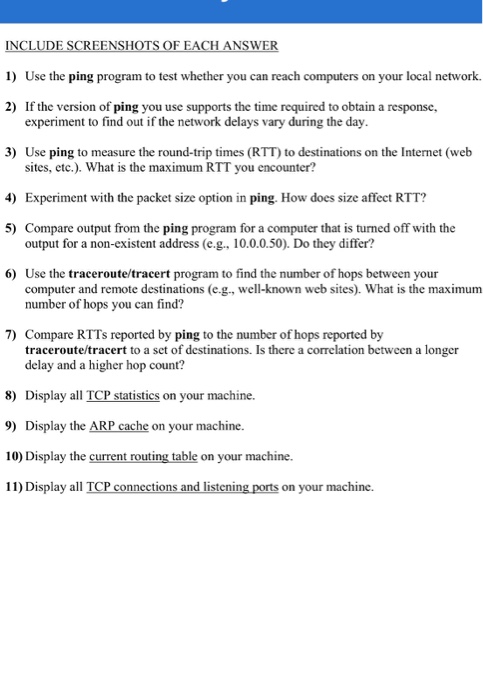
INCLUDE SCREENSHOTS OF EACH ANSWER 1) Use the ping program to test whether you can reach computers on your local network. 2) If the version of ping you use supports the time required to obtain a response, experiment to find out if the network delays vary during the day. 3) Use ping to measure the round-trip times (RTT) to destinations on the Internet (web sites, etc.). What is the maximum RTT you encounter? 4) Experiment with the packet size option in ping. How does size affect RTT? 5) Compare output from the ping program for a computer that is turned off with the output for a non-existent address (e.g 10.0.0.50). Do they differ? Use the traceroute/tracert program to find the number of hops between your computer and remote destinations (e.g., well-known web sites). What is the maximum number of hops you can find? 6) 7) Compare RTTs reported by ping to the number of hops reported by traceroute/tracert to a set of destinations. Is there a correlation between a longer delay and a higher hop count? tontons, Is there a correlation 8) Display all TCP statistics on your machine. 9) Display the ARP cache on your machine. 10) Display the current routing table on your machine. 11) Display all TCP conncctions and listening ports on your machine
Step by Step Solution
There are 3 Steps involved in it

Get step-by-step solutions from verified subject matter experts
 Study Help