







Question: Optional Lab 4-1: Creating an entity-relationship diagram for ProRsums Note: Use the database requirements document created in Optional Lab 3-1 to build the ER
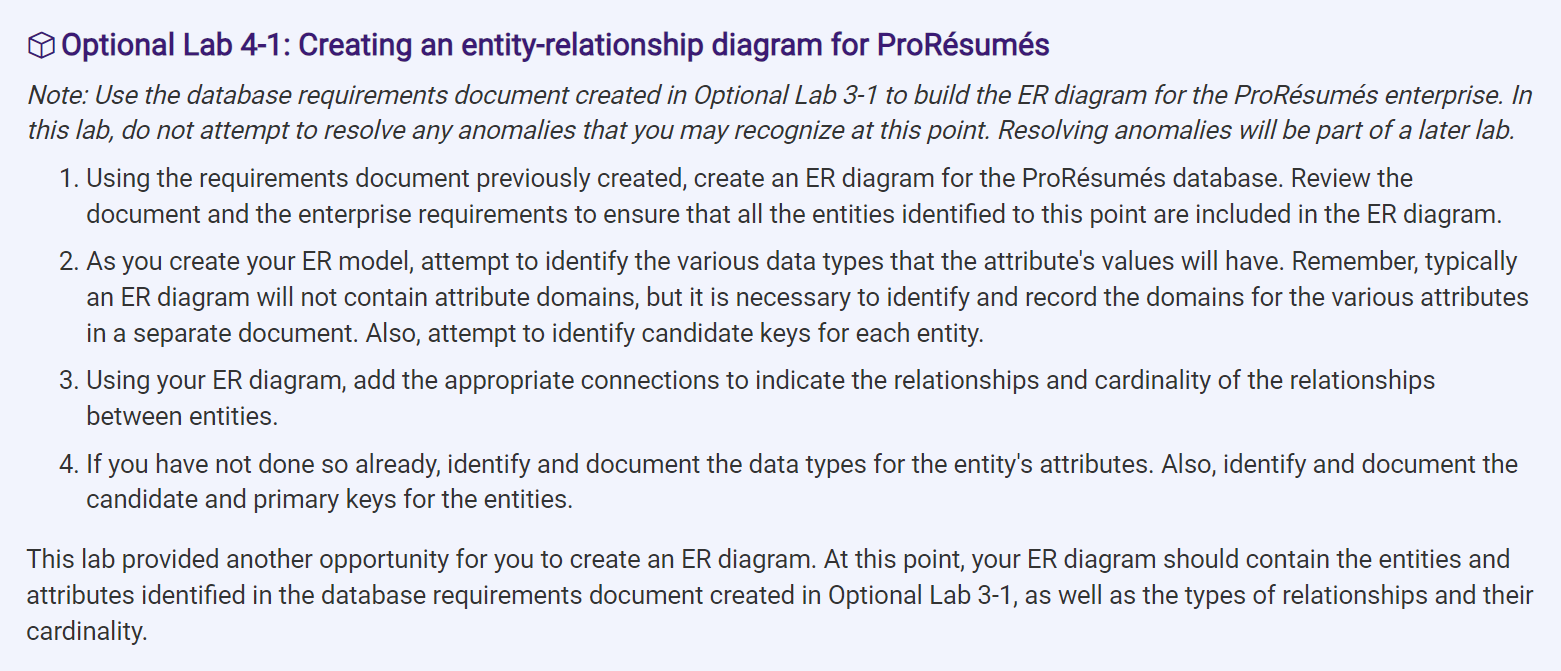
Optional Lab 4-1: Creating an entity-relationship diagram for ProRsums Note: Use the database requirements document created in Optional Lab 3-1 to build the ER diagram for the ProRsums enterprise. In this lab, do not attempt to resolve any anomalies that you may recognize at this point. Resolving anomalies will be part of a later lab. 1. Using the requirements document previously created, create an ER diagram for the ProRsums database. Review the document and the enterprise requirements to ensure that all the entities identified to this point are included in the ER diagram. 2. As you create your ER model, attempt to identify the various data types that the attribute's values will have. Remember, typically an ER diagram will not contain attribute domains, but it is necessary to identify and record the domains for the various attributes in a separate document. Also, attempt to identify candidate keys for each entity. 3. Using your ER diagram, add the appropriate connections to indicate the relationships and cardinality of the relationships between entities. 4. If you have not done so already, identify and document the data types for the entity's attributes. Also, identify and document the candidate and primary keys for the entities. This lab provided another opportunity for you to create an ER diagram. At this point, your ER diagram should contain the entities and attributes identified in the database requirements document created in Optional Lab 3-1, as well as the types of relationships and their cardinality.
Step by Step Solution
There are 3 Steps involved in it
To create an ER diagram for ProRsums follow these steps Step 1 Identify Entities and Attributes Base... View full answer

Get step-by-step solutions from verified subject matter experts
 Study Help