







Question: please help Part 2 In this part, we'll explore transport layer through wireshark. We'll do so by analyzing a trace of the TCP segments sent
please help
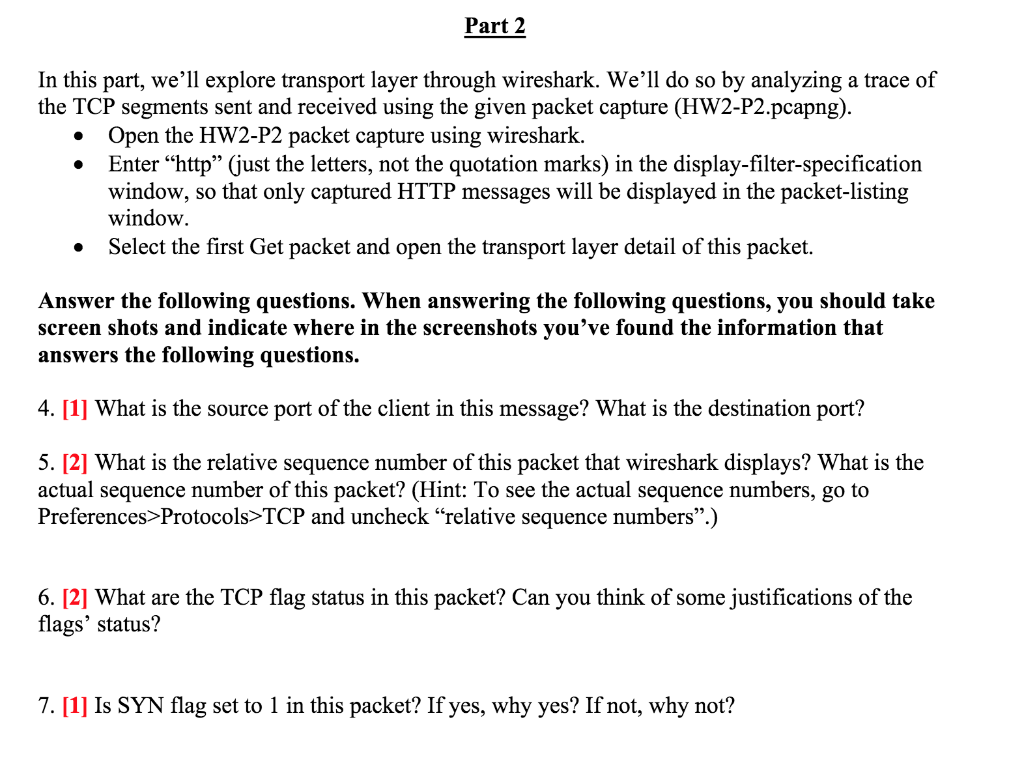
Part 2 In this part, we'll explore transport layer through wireshark. We'll do so by analyzing a trace of the TCP segments sent and received using the given packet capture (HW2-P2.pcapng). Open the HW2-P2 packet capture using wireshark. Enter http (just the letters, not the quotation marks) in the display-filter-specification window, so that only captured HTTP messages will be displayed in the packet-listing window. Select the first Get packet and open the transport layer detail of this packet. Answer the following questions. When answering the following questions, you should take screen shots and indicate where in the screenshots you've found the information that answers the following questions. 4. [1] What is the source port of the client in this message? What is the destination port? 5. [2] What is the relative sequence number of this packet that wireshark displays? What is the actual sequence number of this packet? (Hint: To see the actual sequence numbers, go to Preferences>Protocols>TCP and uncheck"relative sequence numbers.) 6. [2] What are the TCP flag status in this packet? Can you think of some justifications of the flags' status? 7. [1] Is SYN flag set to 1 in this packet? If yes, why yes? If not, why not? Part 2 In this part, we'll explore transport layer through wireshark. We'll do so by analyzing a trace of the TCP segments sent and received using the given packet capture (HW2-P2.pcapng). Open the HW2-P2 packet capture using wireshark. Enter http (just the letters, not the quotation marks) in the display-filter-specification window, so that only captured HTTP messages will be displayed in the packet-listing window. Select the first Get packet and open the transport layer detail of this packet. Answer the following questions. When answering the following questions, you should take screen shots and indicate where in the screenshots you've found the information that answers the following questions. 4. [1] What is the source port of the client in this message? What is the destination port? 5. [2] What is the relative sequence number of this packet that wireshark displays? What is the actual sequence number of this packet? (Hint: To see the actual sequence numbers, go to Preferences>Protocols>TCP and uncheck"relative sequence numbers.) 6. [2] What are the TCP flag status in this packet? Can you think of some justifications of the flags' status? 7. [1] Is SYN flag set to 1 in this packet? If yes, why yes? If not, why not
Step by Step Solution
There are 3 Steps involved in it

Get step-by-step solutions from verified subject matter experts
 Study Help