







Question: PLease help with C + + By using the polling procedure described in step 5 , you can obtain the row and column location of
PLease help with C
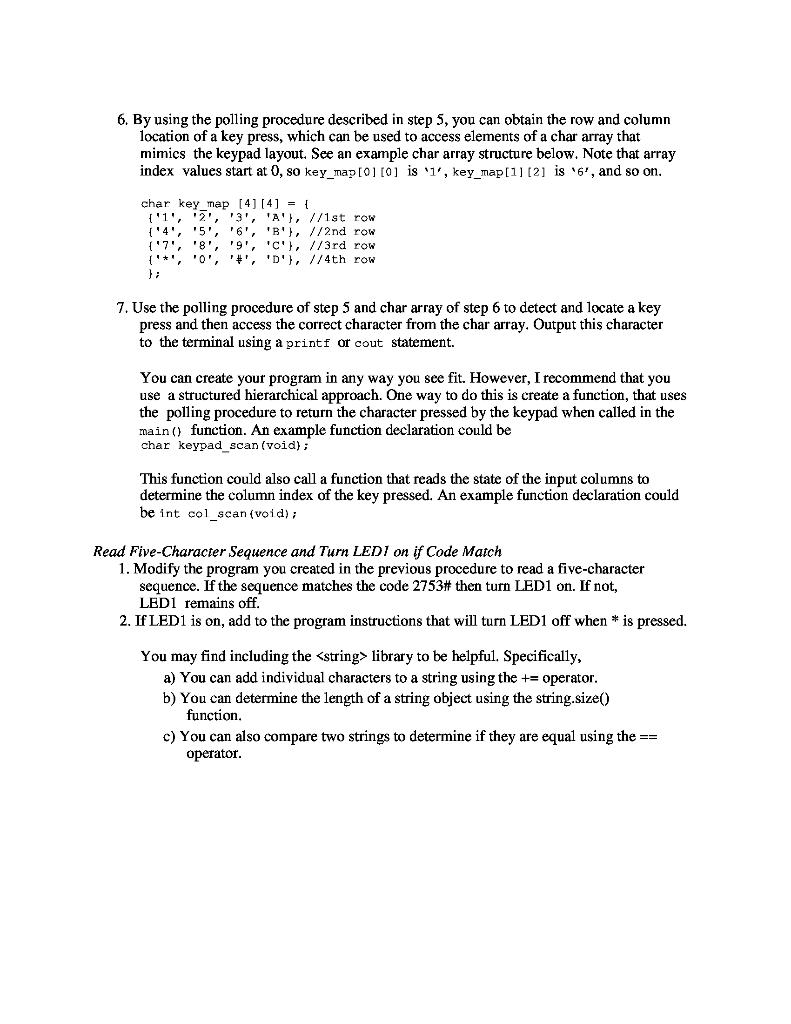
By using the polling procedure described in step you can obtain the row and column
location of a key press, which can be used to access elements of a char array that
mimics the keypad layout. See an example char array structure below. Note that array
index values start at so keymap is keymap is and so on
Use the polling procedure of step and char array of step to detect and locate a key
press and then access the correct character from the char array. Output this character
to the terminal using a printe or cout statement.
You can create your program in any way you see fit. However, I recommend that you
use a structured hierarchical approach. One way to do this is create a function, that uses
the polling procedure to return the character pressed by the keypad when called in the
main function. An example function declaration could be
char keypadscanvoid;
This function could also call a function that reads the state of the input columns to
determine the column index of the key pressed. An example function declaration could
be int colscanwoid;
Read FiveCharacter Sequence and Turn LEDI on if Code Match
Modify the program you created in the previous procedure to read a fivecharacter
sequence. If the sequence matches the code # then turn LED on If not,
LED remains off.
If LED is on add to the program instructions that will turn LED off when is pressed.
You may find including the
Step by Step Solution
There are 3 Steps involved in it
1 Expert Approved Answer
Step: 1 Unlock

Question Has Been Solved by an Expert!
Get step-by-step solutions from verified subject matter experts
Step: 2 Unlock
Step: 3 Unlock
 Study Help