







Question: Please help with number 25 necessary, create a new project named Intermediate24 Project and save it in Cpp81Chap13 folder. Enter the instructions from Figure 13-22
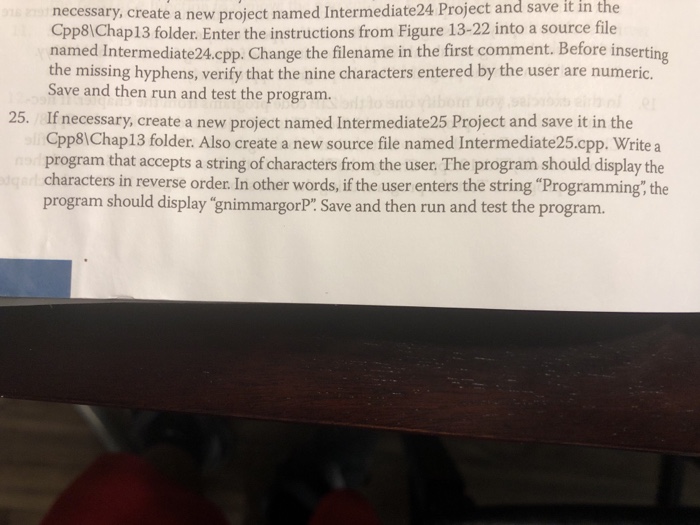
necessary, create a new project named Intermediate24 Project and save it in Cpp81Chap13 folder. Enter the instructions from Figure 13-22 into a source file named Intermediate24.cpp. Change the filename in the first comment. Before inserting the missing hyphens, verify that the nine characters entered by the user are numeric. Save and then run and test the program. the 25. If necessary, create a new project named Intermediate25 Project and save it in the Cpp8IChap13 folder. Also create a new source file named Intermediate25.cpp. Write a program that accepts a string of characters from the user. The program should display the characters in reverse order. In other words, if the user enters the string "Programming the program should display "gnimmargorP: Save and then run and test the program
Step by Step Solution
There are 3 Steps involved in it

Get step-by-step solutions from verified subject matter experts
 Study Help