







Question: Please help with the following, Using a network packet capture tool can help us understand, with more insight, how networks work. Wireshark is an easy
Please help with the following,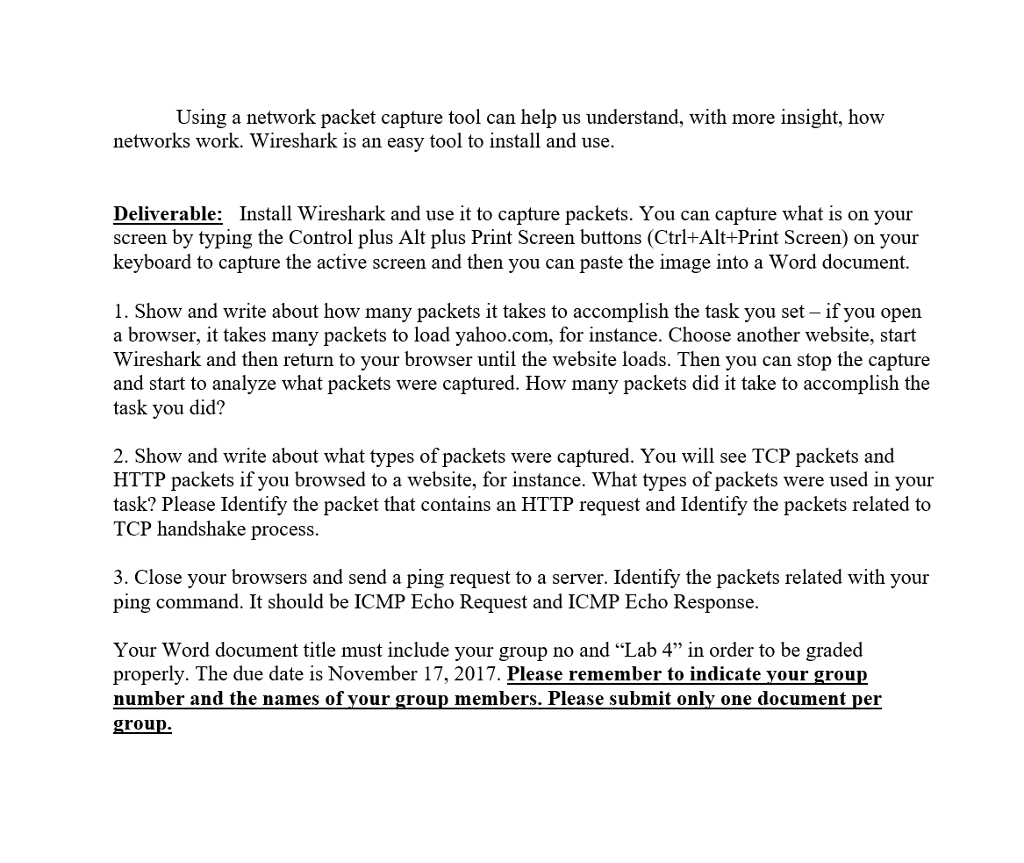
Using a network packet capture tool can help us understand, with more insight, how networks work. Wireshark is an easy tool to install and use. Deliverable: Install Wireshark and use it to capture packets. You can capture what is on your screen by typing the Control plus Alt plus Print Screen buttons (Ctrl+Alt+Print Screen) on your keyboard to capture the active screen and then you can paste the image into a Word document. 1. Show and write about how many packets it takes to accomplish the task you set if you open a browser, it takes many packets to load yahoo.com, for instance. Choose another website, start Wireshark and then return to your browser until the website loads. Then you can stop the capture and start to analyze what packets were captured. How many packets did it take to accomplish the task you did? 2. Show and write about what types of packets were captured. You will see TCP packets and HTTP packets if you browsed to a website, for instance. What types of packets were used in your task? Please Identify the packet that contains an HTTP request and Identify the packets related to TCP handshake process. 3. Close your browsers and send a ping request to a server. Identify the packets related with your ping command. It should be ICMP Echo Request and ICMP Echo Response. Your Word document title must include your group no and Lab 4 in order to be graded properly. The due date is November 17, 2017. Please remember to indicate your group number and the names of your group members. Please submit only one document per group
Step by Step Solution
There are 3 Steps involved in it

Get step-by-step solutions from verified subject matter experts
 Study Help