







Question: Please implement and test the methods in the Adventure java file. hrough this project you will demonstrate reading, implementing, and debugging code that reads from
Please implement and test the methods in the Adventure java file.
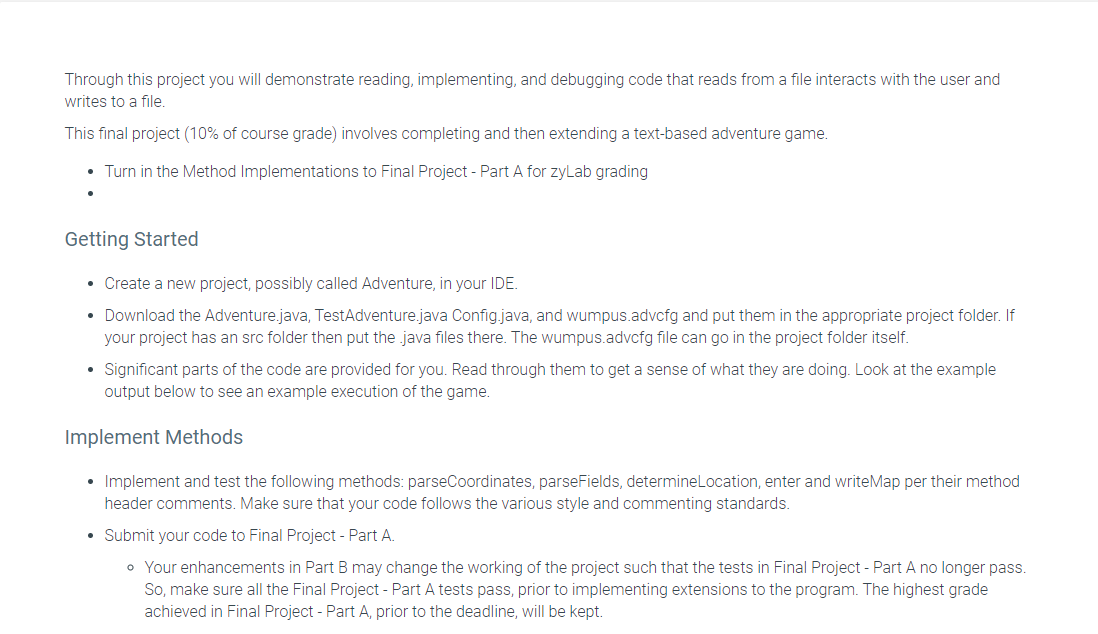
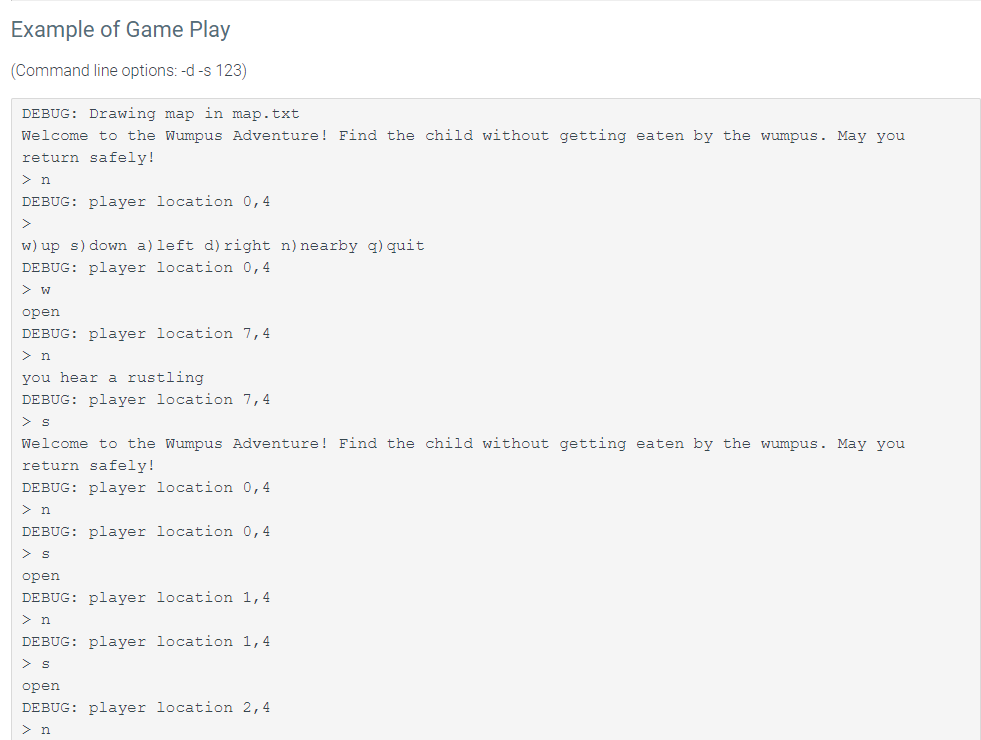
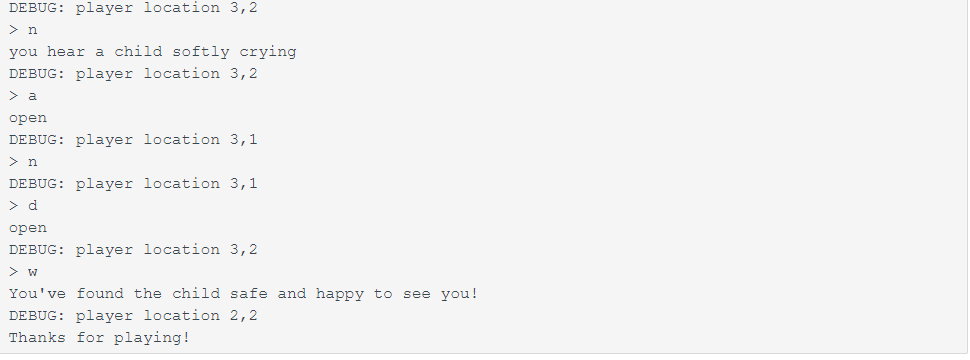
"hrough this project you will demonstrate reading, implementing, and debugging code that reads from a le interacts with the user and writes to a file. "his final project (10% of course grade) involves completing and then extending a textbased adventure game. - Turn in the Method Implementations to Final Project Part A for zyLab grading Getting Started . Create a new project, possibly called Adventure, in your lDE. - Download the Adventurejava, TestAdventurejava Congjava, and wumpus.advcfg and put them in the appropriate project folder. If your project has an src folder then put the .java files there. The wumpusadvcfg le can go in the project folder itself. . Signicant parts of the code are provided for you. Read through them to get a sense of what they are doing. Look at the example output below to see an example execution of the game. Implement Methods . Implement and test the following methods: parseCoordinates, parseFields, determineLocation, enter and writeMap per their method header comments. Make sure that your code follows the various style and commenting standards. . Submit your codeto Final Project Part A. 0 Your enhancements in Part B may change the working of the project such that the tests in Final Project - Part A no longer pass. So, make sure all the Final Project Part A tests pass, prior to implementing extensions to the program. The highest grade achieved in Final Project Part A, prior to the deadline, will be kept. Example of Game Play [Command line options: d 5123) DEBUG: Drawing map in map.txt Welcome to the Wumpus Adventure! return safely! > n DEBUG: player location 0,4 > Find the child without getting eaten by the wumpus. May you w]up sjdown a)left dlright n)nearby q)quit DEBUG: player location 0,4 > w open DEBUG: player location 7,4 > n you hear a rustling DEBUG: player location 7,4 > 5 Welcome to the Wumpus Adventure! return safely! DEBUG: player location player location player location player location player location 0,4 Find the child without getting eaten by the wumpus. May you DEBUG: player location 3, 2 >n you hear a child softly crying DEBUG: player location 3, 2 > a open DEBUG: player location 3, 1 n DEBUG: player location 3, 1 >d open DEBUG: player location 3, 2 > w You've found the child safe and happy to see you! DEBUG: player location 2, 2 Thanks for playing
Step by Step Solution
There are 3 Steps involved in it

Get step-by-step solutions from verified subject matter experts
 Study Help