







Question: Please just do task 0 and Task 3! Please document it properly! Required: Ability to design recursive functions. Ability to test your code thoroughly, through
Please just do task 0 and Task 3! Please document it properly!
Required:
Ability to design recursive functions.
Ability to test your code thoroughly, through Junit tests.
Ability to document your code.
This is the starter Code for task 1, 2, and 3;
/** * This method draws a number of circles that share the same center, as long as the radius is positive. * @param x is the x-coordinate of the circles * @param y is the y-coordinate of the circles. * @param radius is the radius of a circle. * The function is called with the radius that is cut to two decimal points. * For example 0.39876543210 must be cut to 0.39 * @param diff is the difference between the radius of a circle and its immediate inner circle. * @param page is the canvas on which the circles are drawn. * @param radiusList is an accumulated list of the radius of the circles that were drawn. * @return a list of all the circles' radius that were drawn. */ public static String nestedCircle (double x, double y, double radius, double diff, Draw page, String radiusList) { // your code goes here. Task 1 return ""; } /** * This method recursively draws 4 squares, whose center falls on a corner of * previously drawn square. The side of the square is half as much as the side of the * square that is drawn in previous round. * @param x is the x-coordinate of the square * @param y is the y-coordinate of the square * @param halfLength is half the size of the square's side * @param order is the number of the rounds by which a set of squares is drawn * @param page is the canvas on which the squares are drawn. * @return a list of the center of smallest squares that are drawn.. * The coordinates should be cut to one decimal point. For example: * 0.39876543210 is cut to 0.3 */ public static String squares (double x, double y, double halfLength, int order, Draw page) { // your code goes here. Task 2 return ""; } /** * This method specifies which coordinates should be drilled. It also draw the * horizontal line of each triangle. No duplicate point should be added to the output. * @param p1 is one of the vertex of the triangle * @param p2 is the second vertex of the triangle * @param p3 is the third vertex of the triangle * @param order is the number of times a nested triangle should be drawn. * order >= 0 , however if it is zero, nothing should be drawn * @param page is the canvas on which this method draws. * @param array is the list of the points that should be drilled. To add to this list point.toString() must be added. * @return an array that contains all the points that should be drilled. this method should not have any duplicate points in it. */ public static ArrayList
}
.
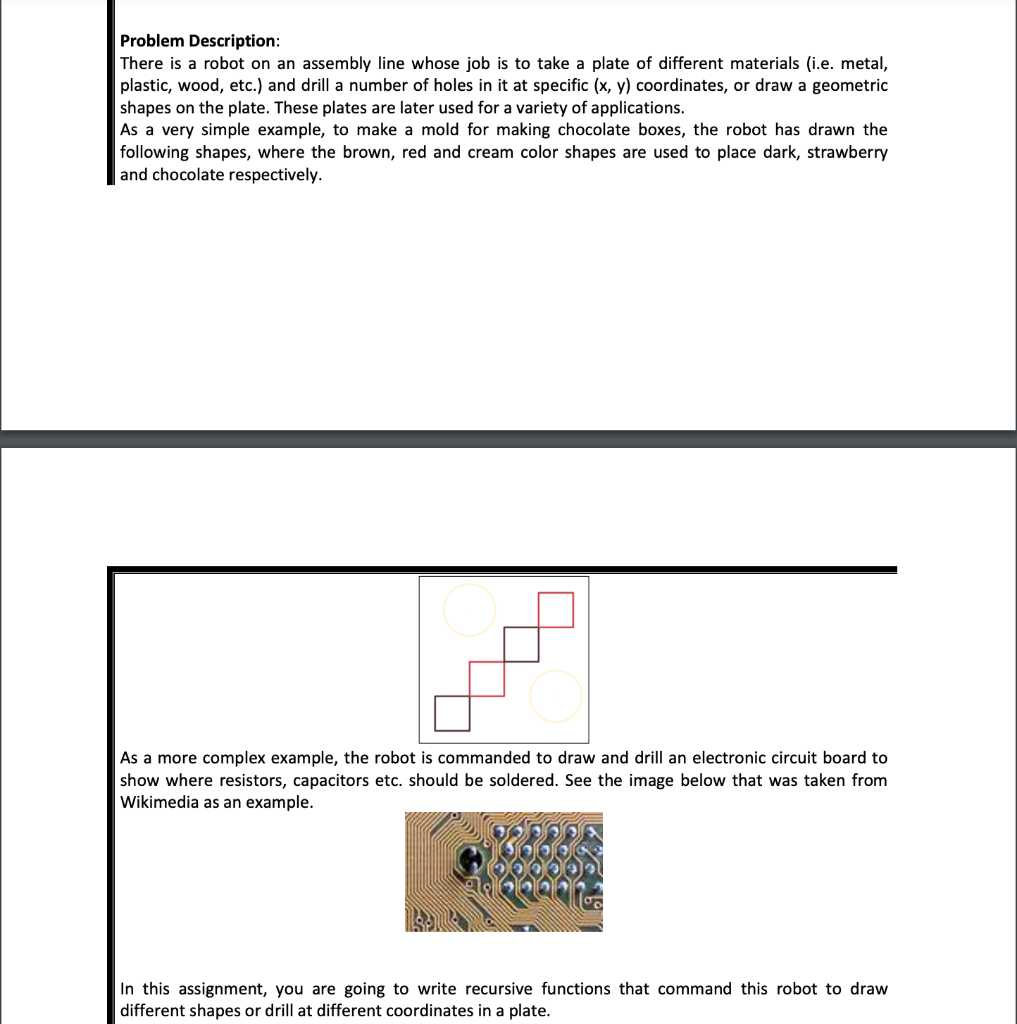
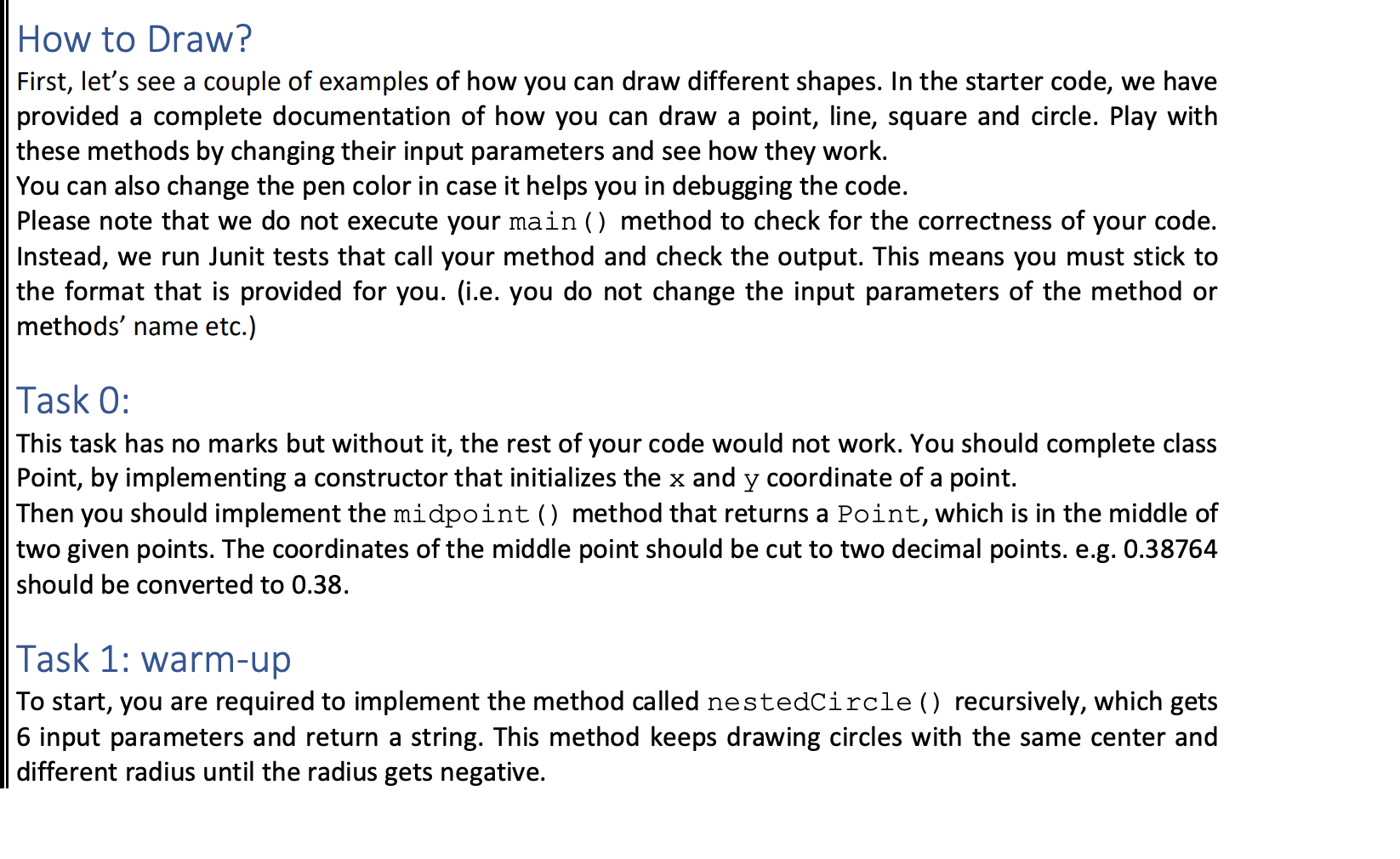
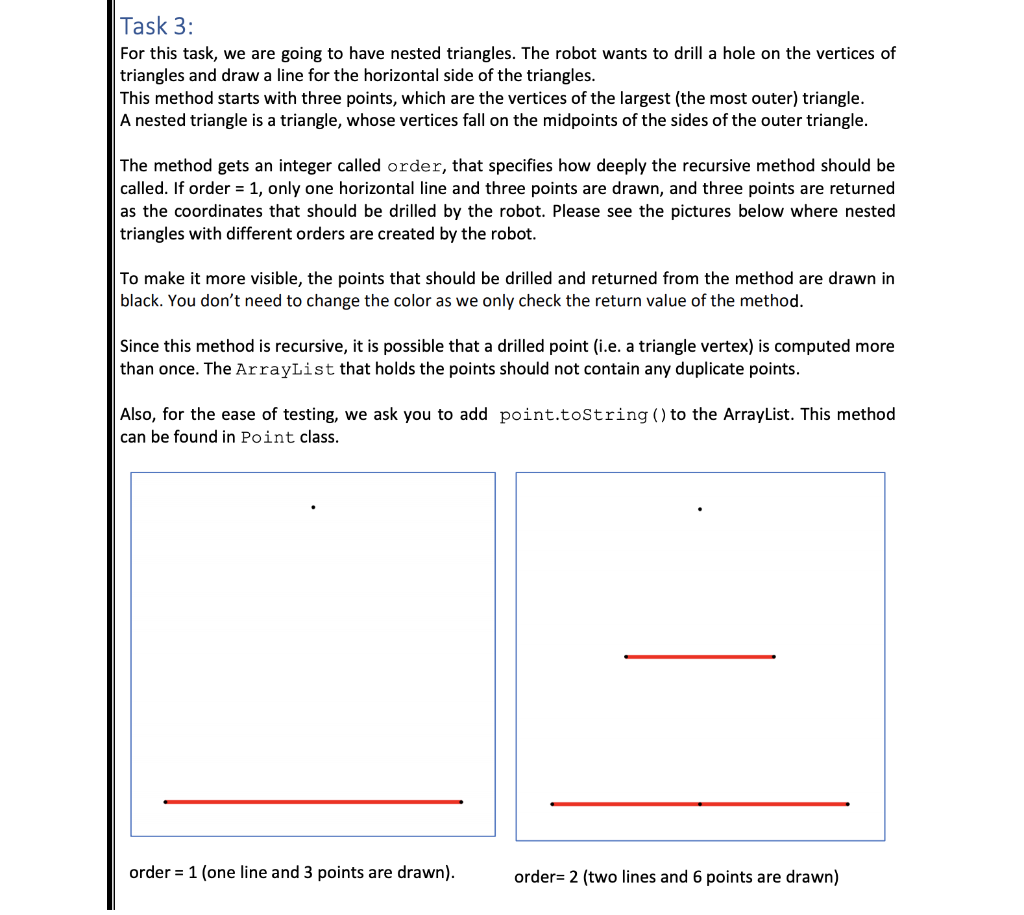
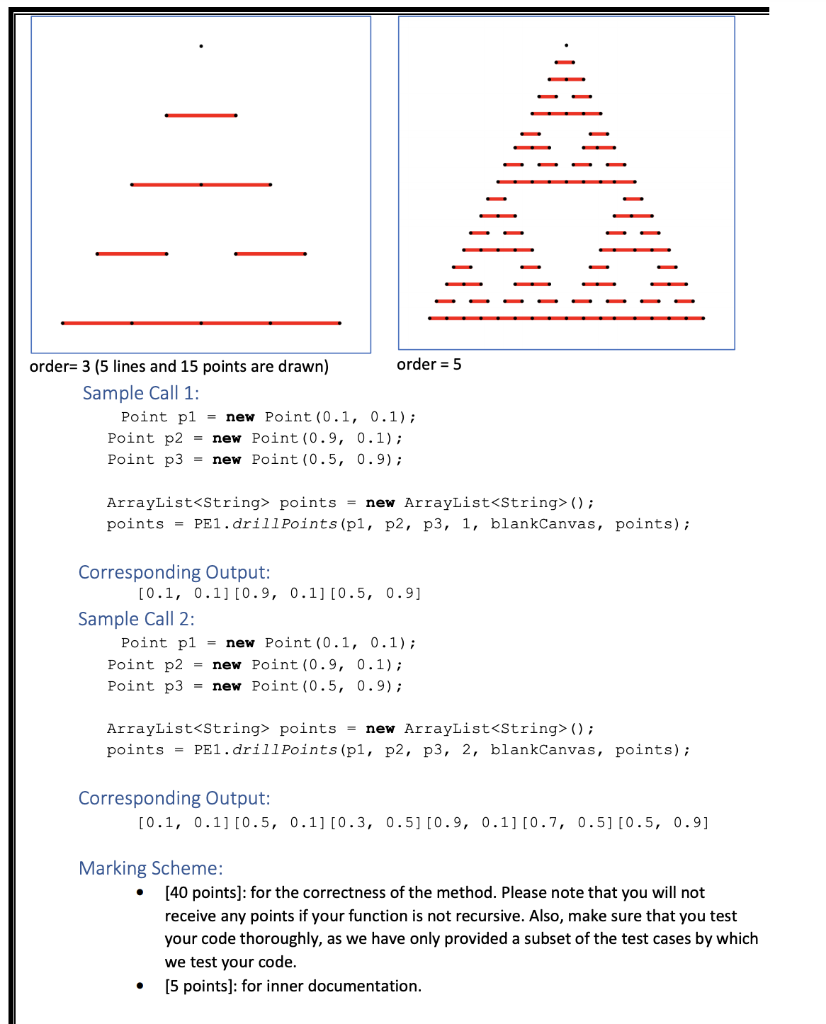
Problem Description: There is a robot on an assembly line whose job is to take a plate of different materials (i.e. metal, plastic, wood, etc.) and drill a number of holes in it at specific (x, y) coordinates, or draw a geometric shapes on the plate. These plates are later used for a variety of applications. As a very simple example, to make a mold for making chocolate boxes, the robot has drawn the following shapes, where the brown, red and cream color shapes are used to place dark, strawberry and chocolate respectively. As a more complex example, the robot is commanded to draw and drill an electronic circuit board to show where resistors, capacitors etc. should be soldered. See the image below that was taken from Wikimedia as an example. In this assignment, you are going to write recursive functions that command this robot to draw different shapes or drill at different coordinates in a plate. How to Draw? First, let's see a couple of examples of how you can draw different shapes. In the starter code, we have provided a complete documentation of how you can draw a point, line, square and circle. Play with these methods by changing their input parameters and see how they work. You can also change the pen color in case it helps you in debugging the code. Please note that we do not execute your main () method to check for the correctness of your code. Instead, we run Junit tests that call your method and check the output. This means you must stick to the format that is provided for you. (i.e. you do not change the input parameters of the method or methods' name etc.) Task 0: This task has no marks but without it, the rest of your code would not work. You should complete class Point, by implementing a constructor that initializes the x and y coordinate of a point. Then you should implement the midpoint () method that returns a Point, which is in the middle of two given points. The coordinates of the middle point should be cut to two decimal points. e.g. 0.38764 should be converted to 0.38. Task 1: Warm-up To start, you are required to implement the method called nestedCircle () recursively, which gets 6 input parameters and return a string. This method keeps drawing circles with the same center and different radius until the radius gets negative. Task 3: For this task, we are going to have nested triangles. The robot wants to drill a hole on the vertices of triangles and draw a line for the horizontal side of the triangles. This method starts with three points, which are the vertices of the largest (the most outer) triangle. A nested triangle is a triangle, whose vertices fall on the midpoints of the sides of the outer triangle. The method gets an integer called order, that specifies how deeply the recursive method should be called. If order = 1, only one horizontal line and three points are drawn, and three points are returned as the coordinates that should be drilled by the robot. Please see the pictures below where nested triangles with different orders are created by the robot. To make it more visible, the points that should be drilled and returned from the method are drawn in black. You don't need to change the color as we only check the return value of the method. Since this method is recursive, it is possible that a drilled point (i.e. a triangle vertex) is computed more than once. The ArrayList that holds the points should not contain any duplicate points. Also, for the ease of testing, we ask you to add point.toString() to the ArrayList. This method can be found in Point class. order = 1 (one line and 3 points are drawn). order= 2 (two lines and 6 points are drawn) order= 3 (5 lines and 15 points are drawn) order = 5 Sample Call 1: Point pl = new Point(0.1, 0.1); Point p2 = new Point(0.9, 0.1); Point p3 = new Point(0.5, 0.9); ArrayList
Step by Step Solution
There are 3 Steps involved in it

Get step-by-step solutions from verified subject matter experts
 Study Help