







Question: Please only answer using Matlab. Using C++, Python, etc, or reposting previous answers will result in reporting. Write a function to smooth a black-and-white image
 Please only answer using Matlab. Using C++, Python, etc, or reposting previous answers will result in reporting.
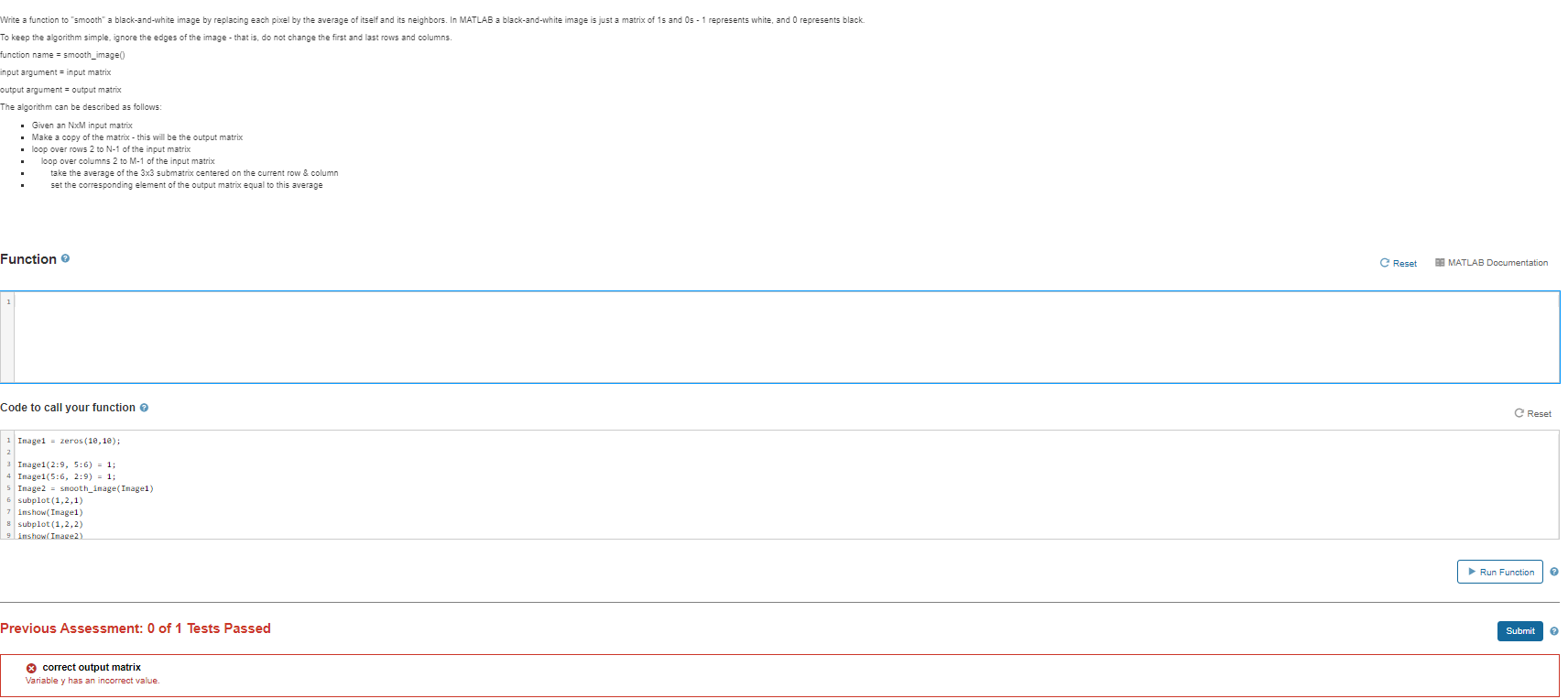
Write a function to "smooth" a black-and-white image by replacing each pixel by the average of itself and its neighbors. In MATLAB a black-and-white image is just a matrix of 15 and 0s - 1 represents white, and represents black. To keep the algorithm simple, ignore the edges of the image - that is, do not change the first and last rows and columns. function name = smooth_image() input argument=input matrix output argument = Output matrix The algorithm can be described as follows: . Given an NxM input matrix Make a copy of the matrix - this will be the output matrix loop over rows 2 to N-1 of the input matrix loop over columns 2 to M-1 of the input matrix take the average of the 3x3 submatrix centered on the current row & column set the corresponding element of the output matrix equal to this average Function Reset 39 MATLAB Documentation Code to call your function Reset 1 Image1 = zeros(10, 10); 2 3 Image1(2:9, 5:6) = 1; 4 Image1(5:6, 2:9) = 1; Image2 = smooth_inage(Inagel) 5 subplot(1,2,1) 7 inshow( Image1) 8 subplot(1,2,2) 9 inshow Image2) Run Function 2 Previous Assessment: 0 of 1 Tests Passed Submit 2 X correct output matrix Variable y has an incorrect value
Step by Step Solution
There are 3 Steps involved in it

Get step-by-step solutions from verified subject matter experts
 Study Help