







Question: Please perform the following tasks: 1. Import pathlib and shutil modules 2. Create a path object that represents your current working directory 3. Print out
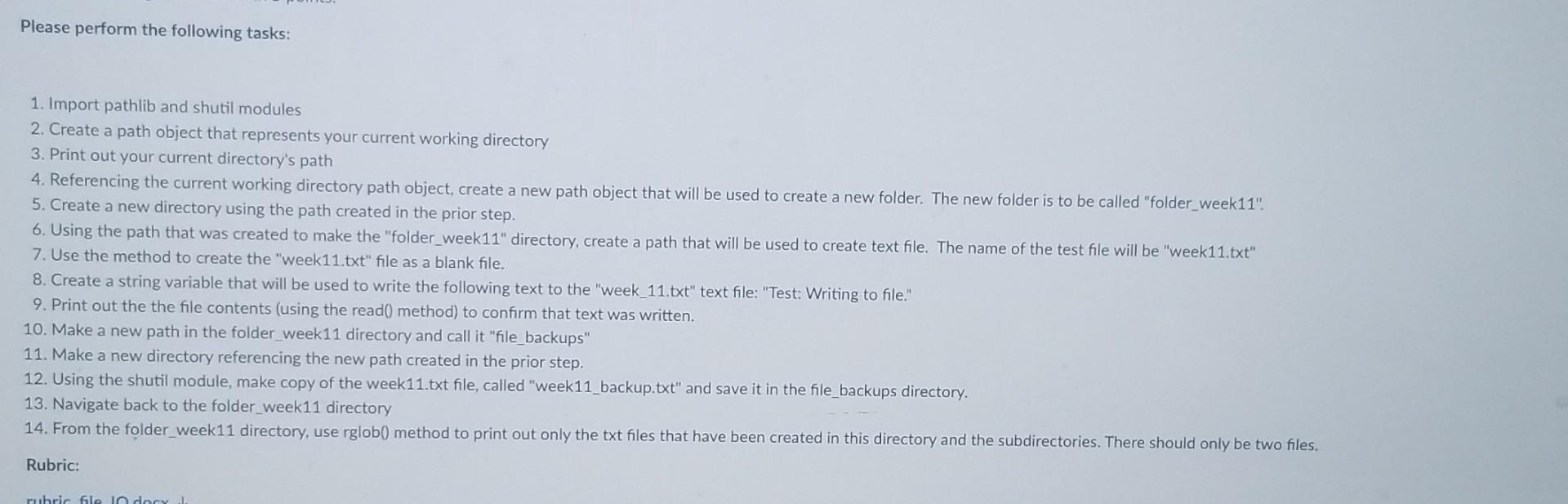
Please perform the following tasks: 1. Import pathlib and shutil modules 2. Create a path object that represents your current working directory 3. Print out your current directory's path 4. Referencing the current working directory path object, create a new path object that will be used to create a new folder. The new folder is to be called "folder_week11". 5. Create a new directory using the path created in the prior step. 6. Using the path that was created to make the "folder_week11" directory, create a path that will be used to create text file. The name of the test file will be "week11.txt" 7. Use the method to create the "week11.txt" file as a blank file. 8. Create a string variable that will be used to write the following text to the "week_11.txt" text file: "Test: Writing to file." 9. Print out the the file contents (using the read() method) to confirm that text was written. 10. Make a new path in the folder_week11 directory and call it "file_backups" 11. Make a new directory referencing the new path created in the prior step. 12. Using the shutil module, make copy of the week11.txt file, called "week11_backup.txt" and save it in the file_backups directory. 13. Navigate back to the folder_week11 directory 14. From the folder_week 11 directory, use rglob() method to print out only the txt files that have been created in this directory and the subdirectories. There should only be two files. Rubric
Step by Step Solution
There are 3 Steps involved in it

Get step-by-step solutions from verified subject matter experts
 Study Help