







Question: Please, please, please code using Vectors and Functions. Don't use break cases or switch (2) Implement a menu of options for a user to modify
Please, please, please code using Vectors and Functions. Don't use break cases or switch
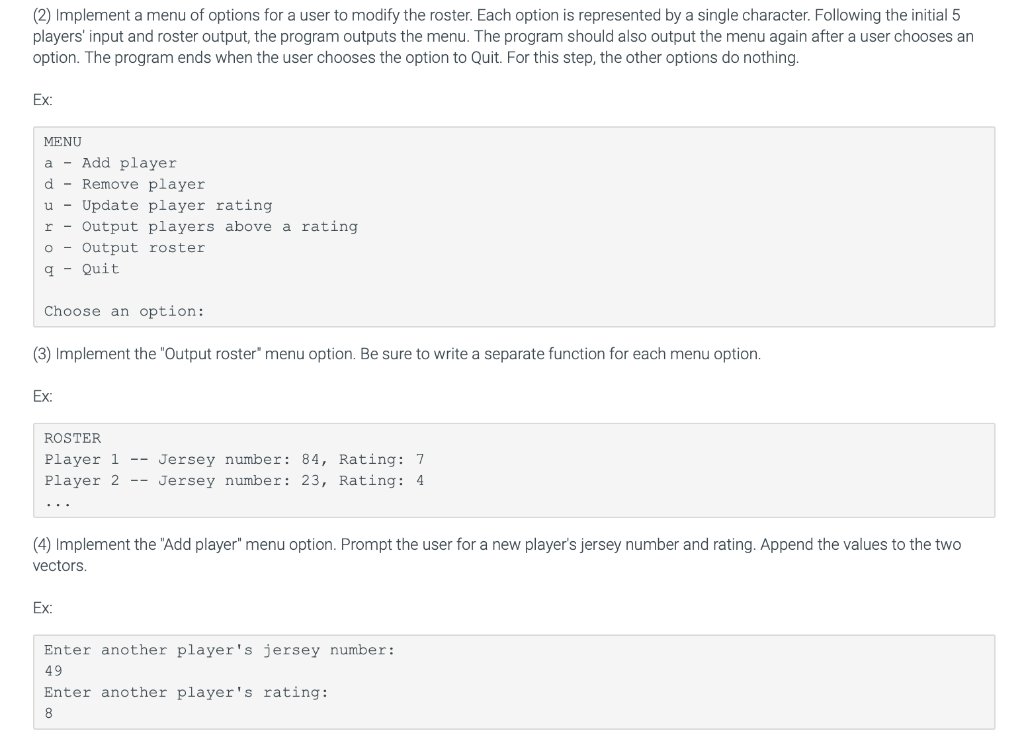
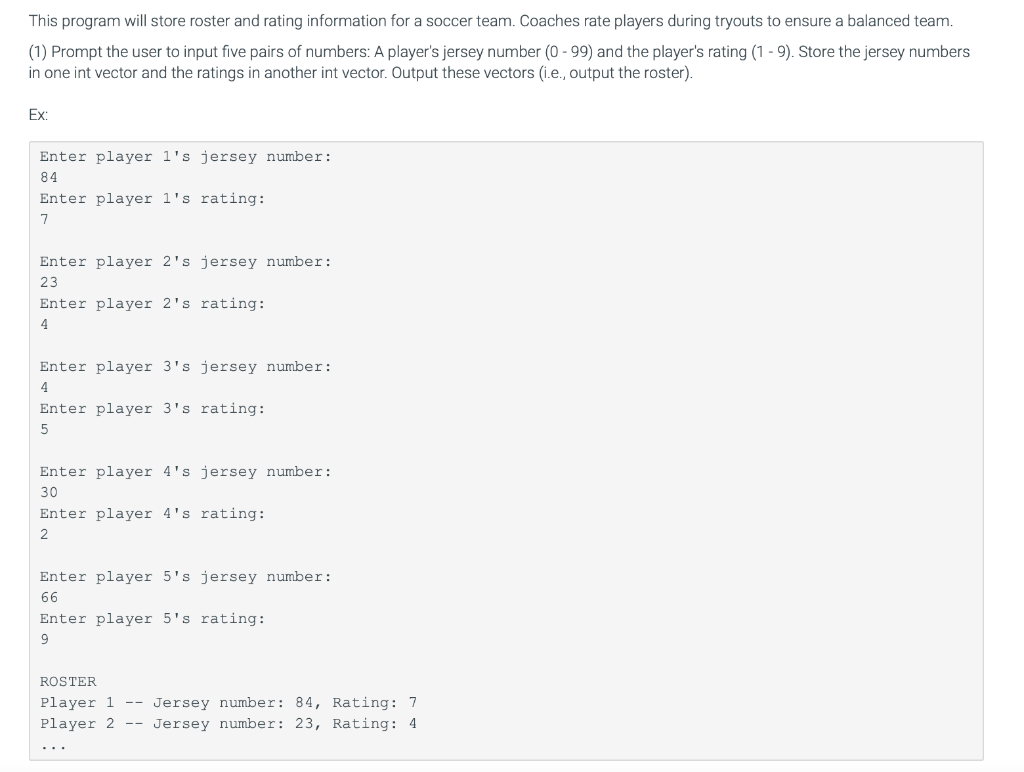
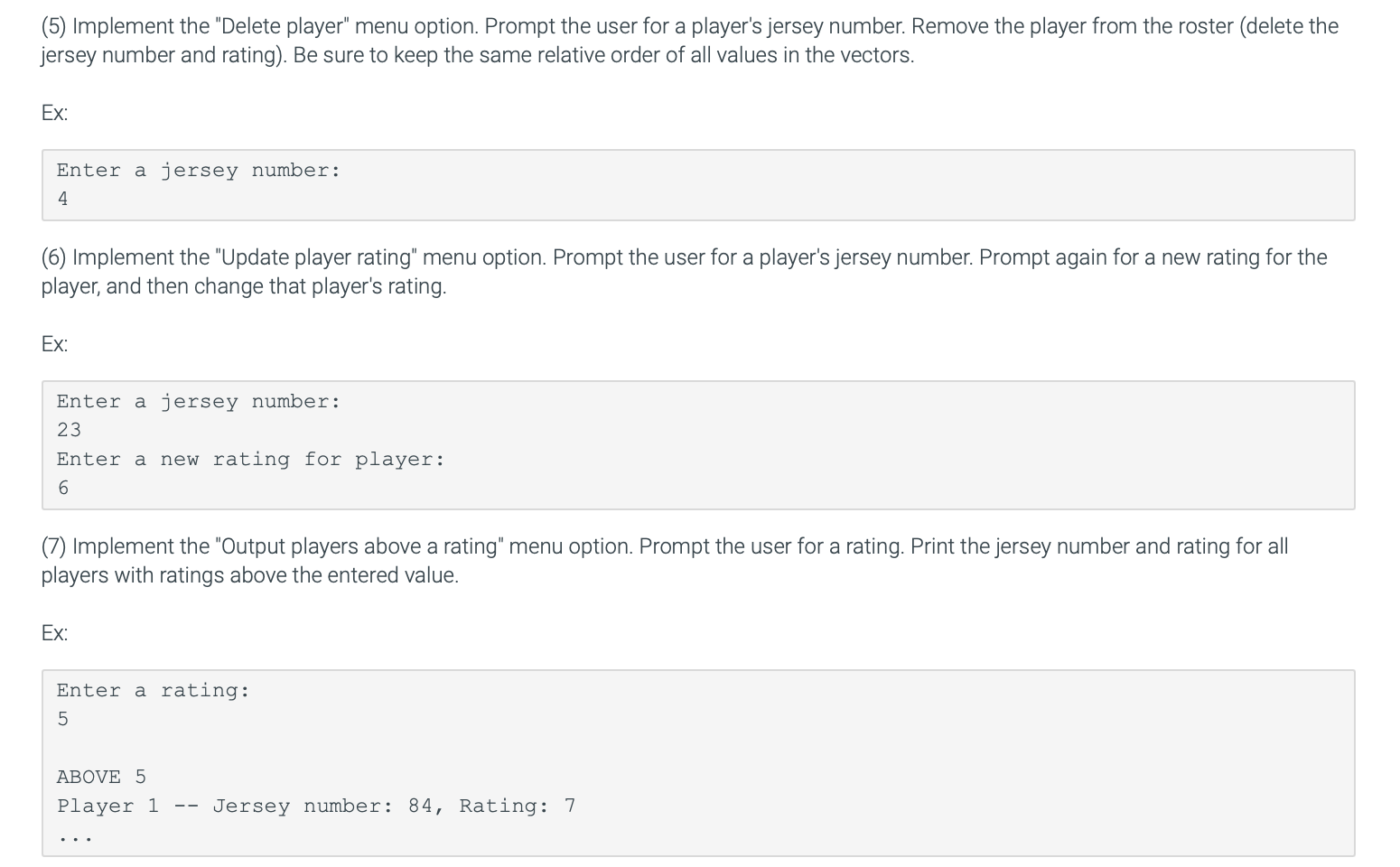
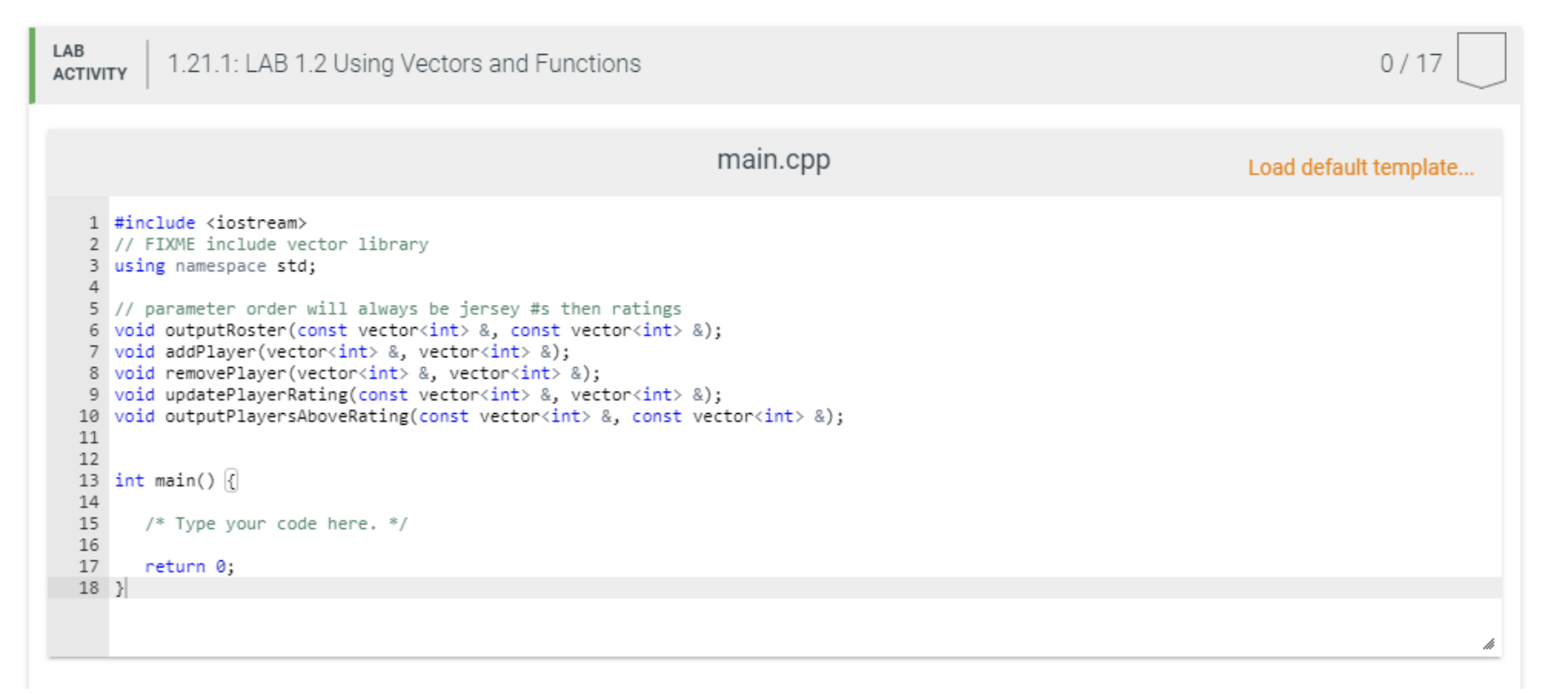
(2) Implement a menu of options for a user to modify the roster. Each option is represented by a single character. Following the initial 5 players' input and roster output, the program outputs the menu. The program should also output the menu again after a user chooses an option. The program ends when the user chooses the option to Quit. For this step, the other options do nothing. Ex: MENU a - Add player d Remove player u - Update player rating r - Output players above a rating Output roster q - Quit o Choose an option: (3) Implement the "Output roster" menu option. Be sure to write a separate function for each menu option. Ex: ROSTER Player 1 -- Jersey number: 84, Rating: 7 Player 2 -- Jersey number: 23, Rating: 4 (4) Implement the "Add player" menu option. Prompt the user for a new player's jersey number and rating. Append the values to the two vectors Ex: Enter another player's jersey number: 49 Enter another player's rating: 8 This program will store roster and rating information for a soccer team. Coaches rate players during tryouts to ensure a balanced team. (1) Prompt the user to input five pairs of numbers: A player's jersey number (0 - 99) and the player's rating (1 - 9). Store the jersey numbers in one int vector and the ratings in another int vector. Output these vectors (i.e., output the roster). Ex: Enter player l's jersey number: 84 Enter player l's rating: 7 Enter player 2's jersey number: 23 Enter player 2's rating: 4 Enter player 3's jersey number: 4 Enter player 3's rating: 5 Enter player 4's jersey number: 30 Enter player 4's rating: 2 Enter player 5's jersey number: 66 Enter player 5's rating: 9 ROSTER Player 1 -- Jersey number: 84, Rating: 7 Player 2 -- Jersey number: 23, Rating: 4 (5) Implement the "Delete player" menu option. Prompt the user for a player's jersey number. Remove the player from the roster (delete the jersey number and rating). Be sure to keep the same relative order of all values in the vectors. Ex: Enter a jersey number: 4 (6) Implement the "Update player rating" menu option. Prompt the user for a player's jersey number. Prompt again for a new rating for the player, and then change that player's rating. Ex: Enter a jersey number: 23 Enter a new rating for player: 6 (7) Implement the "Output players above a rating" menu option. Prompt the user for a rating. Print the jersey number and rating for all players with ratings above the entered value. Ex: Enter a rating: 5 ABOVE 5 Player 1 Jersey number: 84, Rating: 7 LAB ACTIVITY 1.21.1: LAB 1.2 Using Vectors and Functions 0/17 main.cpp Load default template... 1 #include
Step by Step Solution
There are 3 Steps involved in it

Get step-by-step solutions from verified subject matter experts
 Study Help