







Question: Please program this question in java. For the constructor for the Painter.java class please it so that it can pass a file through the constructor
Please program this question in java.
For the constructor for the Painter.java class please it so that it can pass a file through the constructor that can be acessed in the driver when it creates a painter object and will print it out using the toString method thanks
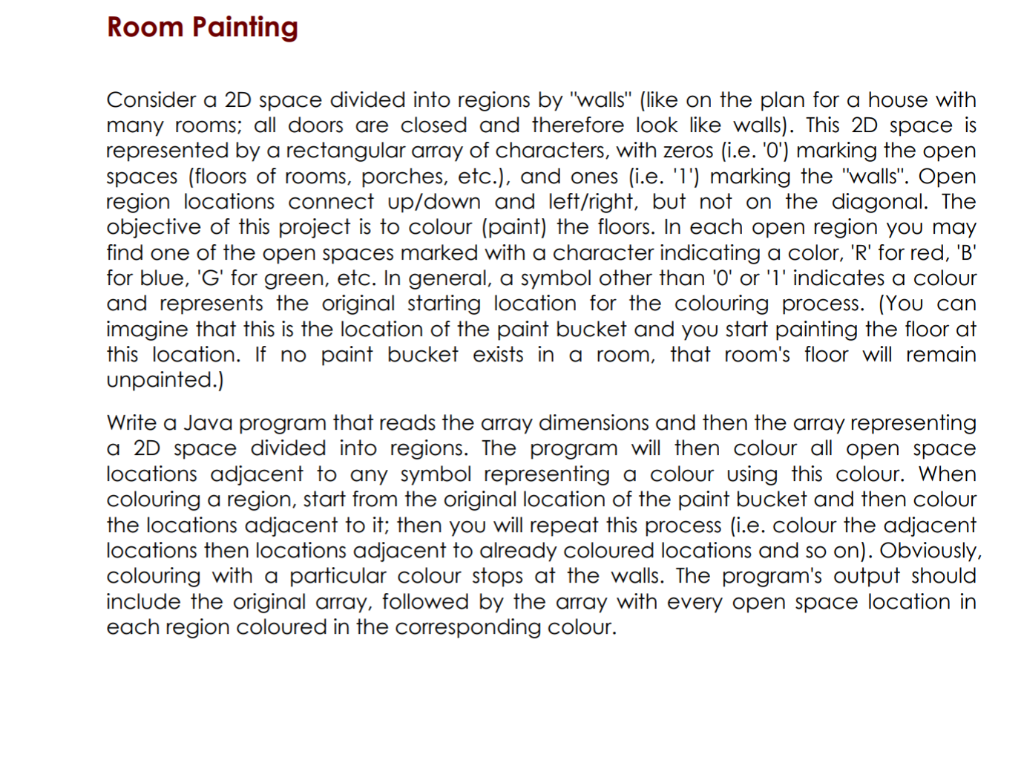
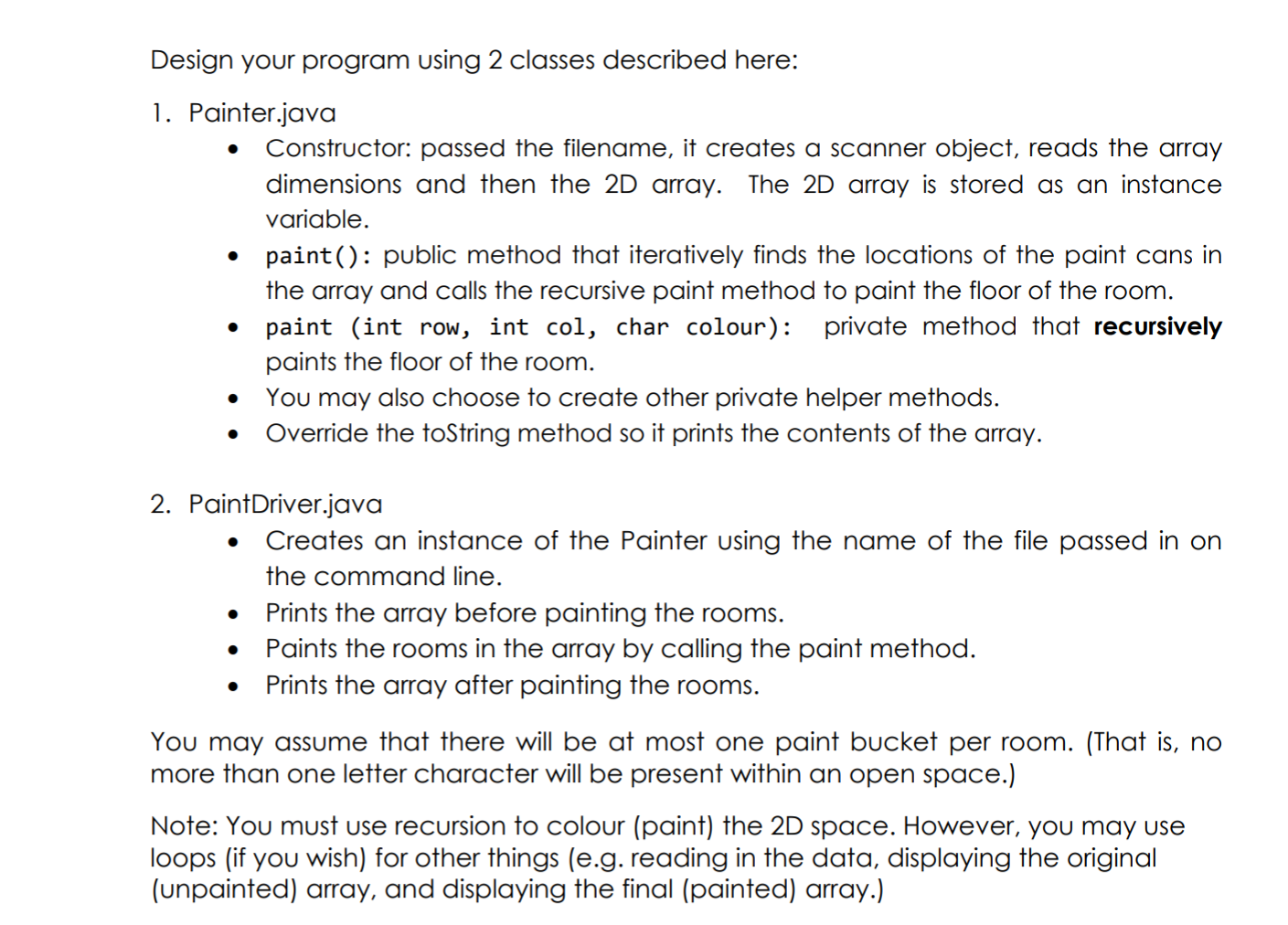
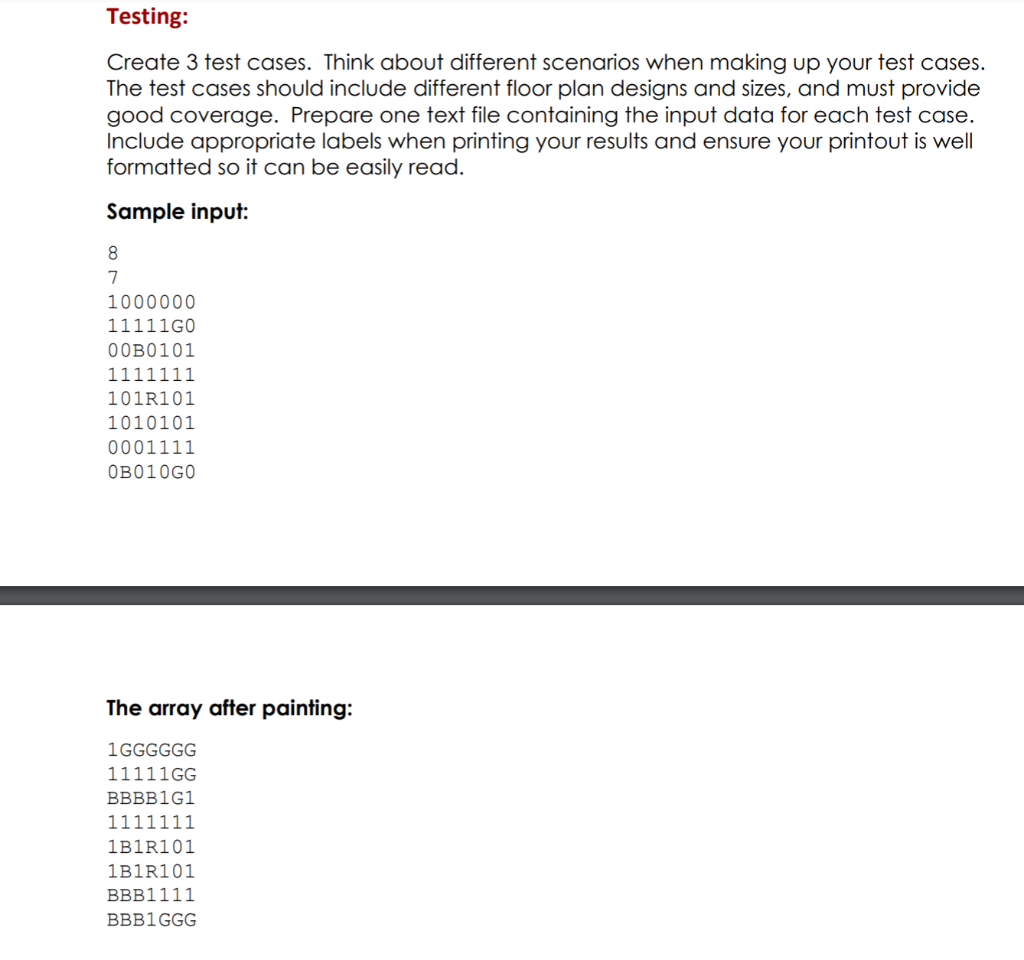
Room Painting Consider a 2D space divided into regions by "walls" (like on the plan for a house with many rooms; all doors are closed and therefore look like walls). This 2D space is represented by a rectangular array of characters, with zeros (i.e. 'O') marking the open spaces (floors of rooms, porches, etc.), and ones (i.e. 'l') marking the "walls". Open region locations connect up/down and left/right, but not on the diagonal. The objective of this project is to colour (paint) the floors. In each open region you may find one of the open spaces marked with a character indicating a color, 'R' for red, 'B' for blue, 'G' for green, etc. In general, a symbol other than 'O' or 'l' indicates a colour and represents the original starting location for the colouring process. (You can imagine that this is the location of the paint bucket and you start painting the floor at this location. If no paint bucket exists in a room, that room's floor will remain unpainted.) Write a Java program that reads the array dimensions and then the array representing a 2D space divided into regions. The program will then colour all open space locations adjacent to any symbol representing a colour using this colour. When colouring a region, start from the original location of the paint bucket and then colour the locations adjacent to it; then you will repeat this process (i.e. colour the adjacent locations then locations adjacent to already coloured locations and so on). Obviously, colouring with a particular colour stops at the walls. The program's output should include the original array, followed by the array with every open space location in each region coloured in the corresponding colour. Design your program using 2 classes described here: 1. Painter.java Constructor: passed the filename, it creates a scanner object, reads the array dimensions and then the 2D array. The 2D array is stored as an instance variable. paint(): public method that iteratively finds the locations of the paint cans in the array and calls the recursive paint method to paint the floor of the room. paint (int row, int col, char colour): private method that recursively paints the floor of the room. You may also choose to create other private helper methods. Override the toString method so it prints the contents of the array. . 2. PaintDriver.java Creates an instance of the Painter using the name of the file passed in on the command line. Prints the array before painting the rooms. Paints the rooms in the array by calling the paint method. Prints the array after painting the rooms. . . You may assume that there will be at most one paint bucket per room. (That is, no more than one letter character will be present within an open space.) Note: You must use recursion to colour (paint) the 2D space. However, you may use loops (if you wish) for other things (e.g. reading in the data, displaying the original (unpainted) array, and displaying the final (painted) array.) Testing: Create 3 test cases. Think about different scenarios when making up your test cases. The test cases should include different floor plan designs and sizes, and must provide good coverage. Prepare one text file containing the input data for each test case. Include appropriate labels when printing your results and ensure your printout is well formatted so it can be easily read. Sample input: 8 7 1000000 11111GO O OB0101 1111111 101R101 1010101 0001111 OB010GO The array after painting: 1 GGGGGG 11111 GG BBBB1G1 1111111 1B1R101 1B1R101 BBB1111 BBB1 GGG
Step by Step Solution
There are 3 Steps involved in it

Get step-by-step solutions from verified subject matter experts
 Study Help