







Question: Please program using Virtual Machine - Linux - C language Please only do one approach and specify which approach. Please also show step by step,
Please program using Virtual Machine - Linux - C language
Please only do one approach and specify which approach. Please also show step by step, screenshot of screen.
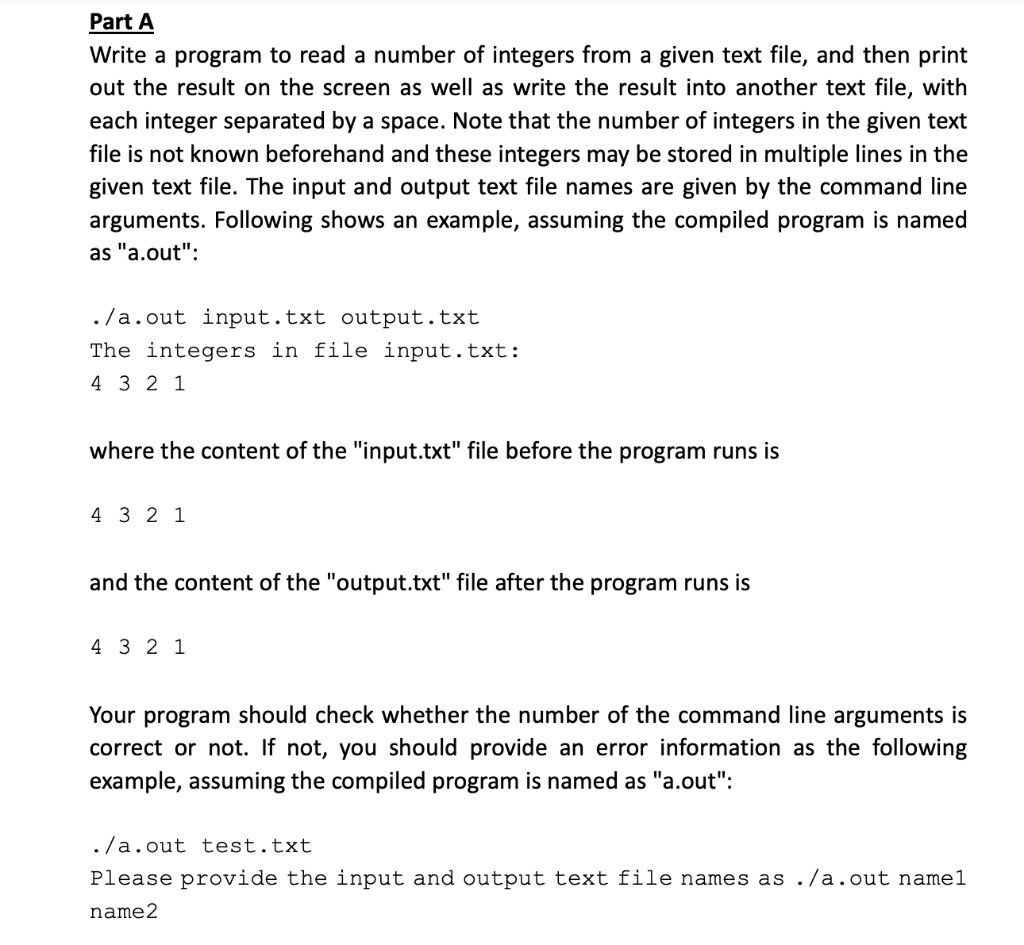
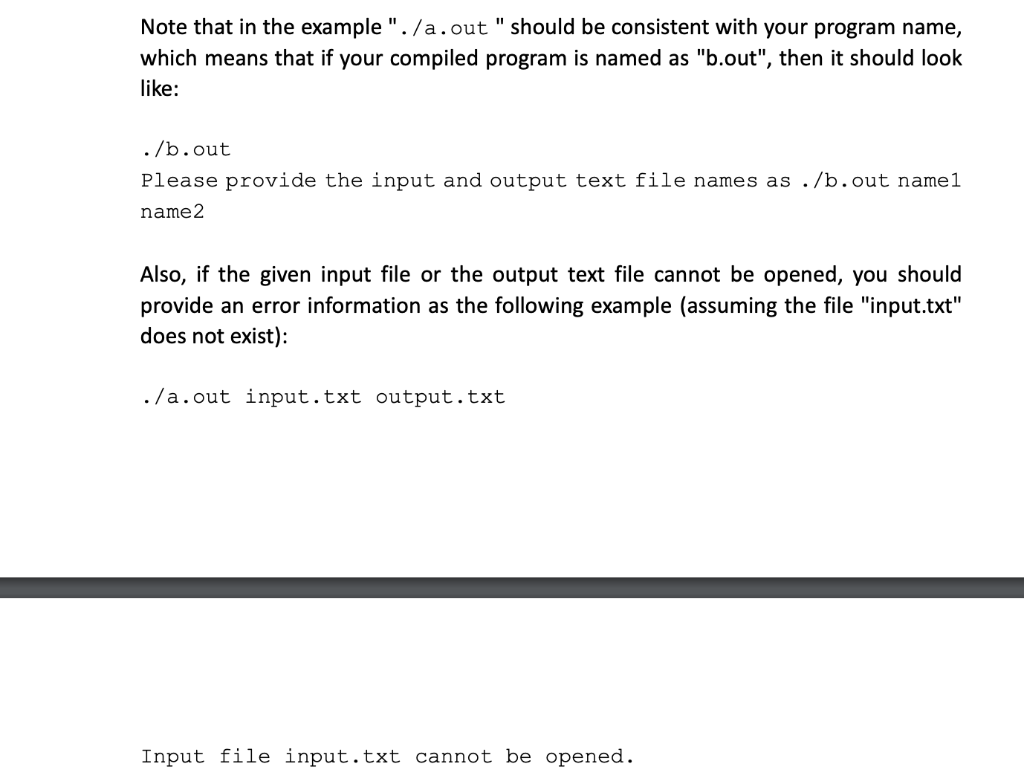
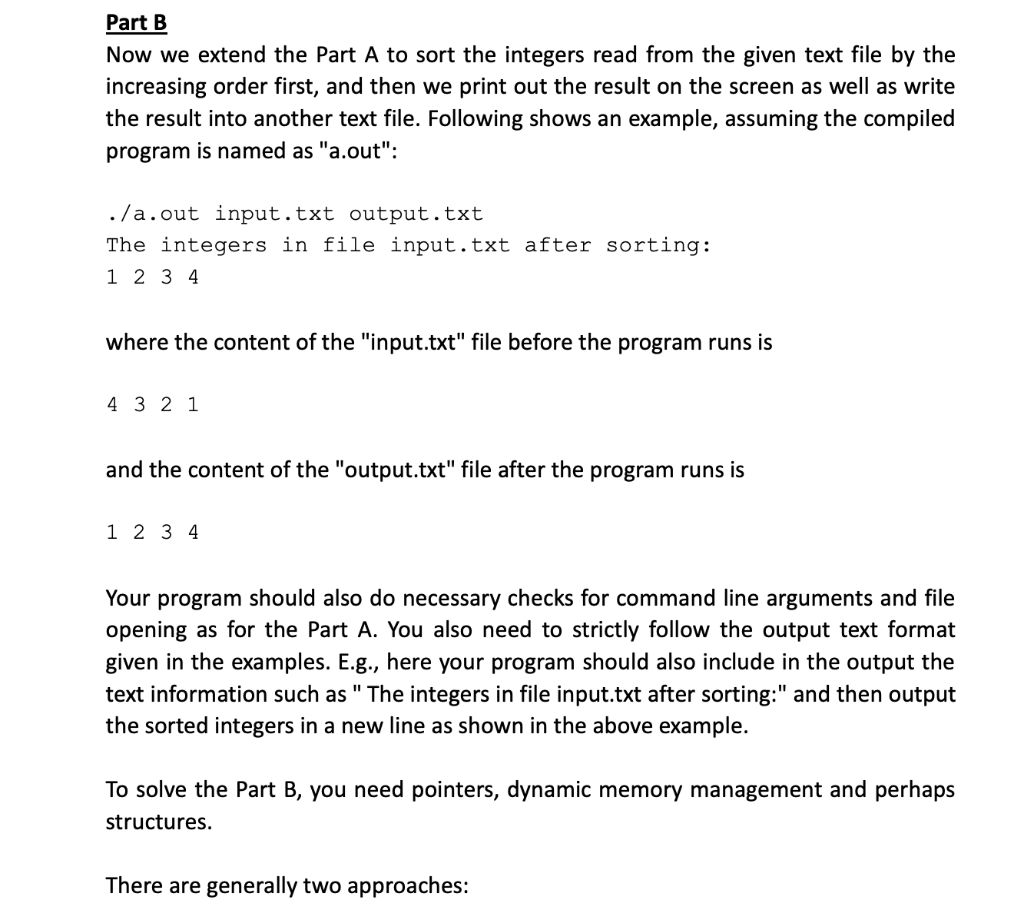
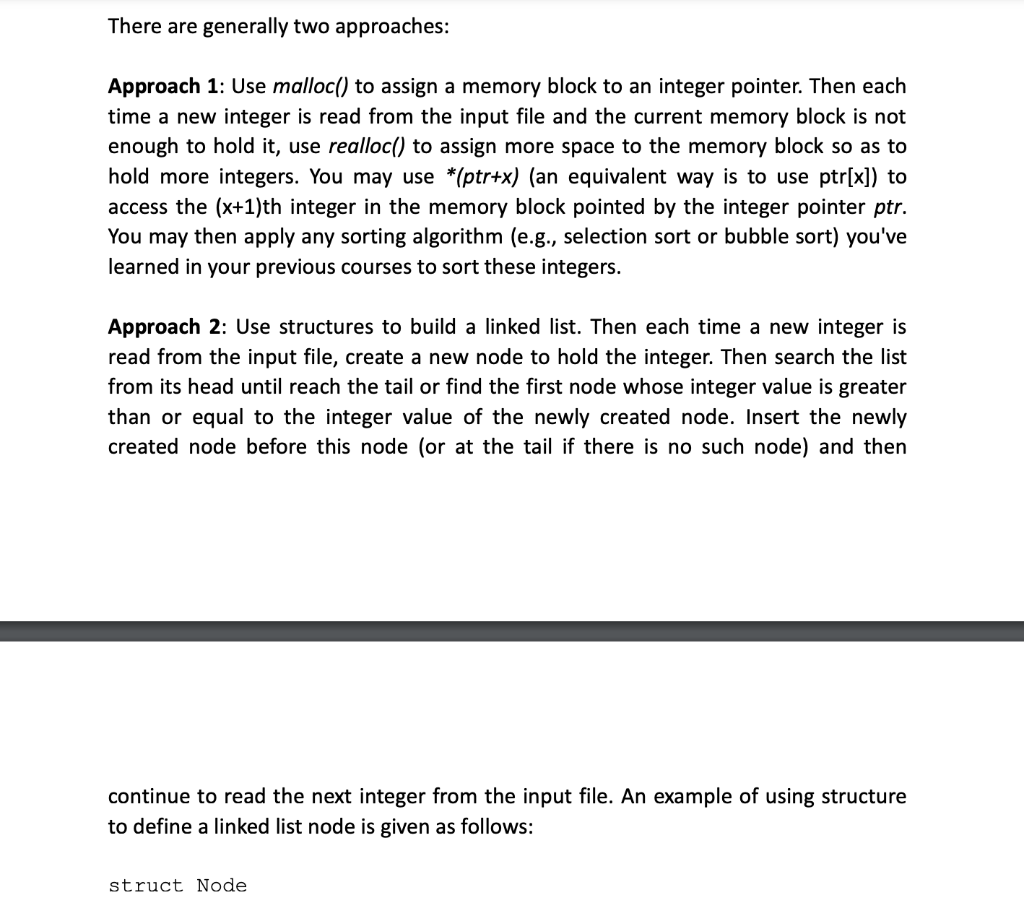
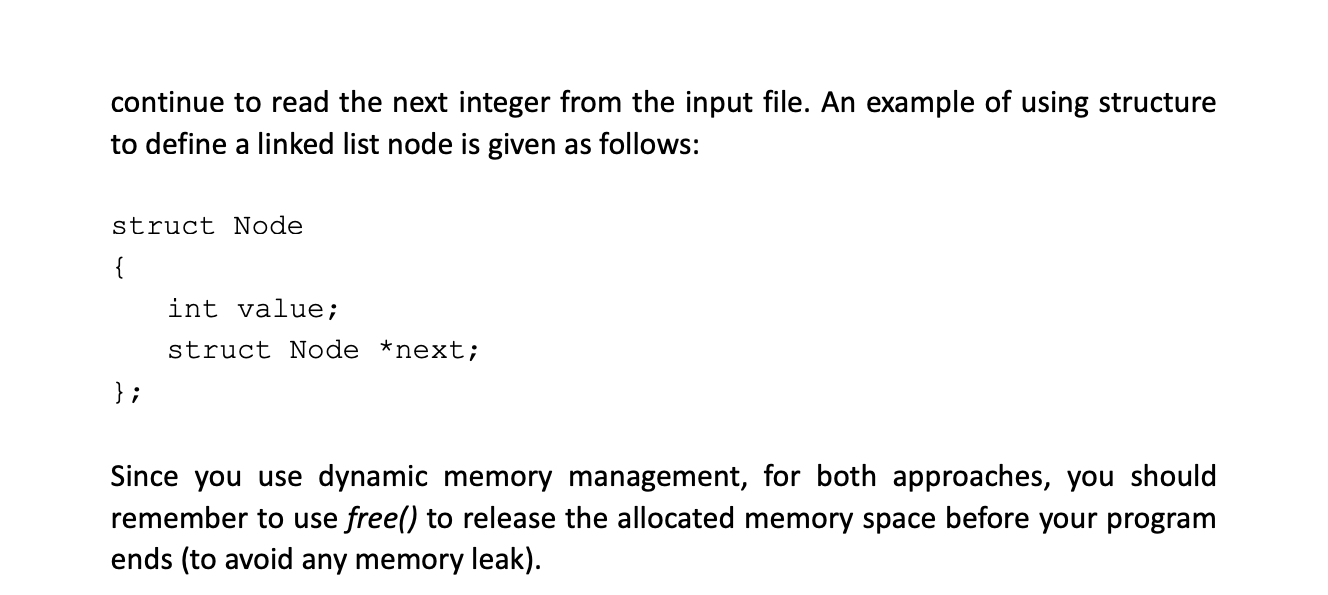
Part A Write a program to read a number of integers from a given text file, and then print out the result on the screen as well as write the result into another text file, with each integer separated by a space. Note that the number of integers in the given text file is not known beforehand and these integers may be stored in multiple lines in the given text file. The input and output text file names are given by the command line arguments. Following shows an example, assuming the compiled program is named as "a.out": ./a.out input.txt output.txt The integers in file input.txt: 4421 where the content of the "input.txt" file before the program runs is 4321 and the content of the "output.txt" file after the program runs is 4321 Your program should check whether the number of the command line arguments is correct or not. If not, you should provide an error information as the following example, assuming the compiled program is named as "a.out": ./a.out test.txt Please provide the input and output text file names as ./a.out name1 name 2 Note that in the example ". / a. out " should be consistent with your program name, which means that if your compiled program is named as "b.out", then it should look like: ./b.out Please provide the input and output text file names as ./b.out name1 name 2 Also, if the given input file or the output text file cannot be opened, you should provide an error information as the following example (assuming the file "input.txt" does not exist): ./a.out input.txt output.txt Input file input.txt cannot be opened. Part B Now we extend the Part A to sort the integers read from the given text file by the increasing order first, and then we print out the result on the screen as well as write the result into another text file. Following shows an example, assuming the compiled program is named as "a.out": ./a.out input.txt output.txt The integers in file input.txt after sorting: 1234 where the content of the "input.txt" file before the program runs is 4321 and the content of the "output.txt" file after the program runs is 1234 Your program should also do necessary checks for command line arguments and file opening as for the Part A. You also need to strictly follow the output text format given in the examples. E.g., here your program should also include in the output the text information such as " The integers in file input.txt after sorting:" and then output the sorted integers in a new line as shown in the above example. To solve the Part B, you need pointers, dynamic memory management and perhaps structures. There are generally two approaches: Approach 1: Use malloc() to assign a memory block to an integer pointer. Then each time a new integer is read from the input file and the current memory block is not enough to hold it, use realloc() to assign more space to the memory block so as to hold more integers. You may use (ptr+x) (an equivalent way is to use ptr[x] ) to access the (x+1) th integer in the memory block pointed by the integer pointer ptr. You may then apply any sorting algorithm (e.g., selection sort or bubble sort) you've learned in your previous courses to sort these integers. Approach 2: Use structures to build a linked list. Then each time a new integer is read from the input file, create a new node to hold the integer. Then search the list from its head until reach the tail or find the first node whose integer value is greater than or equal to the integer value of the newly created node. Insert the newly created node before this node (or at the tail if there is no such node) and then continue to read the next integer from the input file. An example of using structure to define a linked list node is given as follows: struct Node continue to read the next integer from the input file. An example of using structure to define a linked list node is given as follows: struct Node \{ int value; struct Node next; Since you use dynamic memory management, for both approaches, you should remember to use free() to release the allocated memory space before your program ends (to avoid any memory leak)
Step by Step Solution
There are 3 Steps involved in it

Get step-by-step solutions from verified subject matter experts
 Study Help