







Question: Please provide Excel screenshots for step by step 5. Go to the Depreciation worksheet. Pranjali needs to correct the errors on this worksheet before she
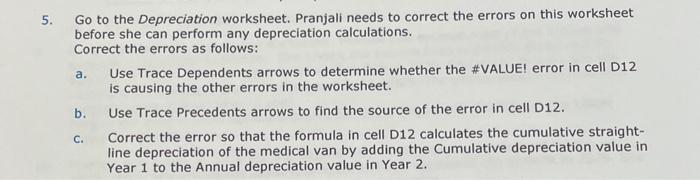
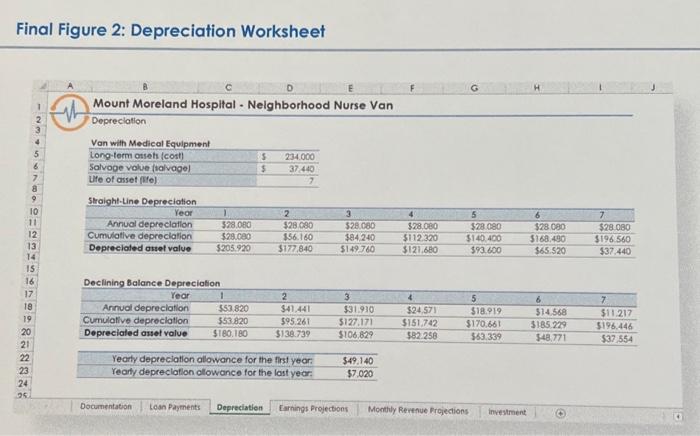
5. Go to the Depreciation worksheet. Pranjali needs to correct the errors on this worksheet before she can perform any depreciation calculations. Correct the errors as follows: a. Use Trace Dependents arrows to determine whether the \#VALUEI error in cell D12 is causing the other errors in the worksheet. b. Use Trace Precedents arrows to find the source of the error in cell D12. c. Correct the error so that the formula in cell D12 calculates the cumulative straightline depreciation of the medical van by adding the Cumulative depreciation value in Year 1 to the Annual depreciation value in Year 2. Mount Moreland Hospltal - Nelghborhood Nurse Van Depreciation
Step by Step Solution
There are 3 Steps involved in it

Get step-by-step solutions from verified subject matter experts
 Study Help