







Question: please provide the arduino zero code and explain how to solve it Credit: Using 1 - wire protocol, connect to the EEPROM component. Write to
please provide the arduino zero code and explain how to solve it
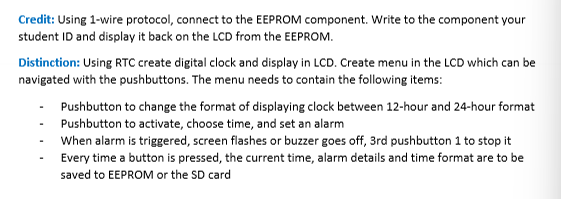
Credit: Using wire protocol, connect to the EEPROM component. Write to the component your
student ID and display it back on the LCD from the EEPROM.
Distinction: Using RTC create digital clock and display in LCD. Create menu in the LCD which can be
navigated with the pushbuttons. The menu needs to contain the following items:
Pushbutton to change the format of displaying clock between hour and hour format
Pushbutton to activate, choose time, and set an alarm
When alarm is triggered, screen flashes or buzzer goes off, rd pushbutton to stop it
Every time a button is pressed, the current time, alarm details and time format are to be
saved to EEPROM or the SD card
Step by Step Solution
There are 3 Steps involved in it
1 Expert Approved Answer
Step: 1 Unlock

Question Has Been Solved by an Expert!
Get step-by-step solutions from verified subject matter experts
Step: 2 Unlock
Step: 3 Unlock
 Study Help