







Question: Please provide the steps for how to do each step, not just the final answer. 9. Carla also wants to show the remaining amount as
Please provide the steps for how to do each step, not just the final answer.
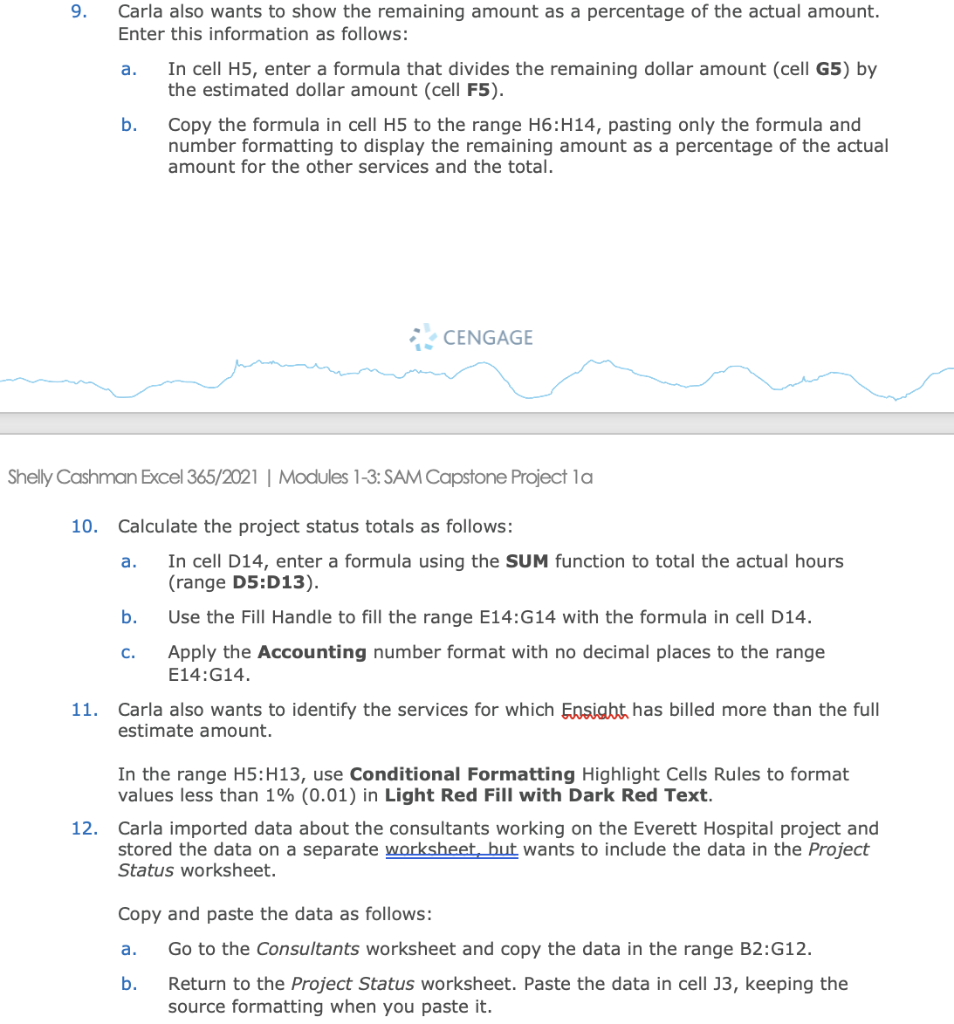
9. Carla also wants to show the remaining amount as a percentage of the actual amount. Enter this information as follows: a. In cell H5, enter a formula that divides the remaining dollar amount (cell G5) by the estimated dollar amount (cell F5). b. Copy the formula in cell H5 to the range H6:H14, pasting only the formula and number formatting to display the remaining amount as a percentage of the actual amount for the other services and the total. y Cashman Excel 365/2021 | Modules 1-3: SAM Capstone Project la 10. Calculate the project status totals as follows: a. In cell D14, enter a formula using the SUM function to total the actual hours (range D5:D13). b. Use the Fill Handle to fill the range E14:G14 with the formula in cell D14. c. Apply the Accounting number format with no decimal places to the range E14:G14. 11. Carla also wants to identify the services for which Essight has billed more than the full estimate amount. In the range H5: H13, use Conditional Formatting Highlight Cells Rules to format values less than 1% (0.01) in Light Red Fill with Dark Red Text. 12. Carla imported data about the consultants working on the Everett Hospital project and stored the data on a separate worksheet, hut wants to include the data in the Project Status worksheet. Copy and paste the data as follows: a. Go to the Consultants worksheet and copy the data in the range B2:G12. b. Return to the Project Status worksheet. Paste the data in cell J3, keeping the
Step by Step Solution
There are 3 Steps involved in it

Get step-by-step solutions from verified subject matter experts
 Study Help