







Question: Please send both the python and html file. Overview: This week, you have studied Web application vulnerabilities, password complexity, logs and cryptographic algorithms. The Lab
Please send both the python and html file.
Overview: This week, you have studied Web application vulnerabilities, password complexity, logs and
cryptographic algorithms. The Lab for this week demonstrates your knowledge of this additional
knowledge applied using Python functionality.
Submission requirements for this project include files. Zipping them into one file is acceptable and
encouraged:
Python Web Application Code Python code for all routes, templates, static files and other files
Word or PDF file containing your test, pylint results and Cryptographic results.
Python Applications for this lab: total points:
points In this exercise you will update your web site to include a password update form and
provide additional validation on the password check. Specifically you should create:
a Password update Form This Python form allows a previously registered user to reset their
password after they have successfully logged in
b Authentication functions These Python functions will check the following NIST SP B
criteria are met upon password update:
Use the previous criteria for password length and complexity. This work should already be
done.
Compare the prospective secrets against a list that contains values known to be commonlyused, expected, or compromised Provided as CommonPasswords.txt
If the chosen secret is found in the list, the application SHALL advise the subscriber that they
need to select a different secret.
c Logger Create a log to log all failed login attempts. The Log should include date, time and IP
address.
Hints:
Start early. This will take you longer than you think.
Leverage the File IO Flask and Data structures work previously performed in the class.
Use functions to enhance code reuse and modularity.
Use Python Lists or other data structures to store the Common Passwords and then appropriate
search functions to expedite comparisons.
Use comments to document your code
Test with many combinations.
Use pylint to verify the code style the goal is a
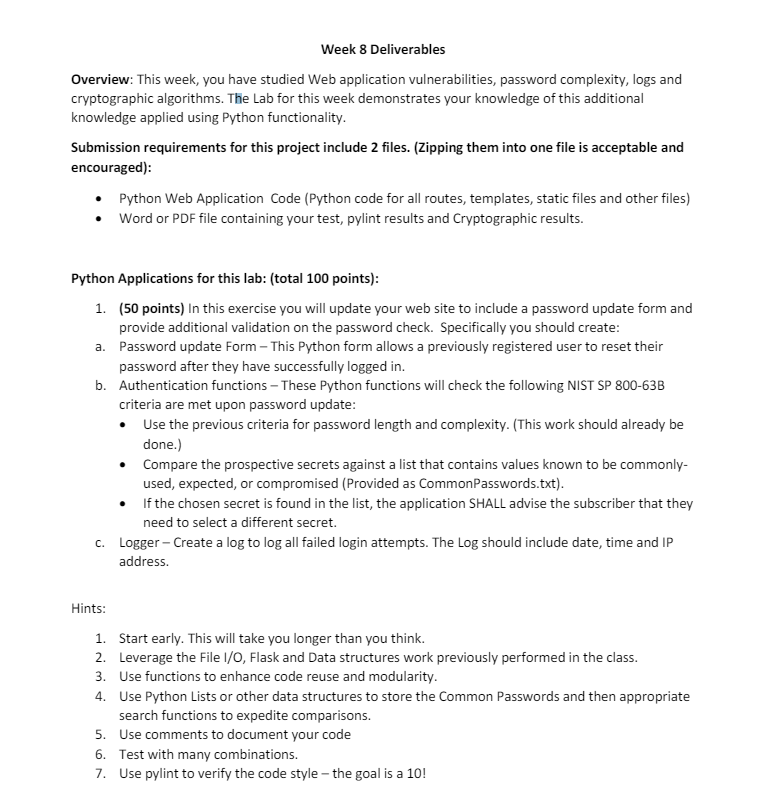
Week Deliverables
Overview: This week, you have studied Web application vulnerabilities, password complexity, logs and
cryptographic algorithms. The Lab for this week demonstrates your knowledge of this additional
knowledge applied using Python functionality.
Submission requirements for this project include files. Zipping them into one file is acceptable and
encouraged:
Python Web Application Code Python code for all routes, templates, static files and other files
Word or PDF file containing your test, pylint results and Cryptographic results.
Python Applications for this lab: total points:
points In this exercise you will update your web site to include a password update form and
provide additional validation on the password check. Specifically you should create:
a Password update Form This Python form allows a previously registered user to reset their
password after they have successfully logged in
b Authentication functions These Python functions will check the following NIST SP B
criteria are met upon password update:
Use the previous criteria for password length and complexity. This work should already be
done.
Compare the prospective secrets against a list that contains values known to be commonly
used, expected, or compromised Provided as CommonPasswords.txt
If the chosen secret is found in the list, the application SHALL advise the subscriber that they
need to select a different secret.
c Logger Create a log to log all failed login attempts. The Log should include date, time and IP
address.
Hints:
Start early. This will take you longer than you think.
Leverage the File IO Flask and Data structures work previously performed in the class.
Use functions to enhance code reuse and modularity.
Use Python Lists or other data structures to store the Common Passwords and then appropriate
search functions to expedite comparisons.
Use comments to document your code
Test with many combinations.
Use pylint to verify the code style the goal is a
Step by Step Solution
There are 3 Steps involved in it
1 Expert Approved Answer
Step: 1 Unlock

Question Has Been Solved by an Expert!
Get step-by-step solutions from verified subject matter experts
Step: 2 Unlock
Step: 3 Unlock
 Study Help