







Question: Please show excel formulas/functions The Basics (10 points) The question reviews NPV and IRR. Please answer all four parts. Part A: Suppose you have three
Please show excel formulas/functions
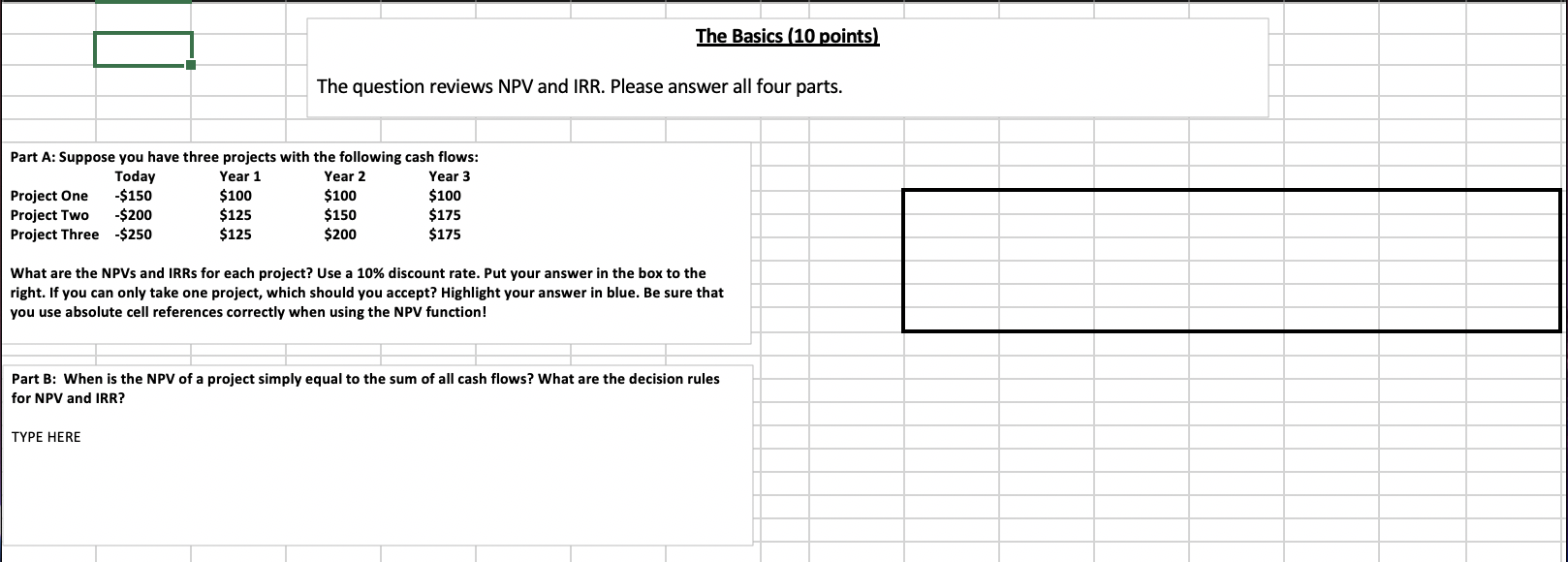
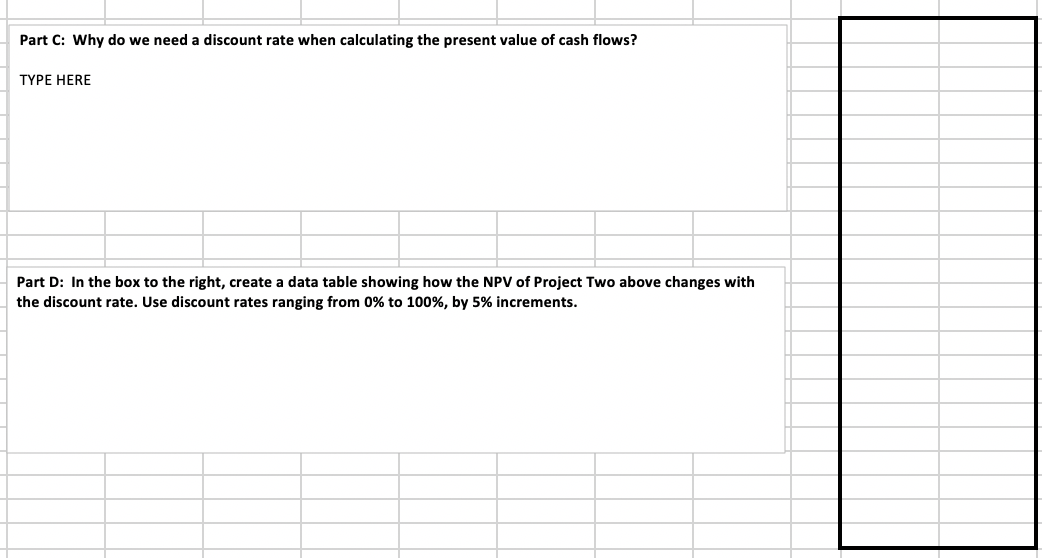
The Basics (10 points) The question reviews NPV and IRR. Please answer all four parts. Part A: Suppose you have three projects with the following cash flows: Today Year 1 Year 2 Year 3 Project One -$150 $100 $100 $100 Project Two -$200 $125 $150 $175 Project Three $250 $125 $200 $175 What are the NPVs and IRRs for each project? Use a 10% discount rate. Put your answer in the box to the right. If you can only take one project, which should you accept? Highlight your answer in blue. Be sure that you use absolute cell references correctly when using the NPV function! Part B: When is the NPV of a project simply equal to the sum of all cash flows? What are the decision rules for NPV and IRR? TYPE HERE Part C: Why do we need a discount rate when calculating the present value of cash flows? TYPE HERE Part D: In the box to the right, create a data table showing how the NPV of Project Two above changes with the discount rate. Use discount rates ranging from 0% to 100%, by 5% increments. The Basics (10 points) The question reviews NPV and IRR. Please answer all four parts. Part A: Suppose you have three projects with the following cash flows: Today Year 1 Year 2 Year 3 Project One -$150 $100 $100 $100 Project Two -$200 $125 $150 $175 Project Three $250 $125 $200 $175 What are the NPVs and IRRs for each project? Use a 10% discount rate. Put your answer in the box to the right. If you can only take one project, which should you accept? Highlight your answer in blue. Be sure that you use absolute cell references correctly when using the NPV function! Part B: When is the NPV of a project simply equal to the sum of all cash flows? What are the decision rules for NPV and IRR? TYPE HERE Part C: Why do we need a discount rate when calculating the present value of cash flows? TYPE HERE Part D: In the box to the right, create a data table showing how the NPV of Project Two above changes with the discount rate. Use discount rates ranging from 0% to 100%, by 5% increments
Step by Step Solution
There are 3 Steps involved in it

Get step-by-step solutions from verified subject matter experts
 Study Help