







Question: please show how to do all please 1. Write the HTML for a paragraph that uses inline styles to configure the background color of green
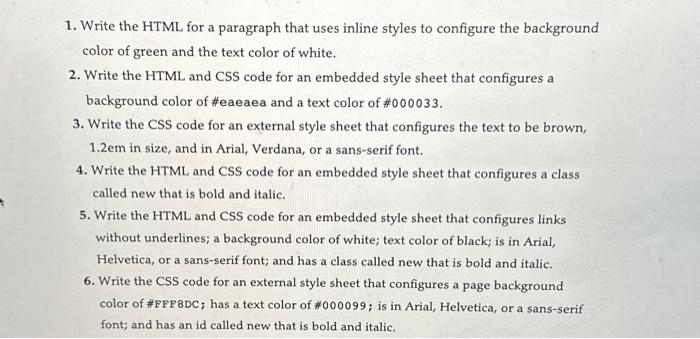
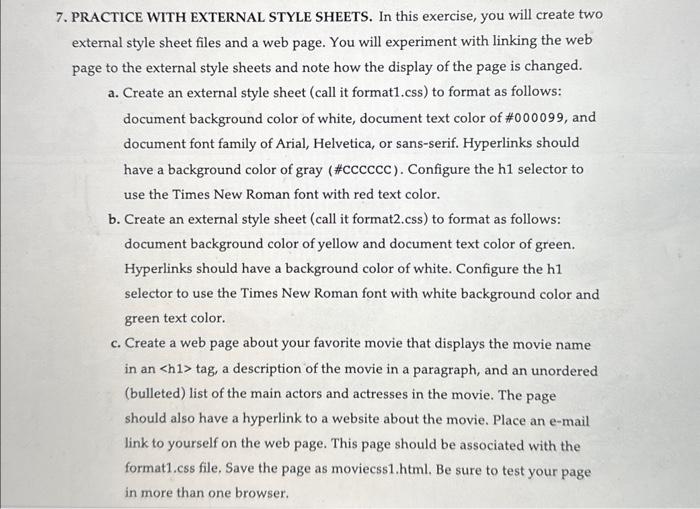

1. Write the HTML for a paragraph that uses inline styles to configure the background color of green and the text color of white. 2. Write the HTML and CSS code for an embedded style sheet that configures a background color of \#eaeaea and a text color of \#000033. 3. Write the CSS code for an external style sheet that configures the text to be brown, 1.2em in size, and in Arial, Verdana, or a sans-serif font. 4. Write the HTML and CSS code for an embedded style sheet that configures a class called new that is bold and italic. 5. Write the HTML and CSS code for an embedded style sheet that configures links without underlines; a background color of white; text color of black; is in Arial, Helvetica, or a sans-serif font; and has a class called new that is bold and italic. 6. Write the CSS code for an external style sheet that configures a page background color of \#FFF8DC; has a text color of \#000099; is in Arial, Helvetica, or a sans-serif font; and has an id called new that is bold and italic. RACTICE WITH EXTERNAL STYLE SHEETS. In this exercise, you will create two xternal style sheet files and a web page. You will experiment with linking the web age to the external style sheets and note how the display of the page is changed. a. Create an external style sheet (call it format1.css) to format as follows: document background color of white, document text color of \#000099, and document font family of Arial, Helvetica, or sans-serif. Hyperlinks should have a background color of gray (\# CCCCCC). Configure the h1 selector to use the Times New Roman font with red text color. b. Create an external style sheet (call it format2.css) to format as follows: document background color of yellow and document text color of green. Hyperlinks should have a background color of white. Configure the h1 selector to use the Times New Roman font with white background color and green text color. c. Create a web page about your favorite movie that displays the movie name in an h1tag, a description of the movie in a paragraph, and an unordered (bulleted) list of the main actors and actresses in the movie. The page should also have a hyperlink to a website about the movie. Place an e-mail link to yourself on the web page. This page should be associated with the format1.css file, Save the page as moviecss1.html. Be sure to test your page in more than one browser. d. Modify the moviecss1.html page to link to the format2.css external style sheet instead of the format1.css file. Save the page as moviecss 2.html and test it in a browser. Notice how different the page looks
Step by Step Solution
There are 3 Steps involved in it

Get step-by-step solutions from verified subject matter experts
 Study Help