







Question: Please show work in python code. As a Group Step: Create Node class Create a class called Node that has members 'value' and 'parent'. The
Please show work in python code.
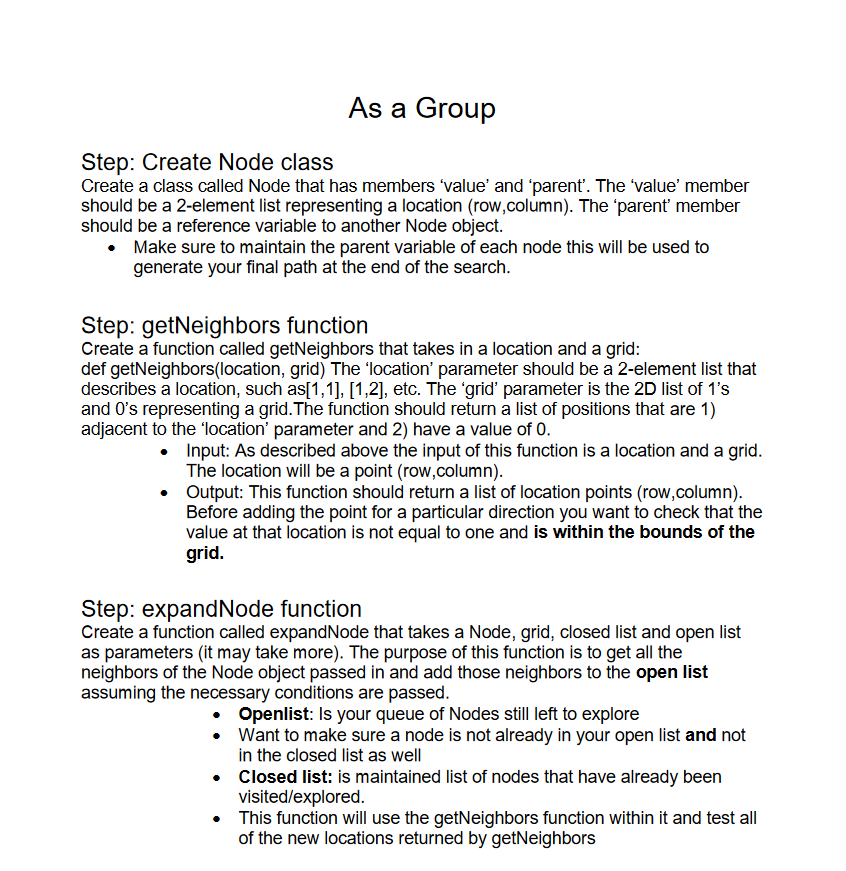
As a Group Step: Create Node class Create a class called Node that has members 'value' and 'parent'. The 'value' member should be a 2-element list representing a location (row,column). The "parent' member should be a reference variable to another Node object. Make sure to maintain the parent variable of each node this will be used to generate your final path at the end of the search. Step: getNeighbors function Create a function called getNeighbors that takes in a location and a grid: def getNeighbors(location, grid) The 'location' parameter should be a 2-element list that describes a location, such as[1,1],[1,2], etc. The 'grid parameter is the 2D list of 1's and O's representing a grid. The function should return a list of positions that are 1) adjacent to the 'location' parameter and 2) have a value of 0. Input: As described above the input of this function is a location and a grid. The location will be a point (row,column). Output: This function should return a list of location points (row,column). Before adding the point for a particular direction you want to check that the value at that location is not equal to one and is within the bounds of the grid. Step: expandNode function Create a function called expandNode that takes a Node, grid, closed list and open list as parameters (it may take more). The purpose of this function is to get all the neighbors of the Node object passed in and add those neighbors to the open list assuming the necessary conditions are passed. Openlist: Is your queue of Nodes still left to explore Want to make sure a node is not already in your open list and not in the closed list as well Closed list: is maintained list of nodes that have already been visited/explored. This function will use the getNeighbors function within it and test all of the new locations returned by getNeighbors
Step by Step Solution
There are 3 Steps involved in it

Get step-by-step solutions from verified subject matter experts
 Study Help