







Question: please solve all these questions using Google Colab or python. 1) 2) 3) 4) A passenger is allowed to carry a hand luggage which can
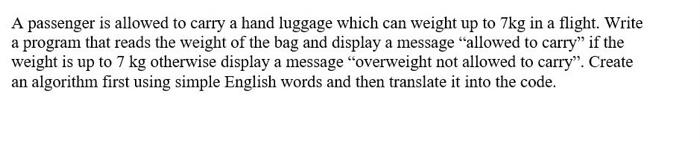

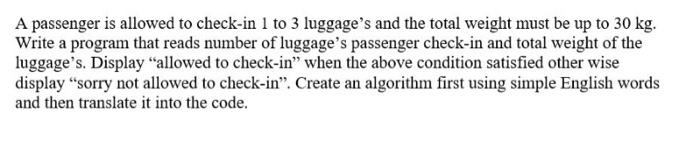
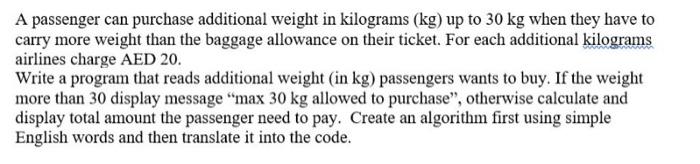
A passenger is allowed to carry a hand luggage which can weight up to 7kg in a flight. Write a program that reads the weight of the bag and display a message "allowed to carry" if the weight is up to 7kg otherwise display a message "overweight not allowed to carry". Create an algorithm first using simple English words and then translate it into the code. Ask user to enter a number between 10 and 99 . If the user enter a number within this range, display the message "Correct", otherwise display a message "incorrect". Create an algorithm first using simple English words and then translate it into the code. A passenger is allowed to check-in 1 to 3 luggage's and the total weight must be up to 30kg. Write a program that reads number of luggage's passenger check-in and total weight of the luggage's. Display "allowed to check-in" when the above condition satisfied other wise display "sorry not allowed to check-in". Create an algorithm first using simple English words and then translate it into the code. A passenger can purchase additional weight in kilograms ( kg ) up to 30kg when they have to carry more weight than the baggage allowance on their ticket. For each additional kilograms airlines charge AED 20. Write a program that reads additional weight (in kg ) passengers wants to buy. If the weight more than 30 display message "max 30kg allowed to purchase", otherwise calculate and display total amount the passenger need to pay. Create an algorithm first using simple English words and then translate it into the code
Step by Step Solution
There are 3 Steps involved in it

Get step-by-step solutions from verified subject matter experts
 Study Help