







Question: Please solve in Ubuntu 5) Remove only the compressed files from directory xl, Then, compress all the original files in one compressed file called comp
Please solve in Ubuntu
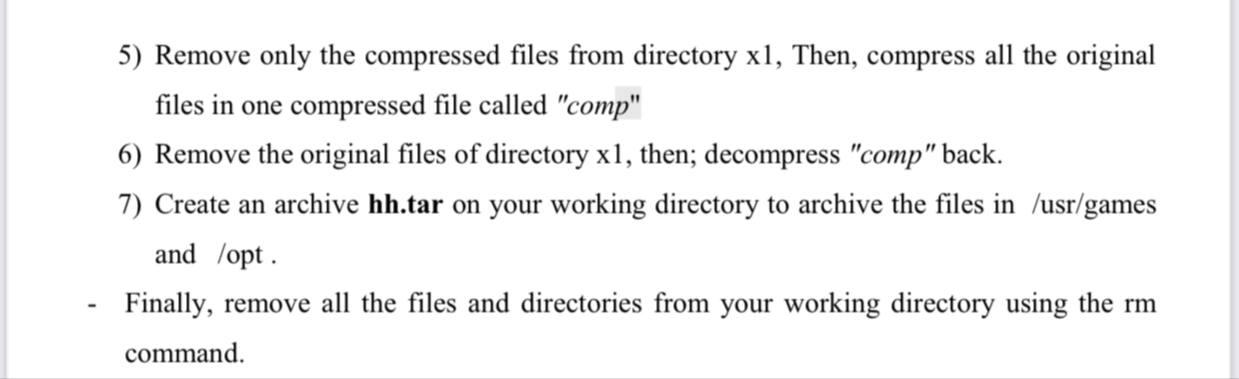
5) Remove only the compressed files from directory xl, Then, compress all the original files in one compressed file called "comp" 6) Remove the original files of directory xl, then; decompress "comp" back. 7) Create an archive hh.tar on your working directory to archive the files in /usr/games and /opt. Finally, remove all the files and directories from your working directory using the rm command
Step by Step Solution
There are 3 Steps involved in it
1 Expert Approved Answer
Step: 1 Unlock

Question Has Been Solved by an Expert!
Get step-by-step solutions from verified subject matter experts
Step: 2 Unlock
Step: 3 Unlock
 Study Help