







Question: Please solve the following using object oriented programming (JAVA) Combination Locks As part of a Java application project (using the IDE of your choice), define
Please solve the following using object oriented programming (JAVA)
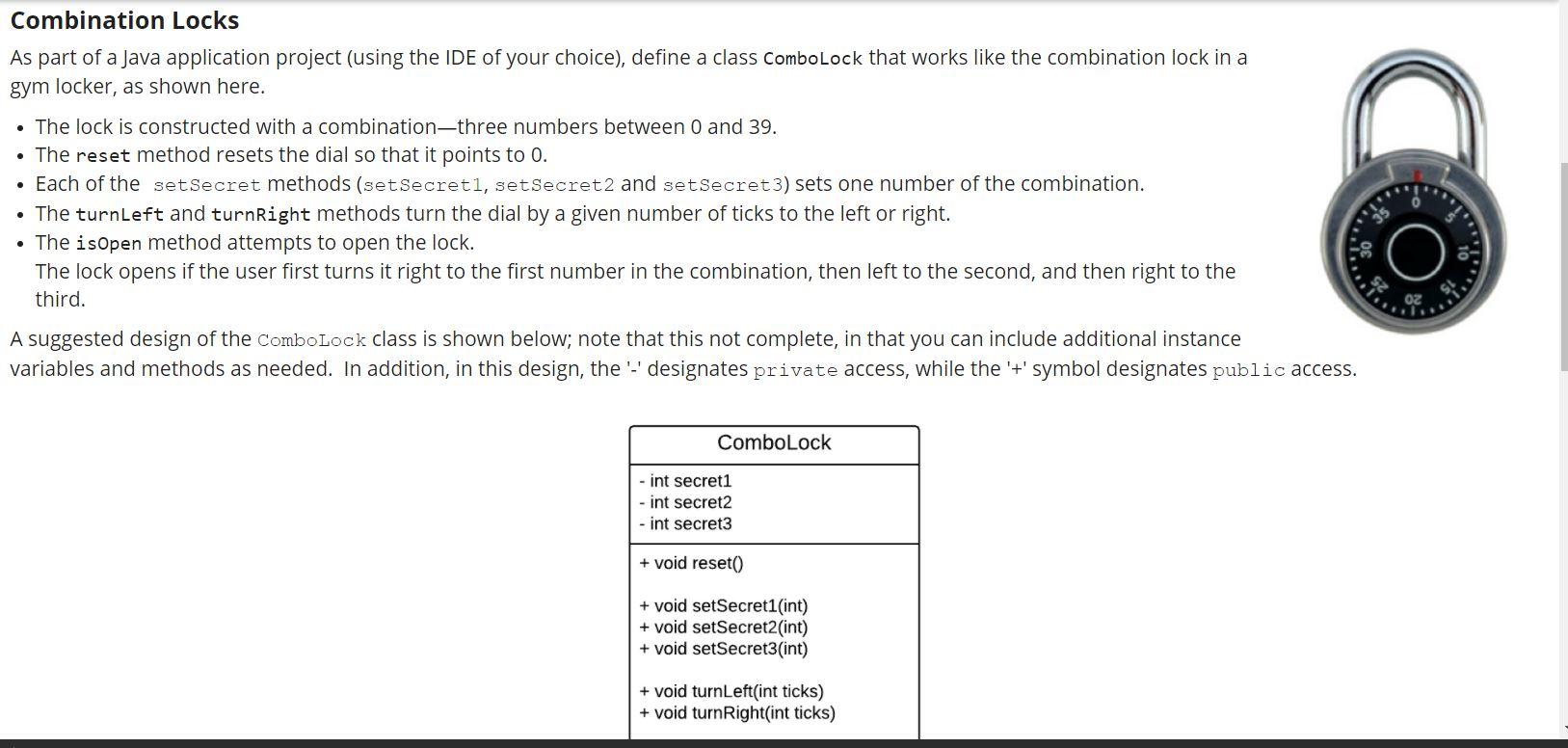
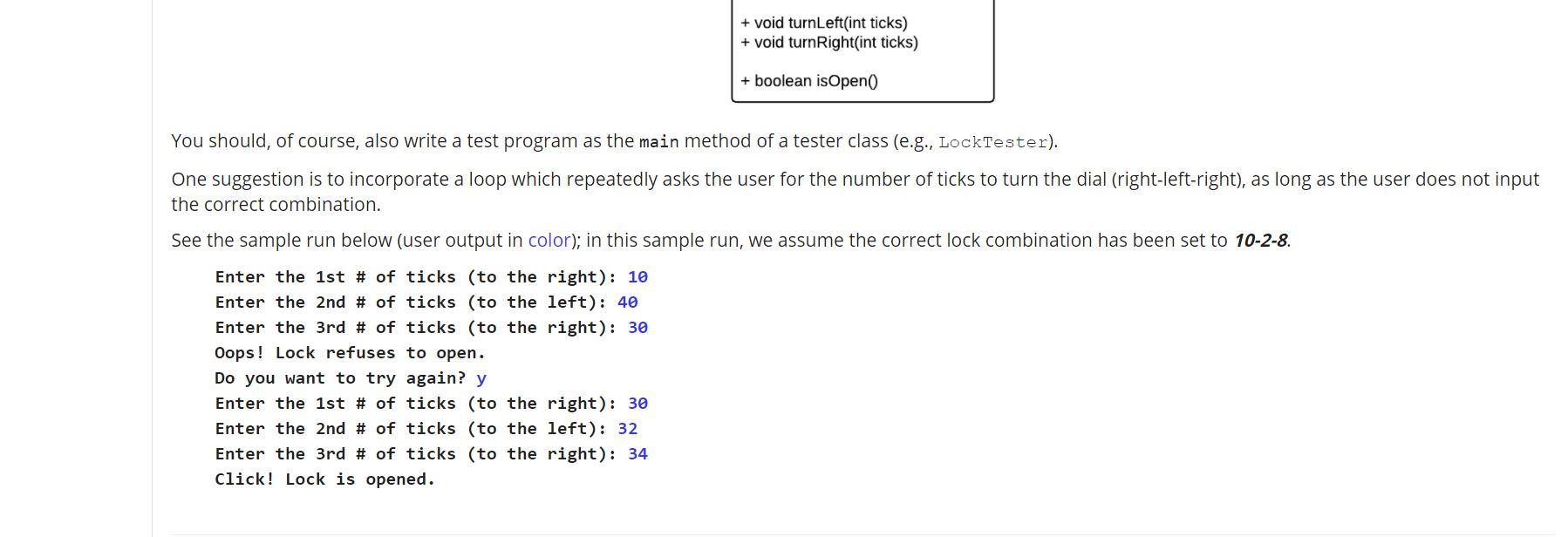
Combination Locks As part of a Java application project (using the IDE of your choice), define a class ComboLock that works like the combination lock in a gym locker, as shown here. The lock is constructed with a combination three numbers between 0 and 39. The reset method resets the dial so that it points to 0. Each of the set Secret methods (setSecreti, setSecret2 and setSecret3) sets one number of the combination. The turnleft and turnRight methods turn the dial by a given number of ticks to the left or right. The isOpen method attempts to open the lock. The lock opens if the user first turns it right to the first number in the combination, then left to the second, and then right to the third. A suggested design of the ComboLock class is shown below; note that this not complete, in that you can include additional instance variables and methods as needed. In addition, in this design, the '-' designates private access, while the '+' symbol designates public access. ComboLock - int secret1 - int secret2 - int secret3 + void reset() + void setSecret1 (int) + void setSecret2 (int) + void setSecret3(int) + void turnLeft(int ticks) + void turn Right(int ticks) + void turnLeft(int ticks) + void turn Right(int ticks) + boolean isOpen() You should, of course, also write a test program as the main method of a tester class (e.g., LockTester). One suggestion is to incorporate a loop which repeatedly asks the user for the number of ticks to turn the dial (right-left-right), as long as the user does not input the correct combination. See the sample run below (user output in color); in this sample run, we assume the correct lock combination has been set to 10-2-8. Enter the 1st # of ticks (to the right): 10 Enter the 2nd # of ticks (to the left): 40 Enter the 3rd # of ticks (to the right): 30 Oops! Lock refuses to open. Do you want to try again? y Enter the 1st # of ticks (to the right): 30 Enter the 2nd # of ticks (to the left): 32 Enter the 3rd # of ticks (to the right): 34 Click! Lock is opened. Combination Locks As part of a Java application project (using the IDE of your choice), define a class ComboLock that works like the combination lock in a gym locker, as shown here. The lock is constructed with a combination three numbers between 0 and 39. The reset method resets the dial so that it points to 0. Each of the set Secret methods (setSecreti, setSecret2 and setSecret3) sets one number of the combination. The turnleft and turnRight methods turn the dial by a given number of ticks to the left or right. The isOpen method attempts to open the lock. The lock opens if the user first turns it right to the first number in the combination, then left to the second, and then right to the third. A suggested design of the ComboLock class is shown below; note that this not complete, in that you can include additional instance variables and methods as needed. In addition, in this design, the '-' designates private access, while the '+' symbol designates public access. ComboLock - int secret1 - int secret2 - int secret3 + void reset() + void setSecret1 (int) + void setSecret2 (int) + void setSecret3(int) + void turnLeft(int ticks) + void turn Right(int ticks) + void turnLeft(int ticks) + void turn Right(int ticks) + boolean isOpen() You should, of course, also write a test program as the main method of a tester class (e.g., LockTester). One suggestion is to incorporate a loop which repeatedly asks the user for the number of ticks to turn the dial (right-left-right), as long as the user does not input the correct combination. See the sample run below (user output in color); in this sample run, we assume the correct lock combination has been set to 10-2-8. Enter the 1st # of ticks (to the right): 10 Enter the 2nd # of ticks (to the left): 40 Enter the 3rd # of ticks (to the right): 30 Oops! Lock refuses to open. Do you want to try again? y Enter the 1st # of ticks (to the right): 30 Enter the 2nd # of ticks (to the left): 32 Enter the 3rd # of ticks (to the right): 34 Click! Lock is opened
Step by Step Solution
There are 3 Steps involved in it

Get step-by-step solutions from verified subject matter experts
 Study Help