







Question: please solve this question Modifying Triangle Animation. Your task is to start from program 2.6 of our book (triangle animation) and modify it in the
please solve this question
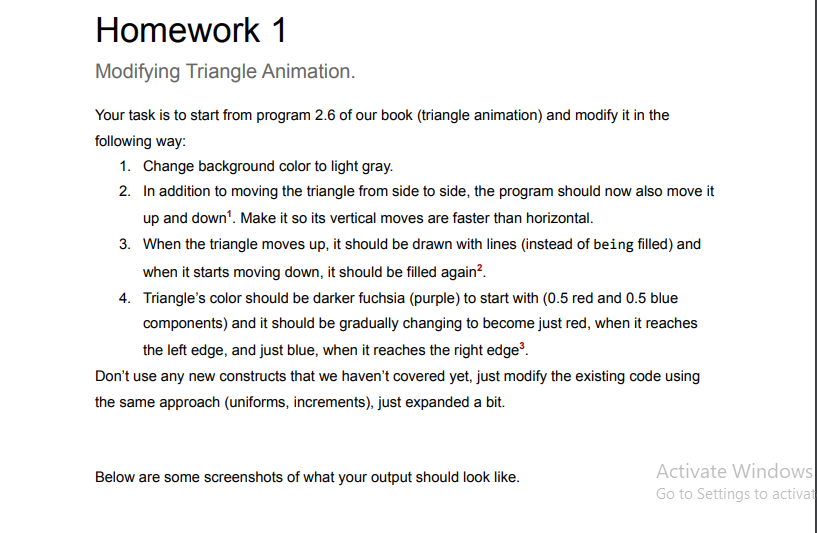
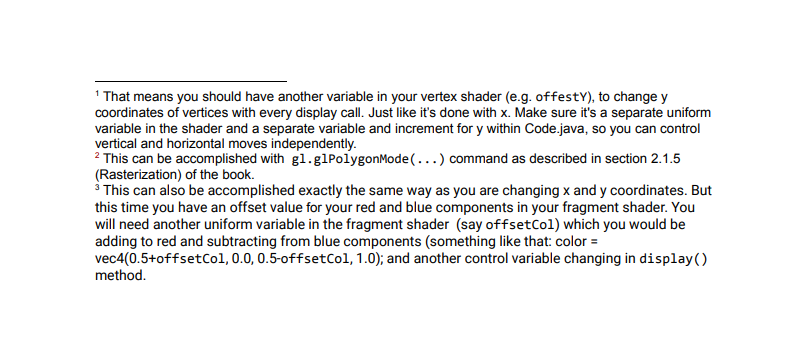
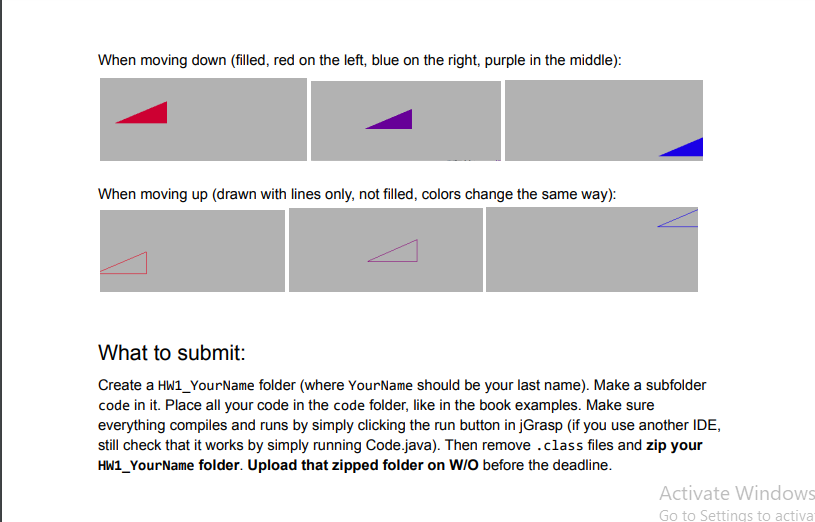
Modifying Triangle Animation. Your task is to start from program 2.6 of our book (triangle animation) and modify it in the following way: 1. Change background color to light gray. 2. In addition to moving the triangle from side to side, the program should now also move it up and down 1 . Make it so its vertical moves are faster than horizontal. 3. When the triangle moves up, it should be drawn with lines (instead of being filled) and when it starts moving down, it should be filled again 2. 4. Triangle's color should be darker fuchsia (purple) to start with ( 0.5 red and 0.5 blue components) and it should be gradually changing to become just red, when it reaches the left edge, and just blue, when it reaches the right edge 3. Don't use any new constructs that we haven't covered yet, just modify the existing code using the same approach (uniforms, increments), just expanded a bit. Below are some screenshots of what your output should look like. Activate Windows Go to Settings to actival 1 That means you should have another variable in your vertex shader (e.g. offestY), to change y coordinates of vertices with every display call. Just like it's done with x. Make sure it's a separate uniform variable in the shader and a separate variable and increment for y within Code.java, so you can control vertical and horizontal moves independently. 2 This can be accomplished with gl.glPolygonMode(...) command as described in section 2.1.5 (Rasterization) of the book. 3 This can also be accomplished exactly the same way as you are changing x and y coordinates. But this time you have an offset value for your red and blue components in your fragment shader. You will need another uniform variable in the fragment shader (say offsetCol) which you would be adding to red and subtracting from blue components (something like that: color = vec4(0.5+offsetCol, 0.0, 0.5-offsetCol, 1.0); and another control variable changing in display() method. When moving down (filled, red on the left, blue on the right, purple in the middle): When moving up (drawn with lines only, not filled, colors change the same way): What to submit: Create a HW1_YourName folder (where YourName should be your last name). Make a subfolder code in it. Place all your code in the code folder, like in the book examples. Make sure everything compiles and runs by simply clicking the run button in jGrasp (if you use another IDE, still check that it works by simply running Code.java). Then remove . class files and zip your HW1_YourName folder. Upload that zipped folder on W/O before the deadline
Step by Step Solution
There are 3 Steps involved in it

Get step-by-step solutions from verified subject matter experts
 Study Help