







Question: ( Please take screenshots. ) Part 1 :Enter your UML class diagram in the space below: Paste the source code of your concrete class in
Please take screenshots.
Part :Enter your UML class diagram in the space below:
Paste the source code of your concrete class in the space below:
Part :Make a screenshot of your GUI and paste it in the space below:
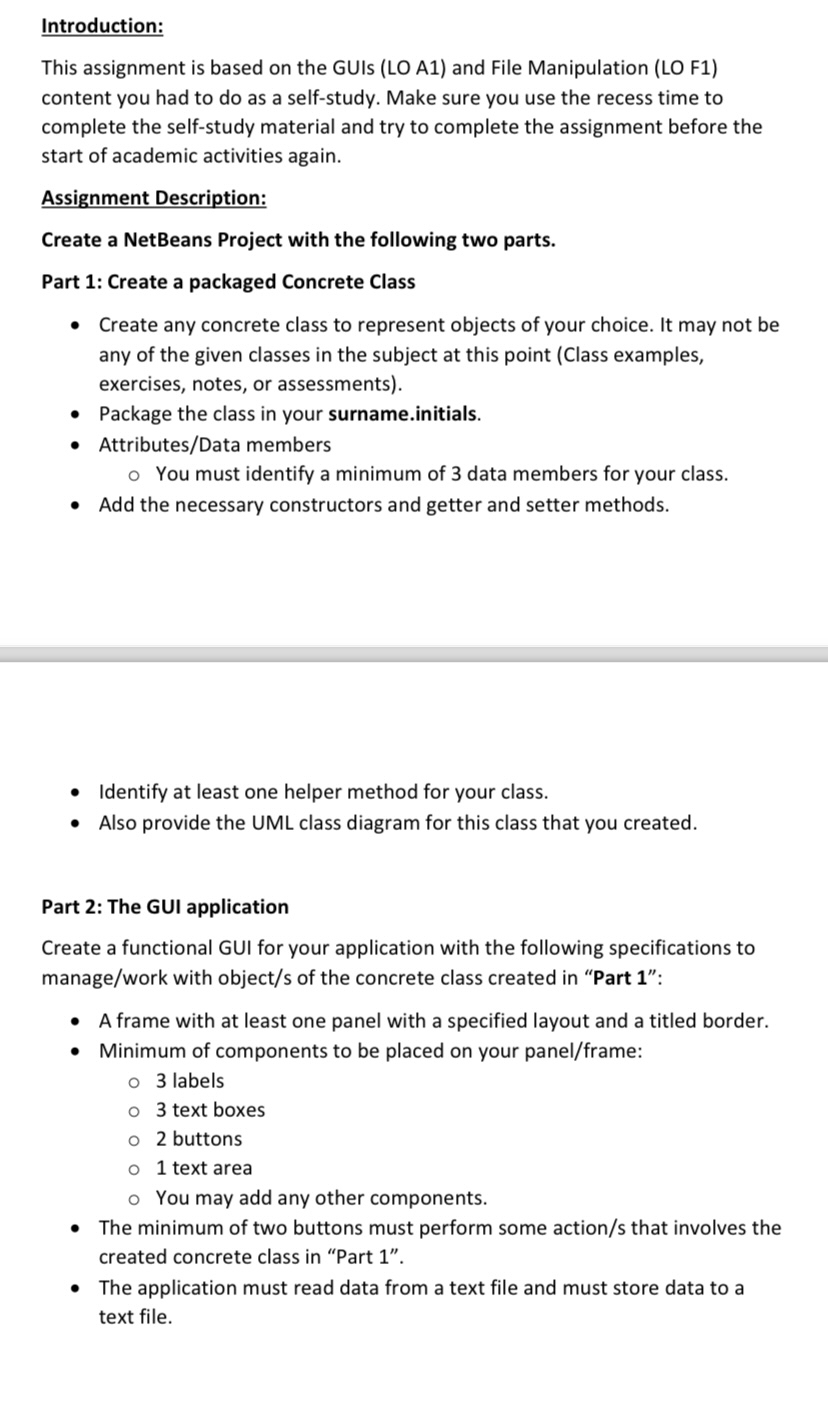
Introduction:
This assignment is based on the GUIs LO A and File Manipulation LO F content you had to do as a selfstudy. Make sure you use the recess time to complete the selfstudy material and try to complete the assignment before the start of academic activities again.
Assignment Description:
Create a NetBeans Project with the following two parts.
Part : Create a packaged Concrete Class
Create any concrete class to represent objects of your choice. It may not be any of the given classes in the subject at this point Class examples, exercises, notes, or assessments
Package the class in your surname.initials.
AttributesData members
You must identify a minimum of data members for your class.
Add the necessary constructors and getter and setter methods.
Identify at least one helper method for your class.
Also provide the UML class diagram for this class that you created.
Part : The GUI application
Create a functional GUI for your application with the following specifications to managework with objects of the concrete class created in "Part :
A frame with at least one panel with a specified layout and a titled border.
Minimum of components to be placed on your panelframe:
labels
text boxes
buttons
text area
You may add any other components.
The minimum of two buttons must perform some actions that involves the created concrete class in "Part
The application must read data from a text file and must store data to a text file.
Paste the source code of the GUI class in the space below:
Content of your text file used in the application:
Step by Step Solution
There are 3 Steps involved in it
1 Expert Approved Answer
Step: 1 Unlock

Question Has Been Solved by an Expert!
Get step-by-step solutions from verified subject matter experts
Step: 2 Unlock
Step: 3 Unlock
 Study Help