







Question: Please use Andriod Studio (Java Code) 1. Create a new project named FirstName LastName Assignment 3 (e.g. Jane Doe Assignment 3). 2. Create a movie
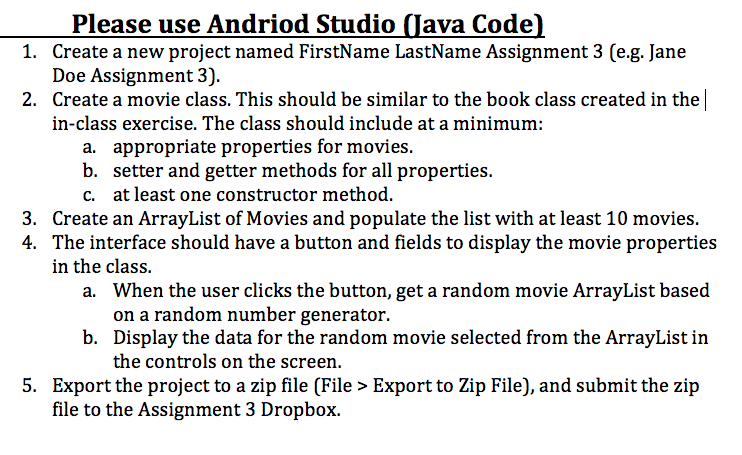
Please use Andriod Studio (Java Code) 1. Create a new project named FirstName LastName Assignment 3 (e.g. Jane Doe Assignment 3). 2. Create a movie class. This should be similar to the book class created in the in-class exercise. The class should include at a minimum: a. appropriate properties for movies. b. setter and getter methods for all properties. c. at least one constructor method. 3. Create an ArrayList of Movies and populate the list with at least 10 movies. 4. The interface should have a button and fields to display the movie properties in the class. a. When the user clicks the button, get a random movie ArrayList based on a random number generator. b. Display the data for the random movie selected from the ArrayList in the controls on the screen. 5. Export the project to a zip file (File >Export to Zip File), and submit the zip file to the Assignment 3 Dropbox. the
Step by Step Solution
There are 3 Steps involved in it

Get step-by-step solutions from verified subject matter experts
 Study Help