







Question: please use asterisk to show me where the code ends and when to create new Class (inheritance ) thanks This problem uses both mouse and
please use asterisk to show me where the code ends and when to create new Class (inheritance ) thanks
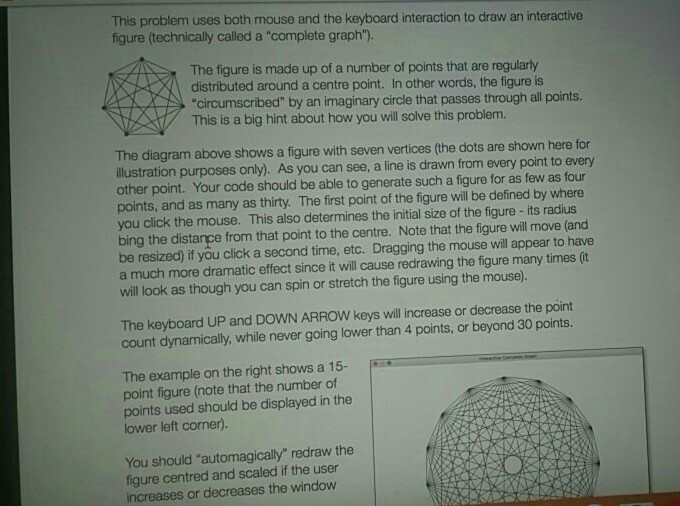
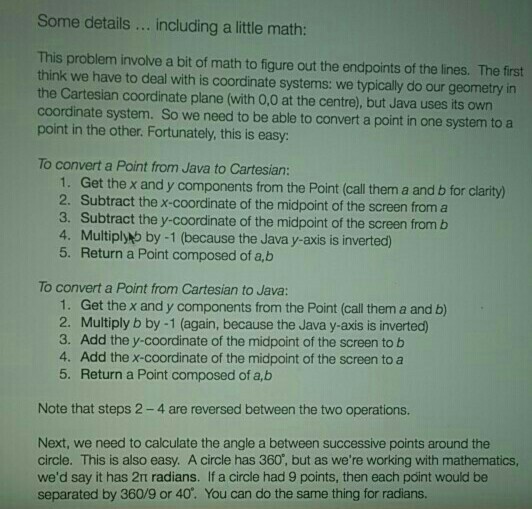
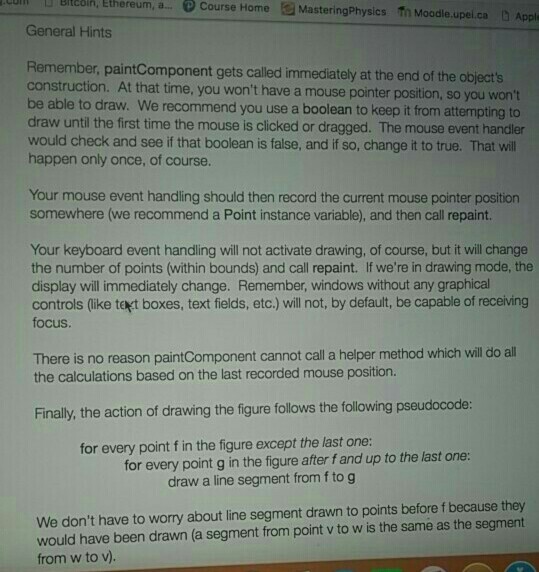
This problem uses both mouse and the keyboard interaction to draw an interactive figure (technically called a "complete graph"). The figure is made up of a number of points that are regularty distributed around a centre point. In other words, the figure is circumscribed" by an imaginary circle that passes through all points. This is a big hint about how you will solve this problem. The diagram above shows a figure with seven vertices (the dots are shown here for ilustration purposes only). As you can see, a line is drawn from every point to every other point. Your code should be able to generate such a figure for as few as four points, and as many as thirty. The first point of the figure will be defined by where you click the mouse. This also determines the initial size of the figure- its radius bing the distance from that point to the centre. Note that the figure will move (and be resized) if you click a second time, etc. Dragging the mouse will appear to have a much more dramatic effect since it will cause redrawing the figure many times (t will look as though you can spin or stretch the figure using the mouse). The keyboard UP and DOWN ARROW keys will increase or decrease the point count dynamically, while never going lower than 4 points, or beyond 30 points. The example on the right shows a 15- point figure (note that the number of points used should be displayed in the lower left corner). You should "automagically" redraw the figure centred and scaled if the user increases or decreases the window
Step by Step Solution
There are 3 Steps involved in it

Get step-by-step solutions from verified subject matter experts
 Study Help