







Question: please use MATLAB codes to answer this question and please explain each code Echo effect. Create a function that will add an echo effect to
please use MATLAB codes to answer this question and please explain each code
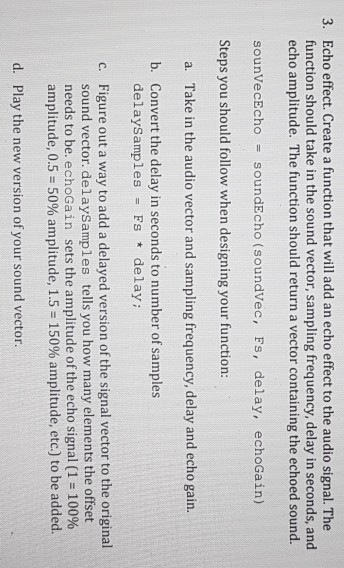
Echo effect. Create a function that will add an echo effect to the audio signal. The function should take in the sound vector, sampling frequency, delay in seconds, and echo amplitude. The function should return a vector containing the echoed sound. 3. sounVecEcho soundEcho (soundvec, Fs, delay, echoGain) Steps you should follow when designing your function: a. Take in the audio vector and sampling frequency, delay and echo gain. b. Convert the delay in seconds to number of samples delaysamples Fs delay: Figure out a way to add a delayed version of the signal vector to the original sound vector. delaySamples tells you how many elements the offset needs to be. echoGain sets the amplitudeofthe echo signal (1 10096 amplitude, 0.5 50% amplitude, 1.5-150% amplitude, etc.) to be added. c. d. Play the new version of your sound vector
Step by Step Solution
There are 3 Steps involved in it

Get step-by-step solutions from verified subject matter experts
 Study Help